
.png)
Picture this: your team spends less time on repetitive tasks and more time on work that actually matters. Imagine what your business could achieve if all those routine chores simply took care of themselves.
This guide explores how automation solutions are changing the way companies operate, making space for creativity and real progress.
You'll learn:
- What automation solutions are and how they work
- The main types available today
- Emerging trends and technologies
- How to pick the right tools for your needs
- Step-by-step tips for successful implementation
- Real examples from businesses like yours
Ready to see how automation solutions can make your work life easier? Let’s get started.
What Are Automation Solutions?
Imagine if your business could handle repetitive tasks on its own. That's what automation solutions make possible. These tools use technology to complete jobs with little or no human help, letting your team focus on more meaningful work.
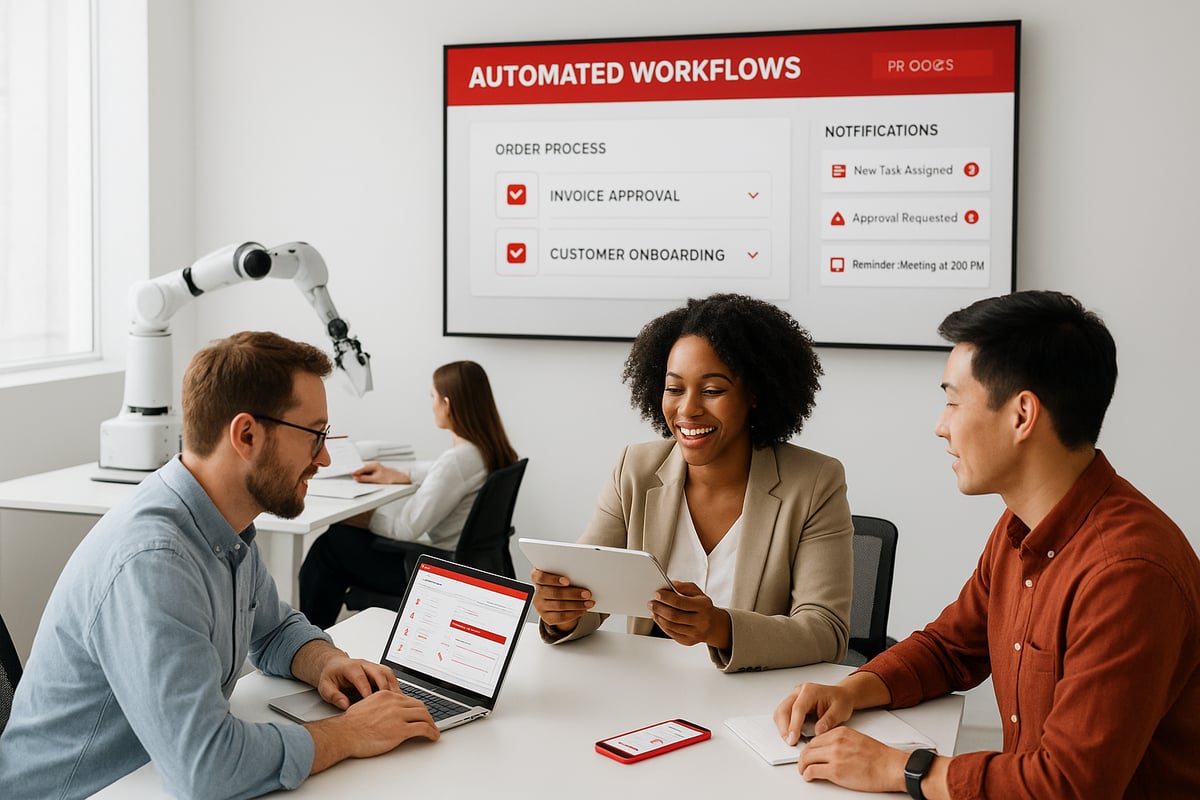
Automation solutions aren't just for factories or big corporations. They're everywhere—from healthcare clinics to retail stores and small offices. These solutions include both software and hardware, working together to make daily tasks easier.
Here's what automation solutions can look like:
- Software tools: workflow software, bots, or CRM integrations that move data and send reminders.
- Hardware devices: sensors, smart equipment, or robotics that perform physical actions.
- Connected systems: devices and apps that talk to each other to keep things running smoothly.
A great example is automated invoicing for small businesses. Instead of spending hours on billing, an automation solution can generate and send invoices, track payments, and even send reminders. This means fewer mistakes and faster payments.
If you're curious about how automation solutions fit into all kinds of businesses, the Automate Business Solutions Guide offers a deeper look at where these tools make the biggest impact.
Why are so many companies turning to automation solutions? A recent report found that more than 70% plan to invest more in these tools. Businesses face tough challenges: labor shortages, higher costs, and customers who expect quick service. Automation solutions help tackle each of these pressures.
Here’s why automation solutions are so popular:
- Cut down on human errors.
- Free up staff for projects that need creativity or problem-solving.
- Speed up things like order processing and customer support.
- Help companies grow without needing to hire more people.
With automation solutions, even small teams can do the work of many. They can handle everything from data entry to monitoring equipment, making business life a little less stressful.
Key Types of Automation Solutions
Automation solutions come in many forms. Each type fits different needs, from simple office tasks to complex physical work. Let’s look at the main categories and see how they help businesses save time and cut errors.
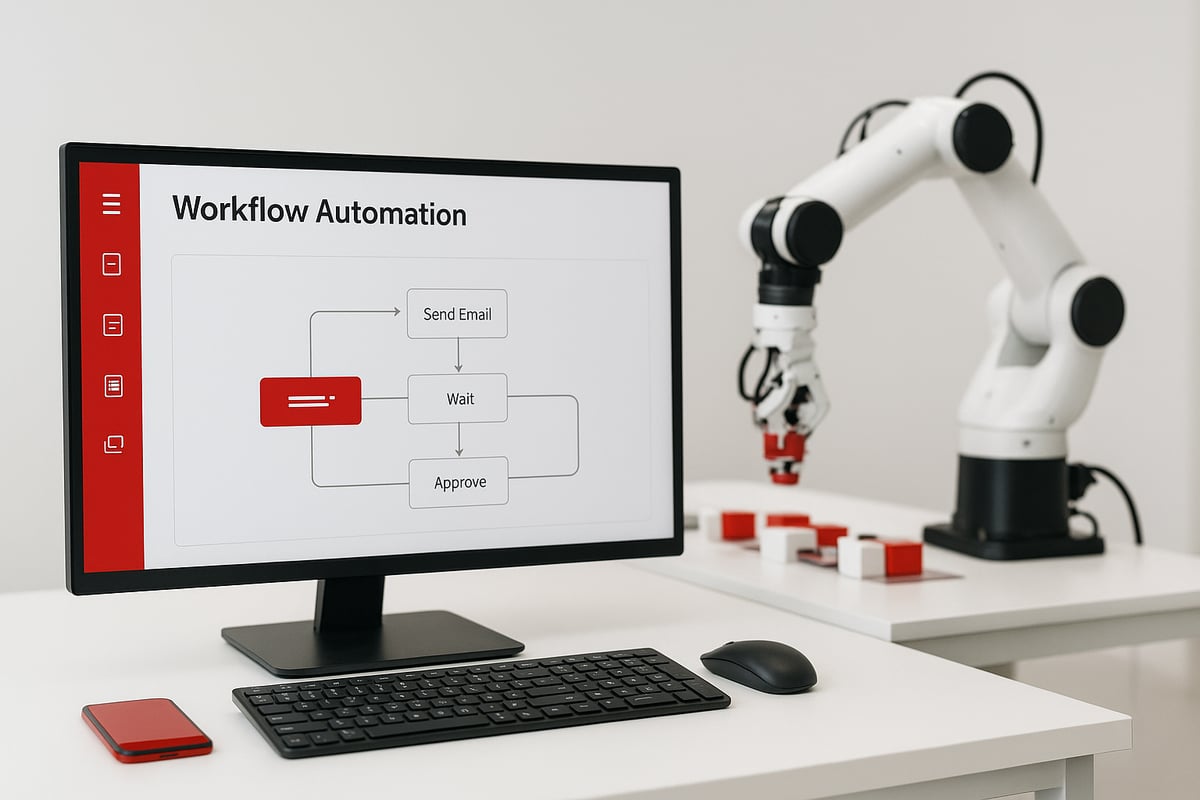
Software Automation
Software automation solutions handle repetitive computer tasks so people can focus on bigger projects.
- Move data between apps automatically
- Send follow-up emails without manual work
- Manage appointment scheduling or document approvals
- Integrate with CRM and accounting systems
Workflow automation platforms make this easy. For example, a business can set up software bots to copy data from forms into their sales database. If you're curious about how these systems work in detail, check out this Workflow Automation Deep Dive.
Industrial & Physical Automation
Industrial and physical automation solutions use machines or devices to speed up physical tasks.
- Robots assemble products on manufacturing lines
- Sensors track equipment and send alerts if something’s off
- IoT devices measure temperature or pressure in real time
- Automated packaging lines fill and seal boxes much faster
Picture a warehouse with robots moving boxes and sensors making sure machines work safely. These automation solutions help companies ship orders faster and avoid costly mistakes.
Process-Specific Automation
Some automation solutions are designed for certain jobs or industries.
- HR teams use them for onboarding new hires
- Finance teams automate invoice processing and payments
- Customer service uses chatbots to sort support tickets
- Healthcare, logistics, and retail often use custom systems
For example, a support center might route customer requests directly to the right person with no manual sorting. Many industries tweak automation solutions to fit their exact needs.
Automation solutions are flexible and can be as simple or advanced as needed. No matter your business type, there’s likely a way to automate tasks and free up valuable time.
Top Automation Trends and Technologies
Picture a workplace where tasks practically manage themselves. This is becoming real as automation solutions advance. Let's break down the top trends making this possible and see how they're changing the way we work.

Artificial Intelligence and Machine Learning
AI is the force behind many new automation solutions. It's used to predict when machines need repair, analyze customer trends, and even personalize service in real time. Machine learning lets systems improve as they process more data. For example, AI chatbots can answer complex questions and learn from each interaction. If you're curious about where these technologies are heading, check out 10 Trends in Automation in 2025 for a deep dive into the latest developments.
Robotic Process Automation (RPA)
Robotic Process Automation, or RPA, allows software bots to take over repetitive computer tasks. These bots can copy data between systems, prepare reports, or handle routine emails. Many companies choose automation solutions like RPA to reduce manual errors and speed up their back-office work. Over half of large businesses now rely on RPA to keep things running smoothly.
Internet of Things (IoT) and Connected Devices
IoT devices are becoming common in many workplaces. Sensors gather real-time data from machines, vehicles, or even building systems. Automation solutions use this data to trigger actions, like turning off equipment if it overheats or adjusting lighting based on occupancy. An example is a smart thermostat that keeps the office comfortable while saving energy.
Cloud-Based Automation Platforms
Cloud-based platforms make automation solutions easier to manage and update. Teams can set up automated processes from anywhere, without needing a big IT department. Popular tools let you connect different apps, move data automatically, and scale as your business grows. This flexibility means you can start small and expand your automation efforts over time.
Security and Compliance Automation
Security is a top concern for every business. Automation solutions now help manage access controls, monitor data privacy, and handle regulatory reporting. These systems reduce the risk of mistakes in sensitive areas. For example, automated compliance checks in finance help companies avoid costly errors and keep up with changing rules.
How to Choose the Right Automation Solution
Selecting the best automation solutions can feel overwhelming, especially with so many options out there. Breaking the process into smaller steps makes it manageable. Start by thinking about what your team needs most, then compare different types of automation solutions before making a decision.

Assessing Your Business Needs
First, pinpoint which tasks take up too much time or often lead to mistakes. Ask your team where they feel stuck or would appreciate extra help. Make a list of these repetitive jobs, like data entry or appointment scheduling.
To get a clearer picture, try using an Automation Readiness Assessment. It walks you through questions about your current setup and helps you see where automation solutions could save the most time.
- Identify bottlenecks and slowdowns.
- Gather feedback from staff and customers.
- Look for tasks that follow simple rules or steps.
This groundwork ensures you only invest in automation solutions that truly fit your needs.
Evaluating Solution Types
Next, compare off-the-shelf automation solutions to custom-built options. Off-the-shelf tools are usually faster to set up and cost less upfront. Custom solutions, on the other hand, can handle unique needs or work with older systems.
- Check if the tool connects with your current software.
- Think about how easy it is to add more features later.
- Make sure the solution won't create new problems down the road.
Choose automation solutions that can grow with your business, not ones you'll outgrow in a year.
Vendor Selection and Support
Picking the right partner is just as important as picking the right tool. Look for vendors who work with businesses like yours. Ask if they offer training, updates, and ongoing support.
- Request case studies or references from similar clients.
- Read honest reviews online.
- Confirm what happens if something goes wrong.
A good vendor for automation solutions will help you adjust and improve over time.
Calculating ROI and Total Cost
Before making a purchase, estimate how much time and money you'll save with automation solutions. Add up all costs, including setup, monthly fees, and any maintenance.
- Consider indirect savings, like fewer mistakes or happier customers.
- Use real numbers, not guesses.
- Compare against your current manual process.
This makes it easier to see if the investment is worth it and helps you set realistic expectations.
Common Pitfalls to Avoid
Don't rush into automation solutions just because they're popular. Fix any broken or outdated processes first, or you risk automating problems instead of solving them.
- Avoid adding too many tools at once.
- Watch for hidden costs, like extra fees for integrations.
- Make sure your team is ready for change.
Taking these steps will help your business get the most out of automation solutions.
Implementing Automation: Step-by-Step
Starting with automation solutions can feel overwhelming, but breaking it into clear steps makes the journey manageable. Here’s how to introduce automation solutions into your business, one step at a time.
1. Map Your Current Processes
Start by documenting how each task is performed in your business today. Use simple flowcharts or checklists to capture every step.
- List out tasks, who handles them, and what tools are used.
- Identify repeated handoffs or bottlenecks.
- Ask team members for feedback on pain points.
This groundwork sets a solid foundation for automation solutions. It helps you see where small changes can make a big difference.
2. Set Clear Automation Goals
Define what you want automation solutions to achieve. Are you aiming to reduce billing errors, save time on data entry, or speed up customer responses?
- Write down three top priorities.
- Set measurable targets, like "cut invoice processing time by 50%."
- Make sure your goals align with your business needs.
Clear goals keep your automation solutions focused and measurable.
3. Pilot with a Small Project
Test automation solutions in a low-risk area first. Choose one task or department to automate, such as scheduling or invoice reminders.
- Gather feedback from users during the pilot.
- Measure time saved and error rates.
- Adjust settings or steps based on real results.
A small pilot helps you spot issues early and gives the team confidence in using automation solutions.
4. Roll Out Gradually
After a successful pilot, expand automation solutions to more tasks or teams.
- Create a rollout schedule—don't try to automate everything at once.
- Offer training and support to staff as new tools are introduced.
- Celebrate small wins to keep momentum high.
Rolling out automation solutions step by step reduces overwhelm and builds trust.
5. Monitor and Improve
Track key metrics like task completion time, error rates, and staff satisfaction. Use dashboards or reports to spot trends.
- Review results monthly and adjust as needed.
- Ask for team feedback on what works or needs tweaking.
- Stay up to date with new features that can help.
For more ideas on tracking and refining your efforts, see Automation in Operations Insights.
Real-World Example
A local service business automated its invoicing process. Before automation, the owner spent several hours each week on billing.
After mapping out the process and piloting automated invoicing, billing time dropped by 80 percent. Staff could focus on serving customers, and mistakes in invoices nearly disappeared.
Within a few months, the business saw a noticeable boost in cash flow and morale.
Real-World Automation Use Cases
Automation solutions are making a real difference in many industries. Let's look at how different businesses are using these tools to save time, cut errors, and make work easier.
Service-Based Businesses
Many service companies use automation solutions to handle everyday tasks. For example, they can:
- Capture new leads automatically from their website.
- Send appointment reminders by text or email.
- Sync customer details between apps without copying data.
A small business using automation solutions for appointment reminders often sees fewer missed meetings. Some report up to 30% fewer no-shows, which means more steady revenue and less wasted time.
Manufacturing & Industrial
In factories, automation solutions often take the form of robots or smart sensors. These systems:
- Handle repetitive assembly tasks with precision.
- Use sensors to spot problems before machines break down.
- Manage packaging lines for faster shipping.
Recent reports show that companies using automation solutions in manufacturing see big drops in downtime and costs. According to the Enterprise Automation Index 2025, businesses are investing more to boost efficiency and cut expenses.
Retail & E-Commerce
Retailers rely on automation solutions to keep up with customer demands. These tools help by:
- Updating inventory levels instantly when items sell.
- Using chatbots to answer questions day and night.
- Sending personalized emails to shoppers.
For example, when a store uses automation solutions to manage stock, they avoid running out of popular items. This means shoppers are happier and more likely to come back.
Healthcare & Professional Services
Healthcare and professional offices depend on automation solutions to handle sensitive and repetitive work. Common uses include:
- Scheduling appointments without staff intervention.
- Sending secure documents automatically to patients or clients.
- Checking compliance rules in the background.
A clinic that uses automation solutions for patient intake can save hours every week. The AI Adoption Surges in Life Sciences Manufacturing report highlights that AI-driven automation is helping healthcare teams focus more on patient care and less on paperwork.
Frequently Asked Questions
Curious about automation solutions and how they might fit your business? Here are answers to the most common questions.
What tasks are best suited for automation solutions?
Repetitive, rule-based tasks like data entry, appointment scheduling, and invoice processing are ideal for automation solutions.How do I know if my business is ready for automation solutions?
If your team spends lots of time on manual work, it's time to explore automation solutions.Will automation solutions replace my employees?
No, they help staff focus on meaningful work by handling the boring, repetitive stuff.How long does it take to see results from automation solutions?
Many businesses notice time savings and fewer errors within a few months.Are automation solutions expensive?
Costs vary. Some tools are affordable subscriptions, while others require more investment.Can automation solutions integrate with my existing software?
Most modern tools connect easily with CRMs, accounting, or scheduling software.What are the biggest risks with automation solutions?
Risks include setup mistakes, security gaps, or picking tools that don't fit your needs.
Now that you’ve seen how automation can transform your business—streamlining processes, reducing manual work, and freeing your team to focus on what truly matters—it’s time to discover where you stand. Every company’s journey is unique, and understanding your automation readiness is the first step to working smarter, not harder. If you’re curious about how prepared your business is to embrace new solutions and unlock growth, take a moment to find out your score. It’s a quick, insightful way to identify your opportunities for improvement and start planning your next move.
Get Your Automation Readiness Score
.png)
.png)