
.png)
Picture this: your inbox overflows, paperwork piles up, and you miss another follow-up with a client. The daily scramble can leave anyone frustrated.
That’s where business process workflow software steps in to bring order and peace of mind. With the right tool, you can automate tasks, eliminate manual errors, and keep projects moving.
This guide helps you choose business process workflow software that actually fits your needs. There are plenty of options out there, so we’ll break down the top picks.
You’ll see what each tool offers, how much it costs, and when it’s the best choice for your team.
Why Business Process Workflow Software Matters
Picture this: Your inbox is overflowing, client paperwork is lost, and you just missed another important deadline. If you’ve ever felt the stress of juggling too many tasks, you’re not alone. Many teams still rely on manual processes and scattered spreadsheets, which often leads to mistakes, confusion, and frustrated coworkers.
Manual processes come with real headaches:
- Missed deadlines and forgotten tasks
- Data entry errors
- Lack of accountability
- Hard-to-find information
- Teams working in silos
This is where business process workflow software steps in. These tools automate repetitive tasks, organize information, and send reminders so nothing slips through the cracks. According to recent studies, companies using business process workflow software are able to complete projects up to 30% faster.
Let’s break down the biggest benefits of business process workflow software:
- Saves time by reducing manual data entry
- Cuts down on mistakes through automated checks and notifications
- Improves teamwork by keeping everyone on the same page
- Adapts as you grow so you can handle more clients or projects with less chaos
- Supports compliance with built-in documentation and audit trails
For example, a small agency can use business process workflow software to manage client onboarding. Automated reminders ensure every step is completed, and no detail is missed. A service company might automate invoicing, so bills go out on schedule and payments are tracked without manual follow-ups.
Workflow tools can also help with legal or industry compliance by keeping records organized and accessible. If your business starts small but expects to grow, these platforms scale easily, letting you add new workflows or users as needed.
It’s important to note that business process workflow software is different from basic project management apps. Project management tools track tasks and deadlines, but workflow software automates the actual steps—like sending forms, requesting approvals, or generating invoices.
Here’s a quick comparison:
| Feature | Project Management App | Business Process Workflow Software |
|---|---|---|
| Task tracking | Yes | Yes |
| Automation | Limited | Extensive |
| Compliance documentation | Rare | Common |
| Custom process flows | Basic | Advanced |
If you want to learn more about how automation works in this context, check out this What is workflow automation guide for a deeper dive.
Business process workflow software removes everyday bottlenecks and helps your team stay focused on what matters most.
9 Essential Business Process Workflow Software Picks
Feeling overwhelmed by options? Here’s a practical look at nine business process workflow software picks that can help you get organized and save time, no matter your business size or industry.
Adhesion Co.
Adhesion Co. is tailored for service-based small businesses that want to simplify daily tasks. This business process workflow software automates lead management, quoting, invoicing, and payment tracking. You’ll find CRM integration, automated reminders, review requests, and cash flow monitoring all in one place.

What sets Adhesion Co. apart is its managed operations service, giving businesses ongoing support for their business process workflow software needs. The pricing model starts with a free assessment and strategy call, then moves to custom pricing.
Best for: Service businesses looking for fast, personalized automation.
Pros:
- Quick setup and onboarding
- Covers the full client lifecycle
- Hands-on, tailored support
Cons:
- Not suitable for product-based companies
- May not scale for large enterprises
Want to see practical ways to automate your daily work? Check out this automate business solutions guide.
Kissflow
Kissflow is a cloud-based business process workflow software with a drag-and-drop builder, making it easy for teams to create custom workflows. You can integrate it with Google Workspace, Slack, and other popular tools, so information flows smoothly.

It’s priced starting at $10 per user monthly. Kissflow is ideal for teams that want no-code solutions without the hassle of technical setup.
Pros:
- Simple to use
- Scalable as your team grows
- Strong integration options
Cons:
- Some advanced features require more expensive plans
This business process workflow software is a good pick if you want to automate tasks quickly while keeping things user-friendly.
Nintex
Nintex is a powerful business process workflow software built for enterprises and growing companies. It offers document generation, e-signatures, process mapping, and analytics. Nintex integrates with Microsoft, Salesforce, and more, so you can connect your existing systems.
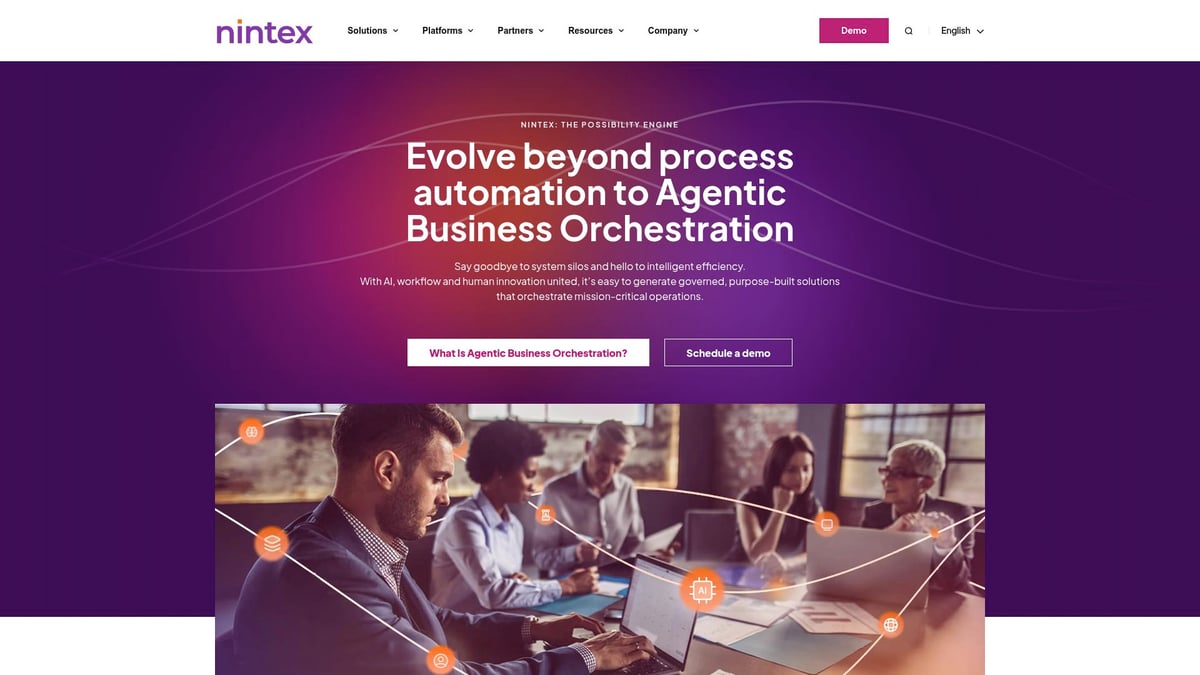
Pricing is available through custom quotes, making it more suited to businesses that need robust automation and compliance tools.
Best for: Companies that want advanced automation and strong security.
Pros:
- Wide range of features
- Reliable support team
- Security-focused
Cons:
- Can be challenging to learn
- Higher costs for small teams
Nintex is a solid choice for organizations that need a comprehensive business process workflow software solution.
Process Street
Process Street is checklist-driven business process workflow software designed for recurring tasks. It helps teams standardize procedures using templates, conditional logic, and approval workflows. Integration with Zapier and Slack means you can connect your favorite tools.

Pricing starts at $100 per month for small teams. It’s best for those looking to create and manage standard operating procedures (SOPs) with ease.
Pros:
- Easy-to-use interface
- Excellent for recurring workflows
- Extensive template library
Cons:
- Limited options for visual workflow mapping
If your team needs to manage repetitive work, this business process workflow software keeps everyone on the same page.
Pipefy
Pipefy offers a visual approach to business process workflow software, using Kanban boards to help teams organize tasks. It provides custom forms, automation rules, and reporting tools. Integrations are available for email, Slack, and more.

There’s a free plan, with paid options starting at $24 per user monthly. Pipefy is a good fit for operations, HR, finance, and customer support teams.
Pros:
- Flexible and customizable
- Free tier for small teams
- Easy to set up
Cons:
- More advanced automations require higher plans
Pipefy is ideal if you want a business process workflow software that adapts to various departments.
Monday.com
Monday.com is a work operating system and business process workflow software that helps teams manage processes, automate tasks, and collaborate. It offers visual dashboards, automation recipes, time tracking, and many integrations.
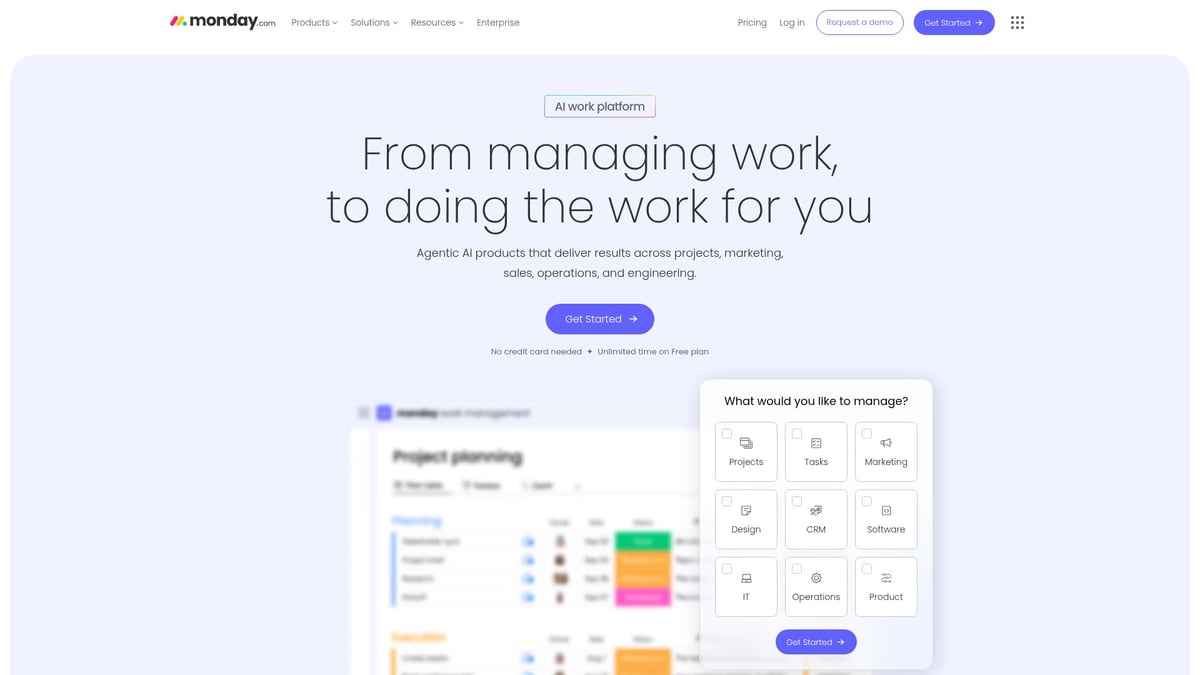
Pricing begins at $8 per seat per month. Monday.com is best for teams looking for customizable workflow and project tracking solutions.
Pros:
- Visual and intuitive interface
- Flexible for different needs
- Integrates with many apps
Cons:
- Costs can rise with team size
- Some features only in higher plans
This business process workflow software works well for creative, marketing, or operations teams.
Zoho Creator
Zoho Creator is a low-code business process workflow software for building custom workflow apps. You can use the drag-and-drop builder, create mobile-ready apps, and generate reports. It connects with Zoho’s suite and other third-party tools.

Pricing starts at $25 per user monthly. Zoho Creator is great for businesses that want to design unique workflows without needing to code.
Pros:
- High level of customization
- Mobile app support
- Strong customer service
Cons:
- Some learning curve for new users
- Certain features require more expensive plans
Zoho Creator is a flexible business process workflow software for unique business needs.
Tallyfy
Tallyfy is business process workflow software focused on automating client-facing and internal processes. It features process tracking, conditional logic, and task assignments. You can integrate with Slack, Zapier, and other tools.

Pricing starts at $5 per user per month, making it accessible for small businesses. Tallyfy is best for client onboarding, approvals, and documentation workflows.
Pros:
- Quick to set up
- Transparent task and process tracking
Cons:
- Limited analytics tools
- Basic reporting only
This business process workflow software is perfect for teams that want to automate approvals and client tasks with minimal setup.
Smartsheet
Smartsheet is a spreadsheet-inspired business process workflow software that makes automation approachable for teams used to Excel or Google Sheets. It includes automation, forms, dashboards, and Gantt charts. Integration options cover Microsoft, Google, Slack, and more.

Pricing starts at $7 per user monthly. Smartsheet is best for teams that want workflow automation but prefer working in a spreadsheet format.
Pros:
- Familiar interface for spreadsheet users
- Strong reporting features
- Scalable for different team sizes
Cons:
- Can feel complex to new users
- Some automation features only on paid plans
Smartsheet bridges the gap between spreadsheets and business process workflow software for growing teams.
How to Choose the Right Workflow Software for Your Business
Choosing business process workflow software can feel overwhelming with so many options. The right fit depends on your team’s unique needs and how you work every day.
Pinpoint Your Team’s Workflow Challenges
Start by listing your biggest workflow headaches. Is your team missing approvals, re-entering data, or struggling to keep tasks organized?
Common issues include:
- Delayed client sign-offs
- Lost or duplicated paperwork
- Communication gaps between departments
Identifying these problems helps you know exactly what business process workflow software needs to solve. Ask team members for feedback, since they often spot daily pain points managers might miss.
Assess Team Size and Future Needs
Next, consider how many people will use the tool and how quickly your business could grow. Some business process workflow software is perfect for small groups, while others scale for larger teams.
Ask yourself:
- How many users will need access?
- Will you add more clients or projects soon?
- Do you need flexible pricing as you grow?
Picking a solution that matches your current and future needs will save you from switching platforms later.
Check Integrations and Compatibility
Think about the tools you already use, like CRM, invoicing, or email apps. Your business process workflow software should connect smoothly with these systems.
Look for:
- Integration with email platforms (Gmail, Outlook)
- Syncing with CRM and accounting software
- Compatibility with chat tools like Slack
Easy connections cut down on manual data entry and reduce errors. Always check integration lists before making a decision.
Compare Pricing, Support, and Usability
Budget matters, but so does how easy the software is to use. Compare pricing plans, watch for hidden fees, and ask about free trials.
Other key factors:
- Does the provider offer live chat or phone support?
- Is there a help center or user community?
- How quickly can your team learn the system?
For more detailed steps, check out this guide on choosing new software applications.
Test, Review, and Decide
Narrow your list to two or three options. Run a pilot project with real tasks. Ask for feedback from everyone who’ll use the business process workflow software.
Before making a final decision:
- Read online reviews from similar businesses
- Request case studies or references
- Make sure support is responsive
Taking these steps helps ensure you pick a tool your team will actually use.
FAQs About Business Process Workflow Software
Got questions about business process workflow software? Here are quick answers to the most common ones.
What’s the difference between workflow software and project management tools?
Workflow software automates steps and approvals, while project management tools focus on deadlines and task assignments.Can workflow software integrate with my existing tools?
Yes, most options connect with CRMs, email, and chat apps.Is workflow software secure for sensitive business data?
Leading solutions use encryption and regular audits to protect your info.How long does it take to implement a new workflow platform?
Small teams may set up in days, while larger setups might need a few weeks.What’s the typical cost for small businesses?
Prices range widely; check out Business Process Automation Statistics for current pricing trends.Can I automate approval processes with these tools?
Yes, most business process workflow software handles approvals with ease.Which software is best for client onboarding?
Tools like Tallyfy and Adhesion Co. are designed for smooth onboarding.Do I need technical skills to set up workflows?
No coding is needed for most platforms; drag-and-drop builders make it simple.Are there free workflow software options?
Some providers offer free plans or trials to get you started.
If you’re feeling overwhelmed by endless tasks and searching for the right tools to streamline your business, you’re not alone. We’ve explored the top workflow software options for 2025, each designed to help you save time, reduce errors, and empower your team to work more efficiently. Taking the first step toward automation can feel daunting, but understanding your business’s readiness is key. Let’s make it easier for you to move forward—discover where you stand and what improvements can have the biggest impact by taking our quick assessment:
Get Your Automation Readiness Score
.png)
.png)