
.png)
Ever feel like customer onboarding is a maze of manual steps, endless emails, and confusion? Teams spend hours on repetitive tasks, while customers often leave before they see real value.
Imagine if customer onboarding automation could handle the busywork, giving clients a smooth start and freeing up your team. This guide will walk you through customer onboarding automation, so you get fewer errors, faster results, and happier customers.
You’ll discover what onboarding automation means, why it matters, key benefits, a practical roadmap, what to automate, top tools, and real examples. Ready to make onboarding simple? Let’s dive in.
What is Customer Onboarding Automation?
Customer onboarding automation means guiding new users with software and pre-set steps, instead of relying on manual calls or emails. It’s about making the first experience smooth and clear, so customers get started faster and teams save time. Think of it as a smart assistant that handles the basics, so your staff can focus on trickier questions.


Key Components and Personalization
The heart of customer onboarding automation lies in a few core features:
- Triggered welcome emails as soon as someone signs up.
- In-app product tours that guide users through setup.
- Self-service help centers with FAQs and guides.
- Automated forms that collect user info without back-and-forth.
These systems can also personalize the process. For example, if a user skips a step or lingers on a feature, automation can send a timely tip or offer extra help. This tailored approach keeps customers moving forward and reduces confusion.
To dive deeper into how these workflows operate, check out this Workflow automation for businesses guide.
Real-World Example
Imagine a SaaS company using customer onboarding automation. New users get a checklist and tooltips that walk them through key features. If they get stuck, a triggered email offers help. Companies like Impala have seen user activation rates double by switching to this approach.
Clearing Up Misconceptions
Some worry automation feels cold or robotic. In reality, customer onboarding automation frees up your team for thoughtful, personal touches. It handles the repetitive steps, so humans can jump in where it matters most.
Why Automate Customer Onboarding?
Adopting customer onboarding automation changes the way both teams and clients experience the start of a new relationship. Manual onboarding can feel slow, with repeated data entry, back-and-forth emails, and the risk of missing key steps. Automation removes these hurdles, making every stage quicker and more reliable.
Benefits for Customers
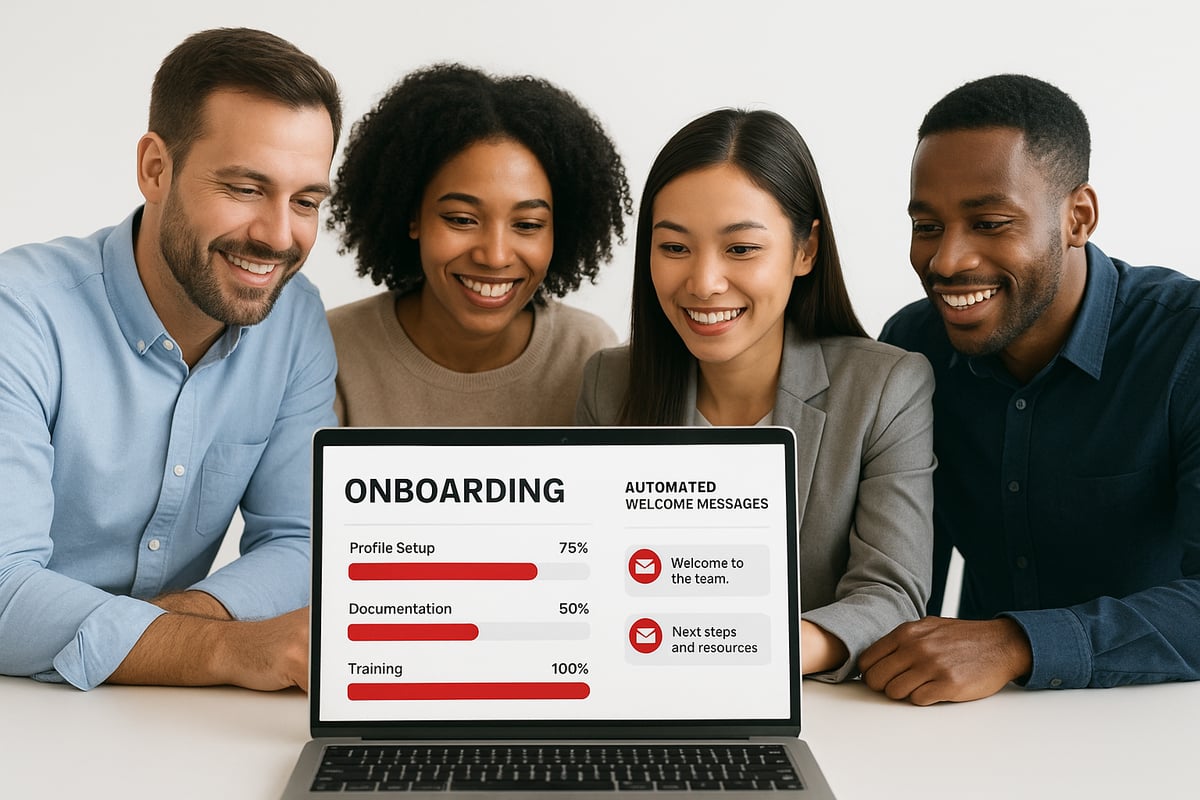
With customer onboarding automation, clients reach their first key milestone much faster. Instead of waiting for manual calls or emails, they receive instant access to welcome messages, product tours, and self-service resources.
- Clear step-by-step guides help users feel confident from the start.
- Personalized checklists and reminders keep customers engaged without overwhelming them.
- Automated progress tracking means clients always know what’s next.
When each customer gets a consistent, high-quality experience, they’re less likely to get stuck or drop off before they see value.
Benefits for Businesses
Customer onboarding automation frees staff from repetitive tasks. Teams no longer spend hours sending the same emails or tracking down missing information.
- Automated data collection reduces manual errors.
- Every client receives the same information in the right order.
- Scaling up is simple, since automation handles more customers without extra hires.
Businesses also gain valuable insights from tracking onboarding steps and customer behavior. When automation delivers the basics, your team can focus on solving unique problems and building relationships.
Real-World Impact and Practical Outcomes
Companies using customer onboarding automation see real results. For example, Safe-Guard Products used mobile onboarding automation to give customers quicker access to services, leading to stronger loyalty.
Pain points like high support ticket volume, low feature usage, and slow onboarding cycles become less frequent. Automated onboarding means:
- Fewer support requests
- Higher activation rates
- Increased conversions
In fact, recent statistics show that companies with automated onboarding report greater customer satisfaction and retention than those relying on manual processes.
Customer onboarding automation isn’t about removing the human touch. Instead, it lets your team focus on what matters most—creating meaningful connections and solving complex challenges.
Step-by-Step Guide to Automating Customer Onboarding
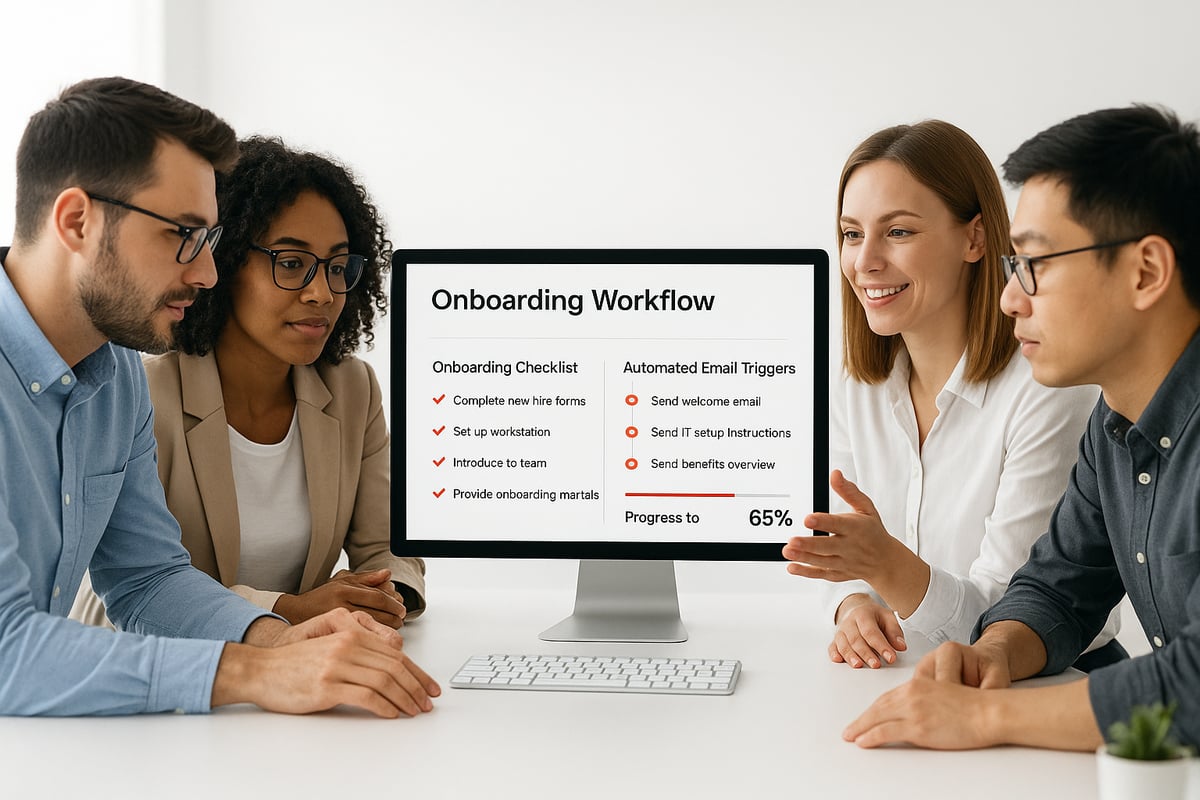
Customer onboarding automation doesn't have to be complicated. By breaking the process into clear steps, you can make onboarding smoother for your team and your customers. Follow this practical guide to automate onboarding, reduce manual work, and deliver a more engaging first experience.
Step 1: Set Clear Onboarding Goals
Start by defining what success looks like for your onboarding process. Without goals, it's tough to measure improvement or know if your efforts are paying off.
Consider these goal-setting tips:
- Use S.M.A.R.T. goals (Specific, Measurable, Achievable, Relevant, Time-bound).
- Decide if you want to shorten onboarding time, increase activation rates, or lower support requests.
- For example, aim to reduce support tickets by 30 percent during onboarding.
When you set clear goals, you lay a solid foundation for customer onboarding automation. This helps you stay focused and track progress as you automate more steps.
Step 2: Map the Customer Journey and Touchpoints
Outline every step a new customer takes from sign-up to their first real value with your product or service. Visual mapping makes bottlenecks and gaps easy to spot.
Key touchpoints to include:
- Welcome email or message
- First login experience
- Product setup instructions
- Milestone celebrations (like completing first task)
Use journey maps or flowcharts to keep things clear. If you have different customer types, create separate maps for each. This approach keeps your customer onboarding automation relevant and personal for every group.
Step 3: Pinpoint Automation Opportunities
Look for repetitive tasks that slow your team down. Automating these can free up staff and cut down on errors.
Common automation candidates:
- Sending welcome emails
- Collecting user information
- Reminding customers about incomplete steps
- Delivering tutorials after setup milestones
You can also use triggers based on user actions to send personalized messages. For example, if a user finishes setup, automatically send a quick tips email. Identifying these spots is central to strong customer onboarding automation.
Step 4: Choose the Right Tools and Platforms
Select software that fits your needs and works with your existing systems. Look for tools that let you build workflows without complex coding and connect with your CRM or support platforms.
Important features to consider:
- CRM integration
- Easy workflow builders
- In-app messaging and checklists
- Analytics and reporting
For a deeper dive into connecting onboarding tools with your customer data, check out CRM integration best practices. The right tools make customer onboarding automation efficient and scalable.
Step 5: Build and Test Automated Workflows
Now, create your automated onboarding flows. Set up triggers for emails, in-app messages, or checklists based on user actions or time.
Best practices include:
- Personalize content using customer responses or behaviors
- Test with a small group before going live
- Collect feedback and adjust workflows as needed
Start simple, then add complexity as you learn what works. Testing ensures your customer onboarding automation delivers a positive experience and meets your original goals.
What Processes Should You Automate?
Customer onboarding automation isn't about replacing every human touchpoint, but about focusing your team's effort where it matters. The right mix of automated processes can make onboarding smoother, faster, and more consistent for everyone involved.
Key Onboarding Tasks to Automate
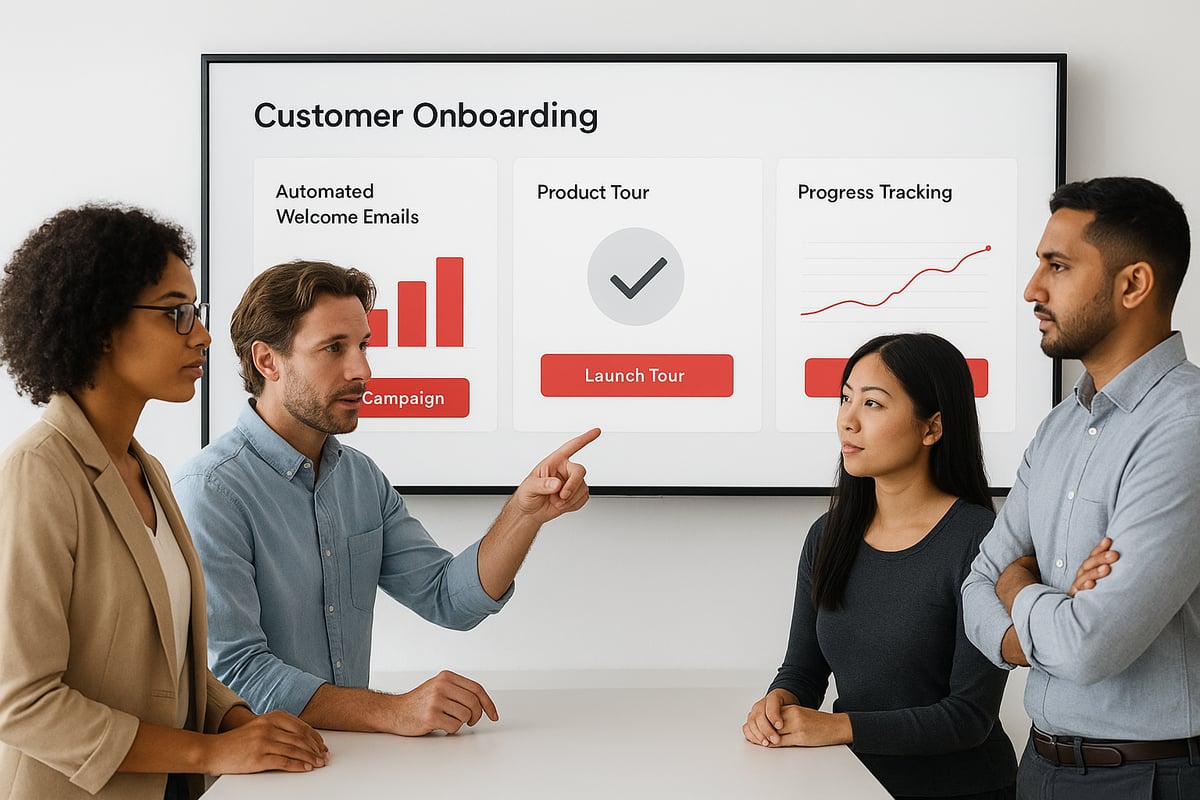
Welcome Emails and Intro Messages: Automatically send a warm, branded welcome as soon as a customer signs up. This sets expectations and invites them to take the first step.
Product Tours and Interactive Walkthroughs: Guide new users through your product’s core features with automated, in-app tutorials. For example, Impala used automated walkthroughs to double their activation rates.
Data Collection Forms: Collect customer info, preferences, and requirements without manual entry. Automated forms save time and reduce errors, especially when integrated with your CRM.
Progress Tracking and Milestone Reminders: Let customers see their onboarding progress. Automated reminders nudge them to complete steps, helping them reach their goals faster.
Knowledge Base and Self-Service Resources: Offer instant answers with automated FAQs and help articles. Customers can solve common questions on their own, reducing support tickets.
Feedback Surveys at Key Points: Trigger quick surveys after major steps. This captures real feedback and helps you improve onboarding continuously.
Triggered Tips and Tooltips: Use behavioral triggers to show helpful tips based on user actions. This personalizes the experience at scale, keeping guidance relevant without overwhelming users.
Common Automated Processes in the Industry
Many companies using customer onboarding automation focus on:
| Automated Process | Benefit |
|---|---|
| Account Setup | Reduces manual errors, speeds up activation |
| Support Ticketing | Handles common issues quickly |
| Feature Education | Boosts adoption rates |
Competitor data shows these are the most impactful areas to automate for both efficiency and customer satisfaction.
For more practical ideas on what to automate, the Automate business solutions overview explores real examples of onboarding and client management in action.
What Should Stay Human-Led?
Not every step should be automated. Complex onboarding, such as for enterprise clients or highly customized services, often needs a personal touch. Reserve human involvement for:
- Personalized coaching calls
- Handling unique requirements
- Building long-term relationships
When you combine customer onboarding automation with thoughtful human support, you get a process that's reliable, personal, and ready to scale.
Choosing the Right Onboarding Automation Tools
Picking the right tools for customer onboarding automation can feel overwhelming. With so many options, it helps to focus on what matters most for your team and your customers. The right platform should remove friction and make every step easier.
Key Features to Look For
Not all customer onboarding automation platforms are created equal. Here’s what to keep an eye out for:
- CRM integration: Syncs customer data for smooth transitions.
- No-code or low-code workflows: Lets you build processes without IT help.
- In-app messaging and checklists: Guides users step by step.
- Product tours: Interactive walkthroughs for faster adoption.
- Analytics and reporting: Tracks onboarding progress and pinpoints drop-offs.
- Personalization: Adapts content to user behavior and data.
- Scalability: Handles growth without extra manual work.
These features help automate repetitive steps and personalize each experience. For a broader view of market trends and what’s shaping tool development, check the Customer Onboarding Software Market Report 2025.
Comparing Leading Tools
Let’s look at how some popular customer onboarding automation tools stack up:
| Tool | CRM Integration | Workflow Builder | In-App Guidance | Personalization | Analytics |
|---|---|---|---|---|---|
| Userpilot | Yes | Yes | Yes | Yes | Yes |
| Intercom | Yes | Yes | Yes | Yes | Yes |
| WalkMe | Yes | Yes | Yes | Yes | Yes |
Selection tips:
- Choose a tool that fits your current systems and is easy for your team to use.
- Test how each platform handles onboarding flows with your actual data.
- Look for vendors that offer strong support and regular updates.
A retail business recently switched to customer onboarding automation and saw their onboarding time shrink from several days to just a few minutes. That speed helped them keep new users engaged from the very first touchpoint.
Picking the right tool isn’t about having every feature, it’s about supporting your specific onboarding goals and making life easier for both your team and your customers.
Real-World Examples and Case Studies
Seeing customer onboarding automation in action can help you picture what's possible for your own business. Many companies have used automation to solve real onboarding headaches and deliver better outcomes for both teams and clients.
Let's look at a few practical examples:
- Impala: Switched from manual onboarding to interactive, automated product tours. This move doubled their user activation rate and reduced the number of users who dropped off before finding value.
- Safe-Guard Products: Rolled out mobile onboarding powered by automation. As a result, customers got faster access, leading to higher satisfaction and stronger loyalty.
- Bank Danamon: Automated trade finance onboarding, which sped up the process for new business clients. They saw fewer errors and a noticeable boost in efficiency.
- EMAAR: Used AI-driven automation to digitize document handling during onboarding. This improved speed and accuracy for both staff and customers.
Here's a quick summary of outcomes:
| Company | Automation Focus | Key Results |
|---|---|---|
| Impala | Product tours, checklists | 2x activation rate |
| Safe-Guard | Mobile onboarding | Increased loyalty |
| Bank Danamon | Trade finance process | Fewer errors, faster setup |
| EMAAR | Document digitization | Higher efficiency |
Want to dig deeper? Explore more case studies of onboarding automation to see detailed stories and outcomes from different industries.
What do these stories have in common? Each company set clear goals before automating, measured results, and adjusted their approach over time. Customer onboarding automation works best when you track what matters, listen to user feedback, and keep refining your process.
Frequently Asked Questions (FAQs)
Got questions about customer onboarding automation? You're not alone. Here are clear answers to the most common ones.
What’s the difference between automated and manual onboarding?
Automated onboarding uses software to guide new customers with pre-set steps, like instant emails and in-app tips. Manual onboarding often means staff handle each step, such as making phone calls or sending one-off messages.
How do I know which onboarding steps to automate?
Look for tasks that repeat, like welcome emails or basic data collection. If a step is done the same way every time, it’s a good candidate for automation.
Can onboarding automation be personalized for each customer?
Yes. Many platforms adjust messages based on user actions or answers. The State of Customer Experience 2025 Report shares how AI helps tailor onboarding for different needs.
What are common mistakes to avoid when automating onboarding?
Don’t automate everything. Keep complex cases human-led. Also, test your flows before launching and update them as you learn.
How do I measure the success of my onboarding automation?
Track time to first value, number of support tickets, and feature adoption rates. Feedback surveys help too.
Which tools are best for small businesses?
Look for simple, no-code options that plug into your current systems. Many offer free trials.
Is customer onboarding automation suitable for service-based companies?
Absolutely. Even companies with hands-on services can automate data collection, reminders, and follow-ups.
How do I get started if I have limited technical skills?
Pick user-friendly platforms with drag-and-drop builders. Many vendors offer guides or support to help you launch customer onboarding automation quickly.
You’ve seen how automating customer onboarding can turn a slow, manual process into a seamless journey that delights clients and frees up your team for higher value work. If you’re ready to start experiencing fewer errors, faster onboarding, and more repeat business, there’s never been a better time to take the first step. With Adhesion Co.’s proven approach, you can implement tailored automation solutions that fit your business goals and workflows. Let’s make onboarding your strength in 2025—Start Your Automation Journey today and see how effortless growth can be.
.png)
.png)