
.png)
Picture this: you’re running a business, juggling emails, paperwork, and endless to-do lists. It feels like there’s never enough time, and small details keep slipping through the cracks.
You’re not alone. Every owner wants to get more done with less hassle. That’s where small business systems come in. This article will walk you through eight practical setups any business can use to save time, avoid costly mistakes, and spend more energy on what really matters. You’ll find clear steps, real-life examples, and tips to help make your days smoother. Curious how? Read on to discover which small business systems can take some weight off your shoulders.
Why Small Business Systems Matter
Running a business by hand can leave you stretched thin. It’s easy to feel like you’re always catching up, never ahead. That’s why small business systems are so important—they help you regain control, cut down on mistakes, and make daily work less stressful.
The Hidden Costs of Manual Processes
Manual work eats up more time than you might think. Research shows office workers spend around 69 days each year just handling admin tasks. That’s time lost to tracking invoices, chasing payments, or trying to find customer info. Office workers spend 69 days annually on admin tasks.
When you rely on memory or sticky notes, things slip through the cracks. Missed follow-ups and late invoices can quickly add up. Errors frustrate customers and cost you money.
If you want to grow, small business systems are essential. Without them, it’s easy to get stuck in the daily grind.
Key Benefits of Systematizing Your Workflow
Putting small business systems in place brings real relief. Here’s how they help:
- Cut down on repetitive work
- Lower costs by reducing wasted time
- Free up mental space so you can focus on important decisions
- Make sure nothing is forgotten
Automating tasks like invoicing and reminders means fewer errors. For example, one business owner set up automatic billing and saw late payments drop dramatically.
You’ll also find it easier to respond to customers and keep your team on the same page. Small business systems let you do more with less effort.
Where to Start: Tackling One Task at a Time
The best way to get started with small business systems is to pick one routine task. Look for areas where you repeat the same steps every day or week.
- Use checklists to track client onboarding
- Create simple templates for emails or invoices
- Set up reminders for regular follow-ups
Even small changes make a big difference. Don’t try to overhaul everything at once. Building small business systems is an ongoing process. Check in often and adjust as your needs change.
8 Small Business Systems to Make Your Work Easier
Running a business can feel like juggling too many balls at once. The right small business systems help you keep things moving, cut down mistakes, and give you back precious hours.
Below, you'll find eight practical tools that can make your day smoother. Each comes with real examples and easy steps for getting started.
1. Automated Invoicing & Payment Reminders
Tired of chasing payments or forgetting to send invoices? Automated invoicing is one of the most effective small business systems for getting paid on time.
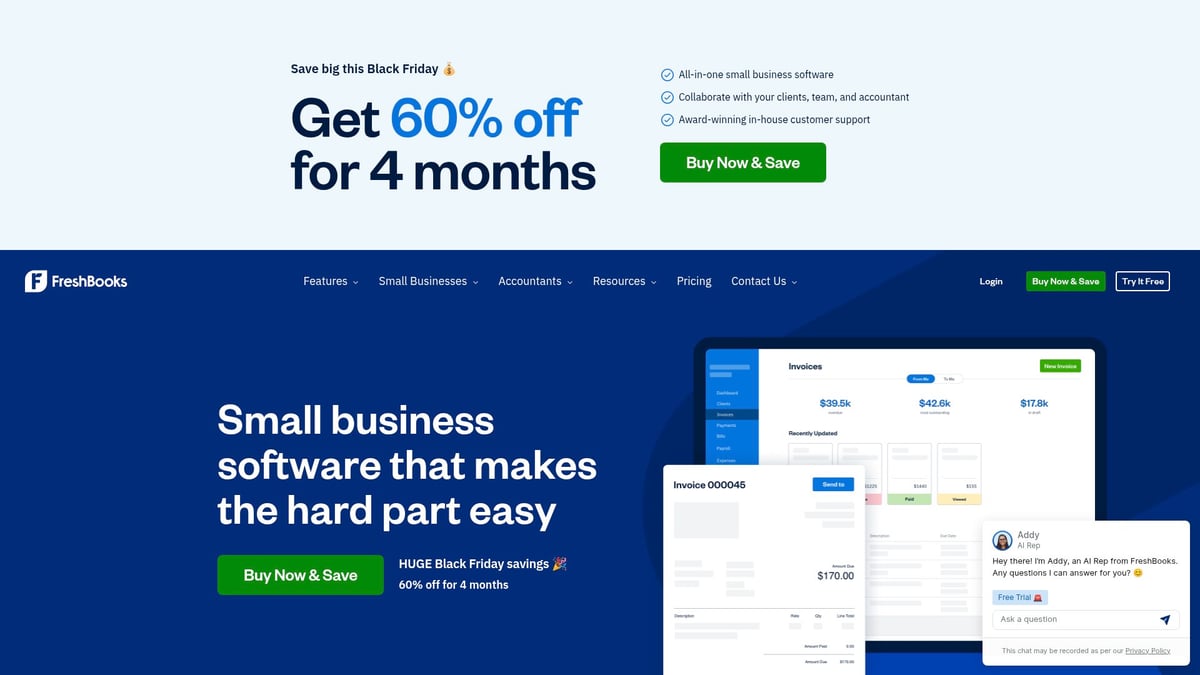
These tools send bills and reminders automatically. You can set up recurring invoices, accept online payments, and track who still owes you money. This means better cash flow and fewer late nights worrying about unpaid work.
For example, FreshBooks lets you schedule invoices and reminders, so you spend less time on billing. It’s ideal for service providers, freelancers, and anyone who wants to stop chasing clients.
Pros:
- Quick setup
- Connects to accounting tools
- Reduces mistakes
Cons:
- Monthly fee
- Some setup needed for branding
Pricing: Starts at $17/month for basic plans.
If you want to spend less time on admin, this is a smart place to start.
2. Customer Relationship Management (CRM) System
Keeping track of every client interaction can get messy fast. CRM tools are essential small business systems for staying organized and growing relationships.
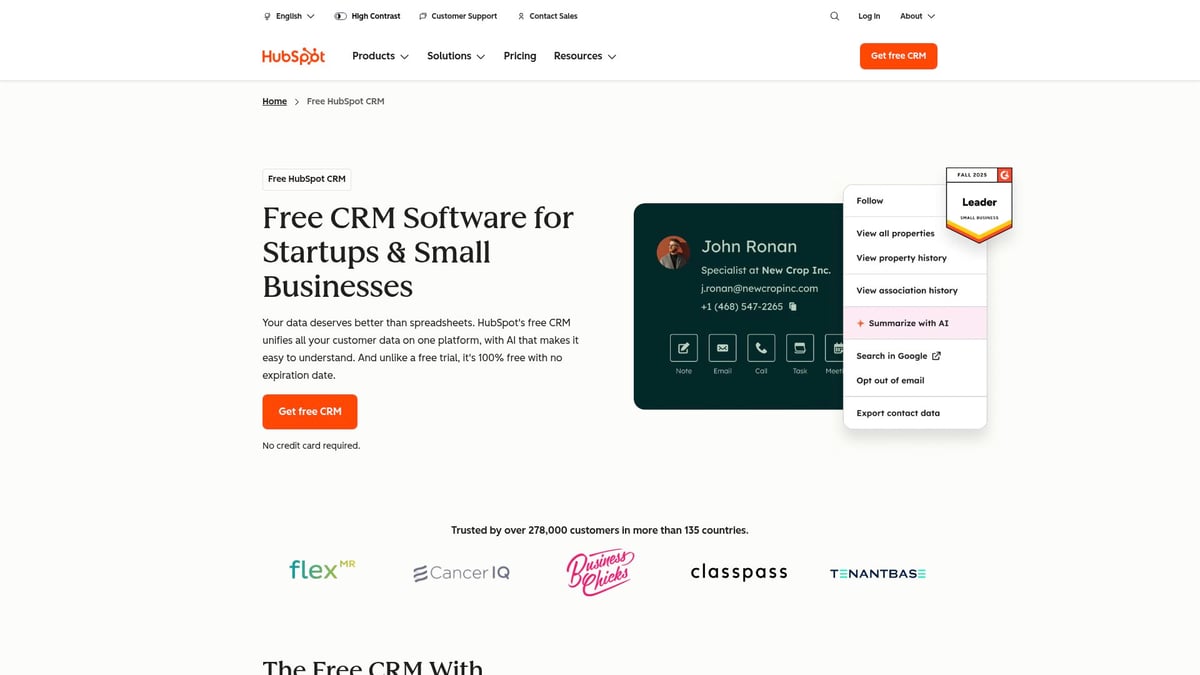
A CRM keeps all your customer info, emails, and notes in one spot. You can see your sales pipeline, get reminders to follow up, and never lose track of a lead. For a practical starting point, check out this Beginner's Guide to CRM Systems.
HubSpot CRM offers a free version that’s easy to use and connects with your calendar and email. This is perfect for teams that talk to clients often or need to manage sales.
Pros:
- Free tier available
- User-friendly
- Customizable
Cons:
- Advanced features cost extra
- Some learning curve
Pricing: Free for basics, paid plans from $20/month.
If you're juggling contacts in spreadsheets, a CRM will help you breathe easier.
3. Project & Task Management Tools
Ever had a task slip through the cracks? Project management tools are small business systems that help you and your team stay on top of every job.
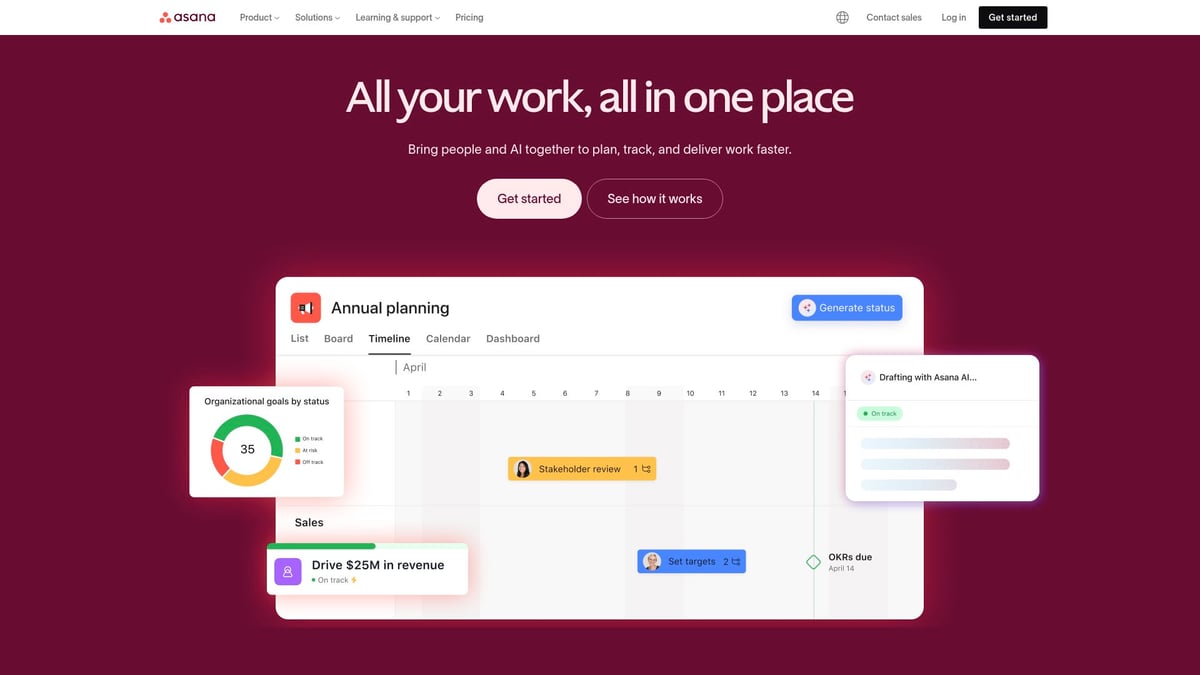
These apps let you create tasks, set deadlines, assign work, and see progress at a glance. Asana, for instance, uses boards and lists so everyone knows what’s next.
Features:
- Task lists
- Due dates
- Collaboration
Pros:
- Visual layout
- Integrates with other tools
- Mobile app
Cons:
- Can feel complex for tiny teams
- Premium features cost extra
Pricing: Free for basic, paid from $10.99/user/month.
With clear lists and reminders, nothing gets lost, and you can focus on what matters.
4. Payroll & HR Management System
Paying your team and handling taxes can eat up hours. Payroll systems are small business systems that automate paydays, tax filings, and even benefits.
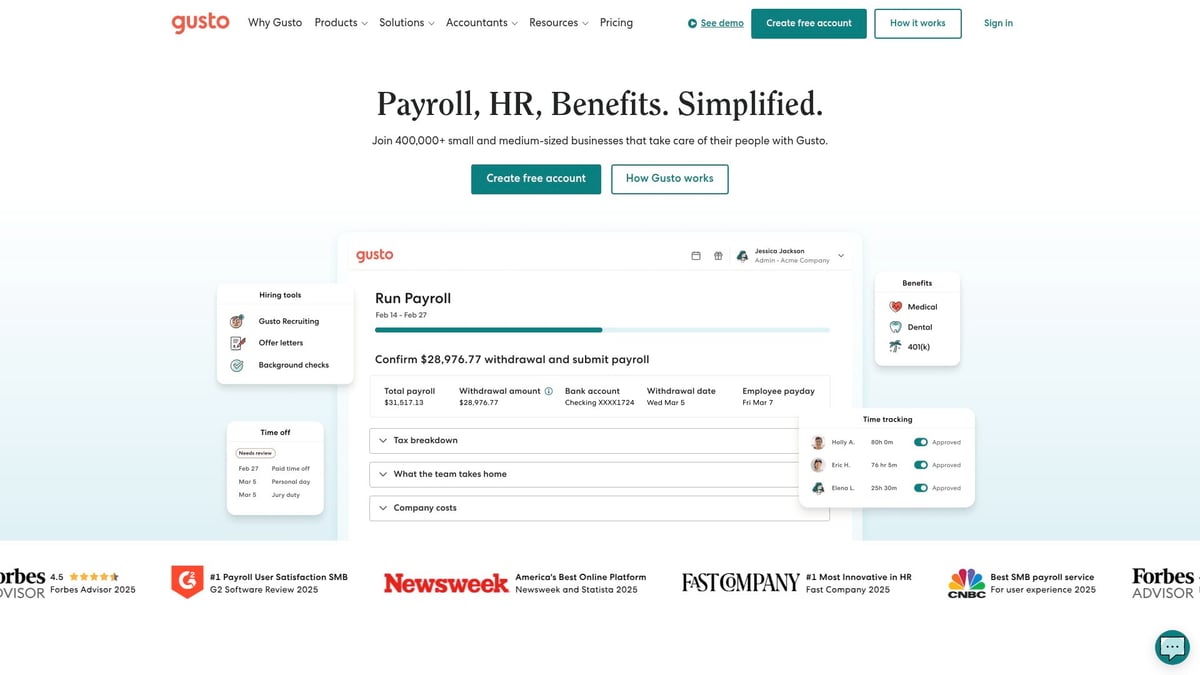
With Gusto, you can pay employees or contractors by direct deposit, track hours, and let the software handle tax forms. It’s a huge relief if you worry about missing deadlines or making compliance mistakes.
Pros:
- Saves time
- Handles compliance
- Self-service for staff
Cons:
- Monthly subscription
- May be too much for very small teams
Pricing: Starts at $40/month base plus $6/person.
If payroll stresses you out, this system can help you sleep better at night.
5. Inventory Management System
Running out of stock or over-ordering? Inventory tools are small business systems that track what you have, alert you when stock is low, and manage supplier info.

Zoho Inventory updates your stock every time you make a sale or purchase. You can see what’s running out and reorder in a click.
Features:
- Real-time tracking
- Low stock alerts
- Purchase order management
Pros:
- Works with e-commerce platforms
- Cloud-based
- Detailed reports
Cons:
- Setup can take time
- Advanced features cost more
Pricing: Free for basic, paid from $59/month.
Less guesswork means less money lost on stock problems.
6. Marketing Automation Platform
Sending emails one by one is exhausting. Marketing automation is one of the most powerful small business systems for keeping customers engaged without manual effort.
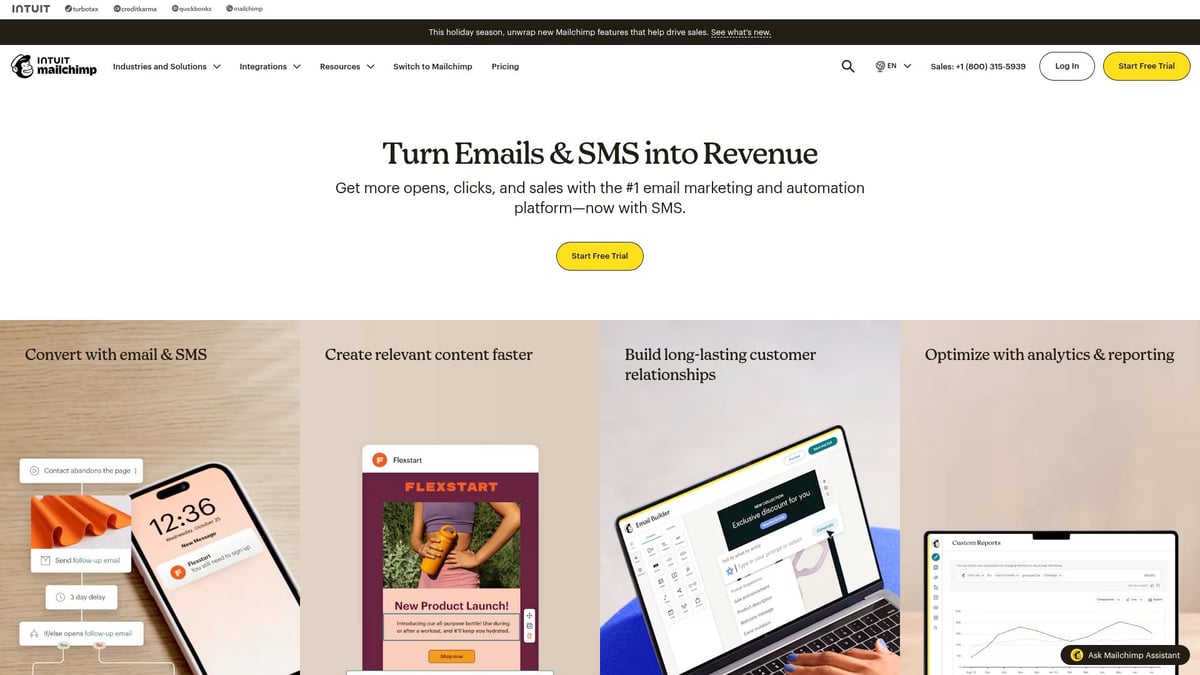
With a tool like Mailchimp, you can send targeted emails, manage lists, and see who’s opening your messages. Welcome emails, newsletters, and follow-ups can all be scheduled ahead.
Pros:
- User-friendly
- Free for basics
- Good analytics
Cons:
- Advanced automation costs extra
- Deliverability can vary
Pricing: Free for basic, paid from $13/month.
If you want to stay top of mind with your audience, this is a must-have.
7. Scheduling & Appointment Booking System
Tired of endless email threads to set up a meeting? Scheduling tools are small business systems that let clients book appointments online—no back-and-forth needed.
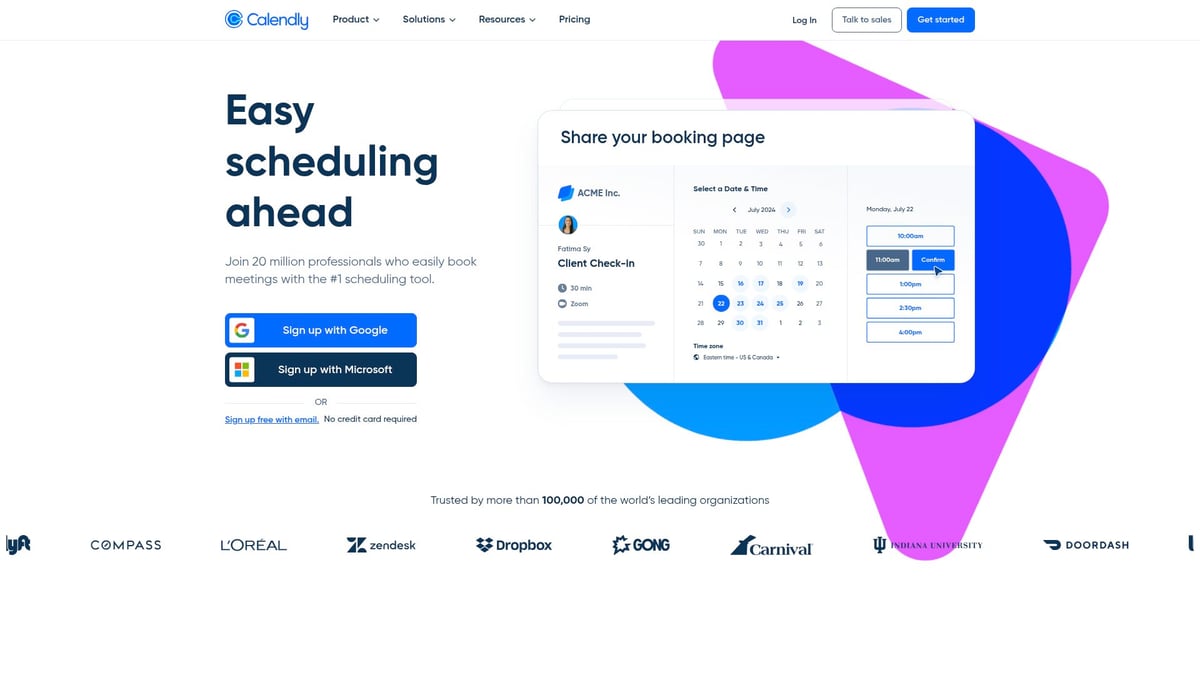
Calendly creates a booking link you can share. Clients pick a time, and the tool sends automatic reminders, syncing with your calendar to avoid double-booking.
Pros:
- Easy setup
- Integrates with Zoom and Google Calendar
- Free tier
Cons:
- Some features require upgrade
- Limited customization for free users
Pricing: Free for basic, paid from $10/month.
You’ll save time and reduce missed appointments with a simple link.
8. Document Management & E-signature Tools
Still printing and scanning contracts? Digital document tools are small business systems that let you store paperwork safely and get signatures online.

DocuSign lets clients sign from any device, tracks document status, and keeps everything organized. No more lost papers or slow turnarounds.
Features:
- Secure storage
- Templates
- Legally binding signatures
Pros:
- Saves paper
- Audit trails
- Works with other tools
Cons:
- Monthly fee
- Some clients may need help getting started
Pricing: Starts at $10/month for individuals.
With e-signatures, you close deals faster and keep your records in order.
How to Choose and Implement the Right Systems
Choosing the right small business systems can feel overwhelming, but breaking the process down into steps makes it manageable. Start by looking at where your time goes and which daily tasks cause the most frustration. This approach helps you focus on real problems instead of shiny new tools.
Assess Your Biggest Bottlenecks
Map out your daily and weekly routines. Which tasks eat up the most time or lead to mistakes? Common trouble spots include chasing late invoices, forgetting client follow-ups, or losing track of inventory.
- Track where delays or errors happen most often.
- Ask your team for feedback on pain points.
- Prioritize areas that repeat often or directly impact customers.
By focusing on one area at a time, you’ll see faster results.
Consider Integration & Scalability
Look for small business systems that work together. Many tools offer integrations, letting information flow between your CRM, invoicing, and scheduling apps. This saves time and reduces double entry.
Think about the future. Will the system support more clients or staff as your business grows? Cloud-based tools make it easier to access data from anywhere and keep teams connected.
If you want more details on how automation connects your tools, check out this Workflow Automation for Small Businesses guide.
Budget and Training
Most small business systems offer free versions or trials. Test a few before making a commitment. Consider both the monthly cost and the time needed to get set up.
- Factor in training for your team.
- Create simple guides or checklists for new users.
- Roll out one system at a time to avoid confusion.
A smooth rollout helps everyone get comfortable and ensures nothing gets overlooked.
Get Team Buy-In
Involve your staff early, especially those using the new system every day. Ask for feedback and address concerns. Short demos, quick guides, and open conversations can make a big difference.
- Assign a “champion” for each new tool to support others.
- Celebrate small wins as everyone gets used to the changes.
- Keep communication open for ongoing improvement.
A team that feels involved is more likely to embrace the new approach.
Monitor and Adjust
Watch how your small business systems perform over time. Track time saved, fewer mistakes, or happier customers. Set reminders to review each system every few months.
If your needs change, don’t be afraid to switch tools or adjust workflows. Growth may mean moving to a more advanced platform or adding new features.
Regular check-ins ensure your systems keep supporting your daily work without adding extra headaches.
FAQs
Ever feel lost when exploring small business systems? Here are answers to the questions owners ask most.
What’s the easiest system to start with if I’m overwhelmed?
Begin with something simple and high-impact, like automated invoicing or a digital checklist. These small business systems save time right away without a steep learning curve.Can these systems work together or do I need to choose one?
Most small business systems offer integrations. For example, many project management tools connect with calendar or invoicing apps. Look for options that fit your current setup.How much should I budget for business systems each month?
Costs range from free to a few hundred dollars, depending on your needs. Many offer basic tiers or free trials, so you can test before spending. Remember, lost time can cost more than the monthly fee. See how inefficiencies add up in this article: Lost productivity costs service industry over $5 trillion globally.What if my team isn’t tech-savvy?
Pick user-friendly tools with clear guides. Most platforms have tutorials and support. Start with one change at a time and offer quick walkthroughs.Are cloud-based systems safe for sensitive business data?
Reputable providers use strong security, including encryption and access controls. Always check security policies and use strong passwords.How do I know if a system is actually helping my business?
Track time saved, error reduction, or faster payments. Simple metrics, like fewer late invoices, show if your small business systems are working.Can I automate everything, or are there tasks that need a human touch?
Not everything should be automated. For example, relationship-building and personalized service still need people. Let systems handle the repetitive stuff, so you can focus where it matters.How often should I review and update my business systems?
Check in every few months. Needs change as your business grows, so look for new pain points or features to add. Stay flexible and keep improving.
If you’re ready to stop wrestling with manual tasks and start reclaiming your time, these eight systems are just the beginning. Streamlining your workflow doesn’t have to be overwhelming—you can start small and build real momentum with the right approach. At Adhesion Co. we help service-based businesses like yours turn chaos into clarity by designing and implementing automation that fits your unique needs. Interested in discovering how ready your business is for automation and what your next steps should be? Take a moment to Get Your Automation Readiness Score and see where you stand on your automation journey.
.png)
.png)