
.png)
Imagine you never miss a landscaping lead. Every inquiry gets a quick, personal reply, even when you're busy.
With automated client follow-up for landscaping leads, you can connect with every potential client without lifting a finger. This guide shows how easy it is to turn those leads into loyal customers.
Here's what you'll find:
- What automated follow-up is and why it matters
- The best tools for landscaping businesses
- Simple steps to set up your system
- Tips for better results and tracking success
You'll see how automation makes it simple to win more jobs and never let a lead slip away.
Why Automated Follow-Up Matters for Landscaping Leads
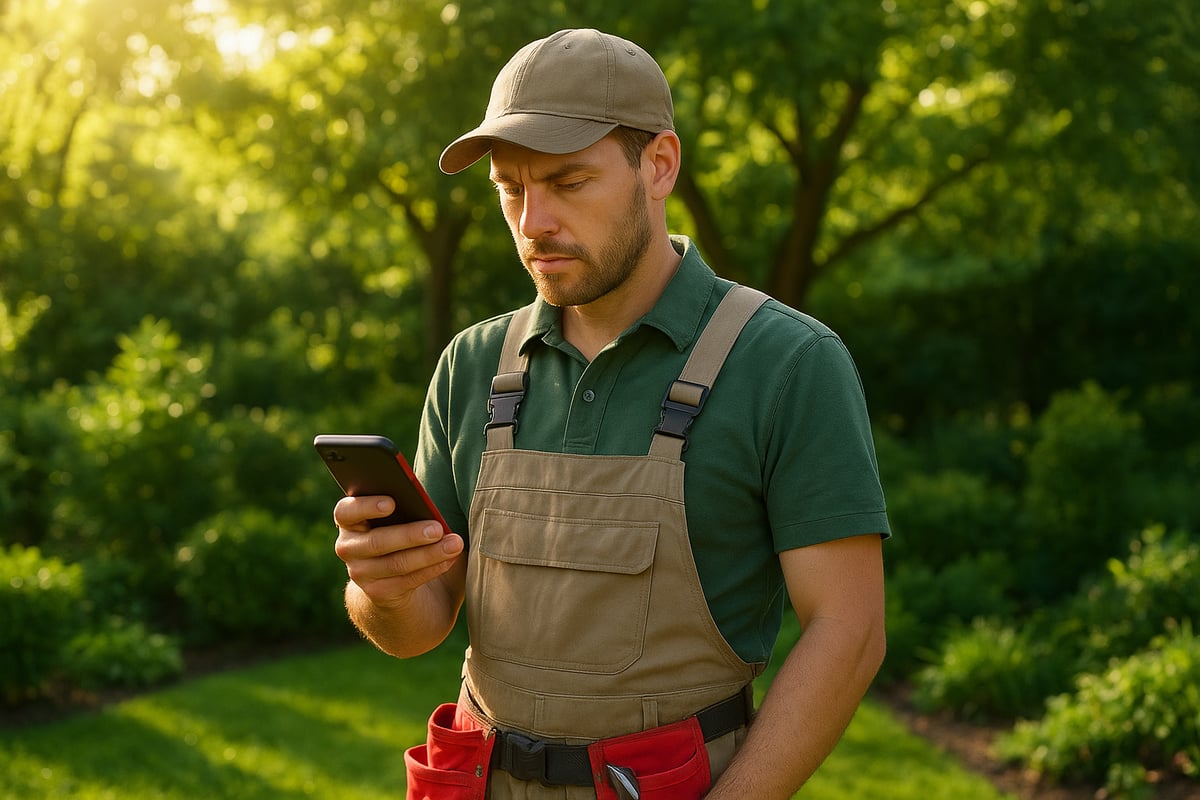
When a new landscaping lead comes in, every minute counts. Slow replies can mean lost business. In fact, 78% of customers choose the first company that responds. Imagine a landscaping company missing out on $10,000 just because they replied too late. During busy seasons, it's almost impossible to keep up manually. For more on why speed matters, see these Impact of Lead Response Time on Conversions.
The Cost of Missed or Slow Responses
Delayed replies let leads slip through your fingers. With automated client follow-up for landscaping leads, you can avoid this loss. Here’s what can happen when responses are slow:
- Potential clients move on to competitors
- Revenue drops due to unclaimed jobs
- Negative impressions form before you even speak
Manual follow-up just can't keep up during peak periods.
How Automation Changes the Game
Automated client follow-up for landscaping leads means no more missed opportunities. Automation gives you:
- Instant replies to every inquiry
- Lead nurturing with helpful info and reminders
- Consistent communication, even outside business hours
Your business stays top-of-mind, and no one feels ignored.
Impact on Revenue and Client Satisfaction
Automated client follow-up for landscaping leads can increase conversion rates by up to 50%. Happy clients are more likely to refer friends and leave positive reviews. You’ll also see:
- Fewer leads lost to slow replies
- More jobs booked from every batch of inquiries
- Lower risk of negative feedback due to missed messages
It’s a win for your bottom line and your reputation.
Competitive Advantage
With automated client follow-up for landscaping leads, you stand out from the crowd. Fast, reliable replies build trust quickly. You’ll:
- Outshine slow-responding competitors
- Become known for excellent service
- Win repeat business more easily
Clients remember the landscaper who responds first.
Common Concerns and Misconceptions
Some worry automation sounds robotic. However, today's systems let you personalize messages with the client’s name, project details, and even their location. Automation doesn't mean losing the human touch. You can still add warmth and personality. The key is setting up your system with thoughtful templates and making it easy for clients to reach a real person when needed.
Key Features of Effective Automated Follow-Up Systems
Automated client follow-up for landscaping leads works best when your system has the right features. These tools are designed to help you connect with every lead quickly, personally, and reliably. Let’s look at what sets the most effective systems apart.

Multi-Channel Communication
Your automated client follow-up for landscaping leads should use more than one way to reach people. The best systems send emails, texts, and even voicemail drops.
- Text reminders are powerful, with open rates around 98%.
- Some clients prefer email, especially for estimates or invoices.
- Voicemail drops can add a personal touch if someone misses your call.
By offering options, you make it easy for leads to respond in the way they like best.
Personalization and Timing
Effective automated client follow-up for landscaping leads feels personal, not generic. You can use the client’s name, what service they asked about, or their location in every message.
- Send messages within five minutes of an inquiry for the best chance at a reply.
- Personalization fields make each note feel unique.
- Well-timed follow-ups show you care and keep your business top of mind.
Want to see how to craft messages that work? Check out these Customer Follow-Up Best Practices for tips on making every contact count.
Integration with CRM and Scheduling Tools
Connecting your automated client follow-up for landscaping leads with a CRM is a game changer. The right system syncs with your existing contacts and calendar.
- Updates lead status automatically as people respond.
- Books appointments without back-and-forth emails.
- Keeps your team on the same page, so no one misses a beat.
Integration means your data stays organized and your follow-up stays on track.
Follow-Up Sequences and Triggers
Automated client follow-up for landscaping leads isn’t just about one message. The best tools let you create a sequence of messages that guide leads from “just looking” to “ready to book.”
- Set up an immediate reply, a 24-hour check-in, and a reminder before appointments.
- Triggers can be based on actions, like filling out a form or requesting a quote.
- Multi-step campaigns make sure no lead falls through the cracks.
Tracking and Analytics
Knowing how your automated client follow-up for landscaping leads is performing helps you improve. Tracking features show you:
- Who opened your messages and who replied.
- Which channels get the best results.
- How many leads turn into booked jobs.
Use this data to fine-tune your approach and get more value from every lead.
Compliance and Opt-Out Options
Respect for your clients is key. Your automated client follow-up for landscaping leads should always give people a way to say “no thanks.”
- Include easy unsubscribe links in every message.
- Make sure your messages follow local marketing laws.
- Review opt-outs regularly to avoid accidental spamming.
By following these rules, you keep your communication ethical and your reputation strong.
Step-by-Step Guide: Setting Up Automated Client Follow-Up
Setting up automated client follow-up for landscaping leads is easier than you might think. You can build a system that responds to every inquiry, keeps leads engaged, and frees up your time.
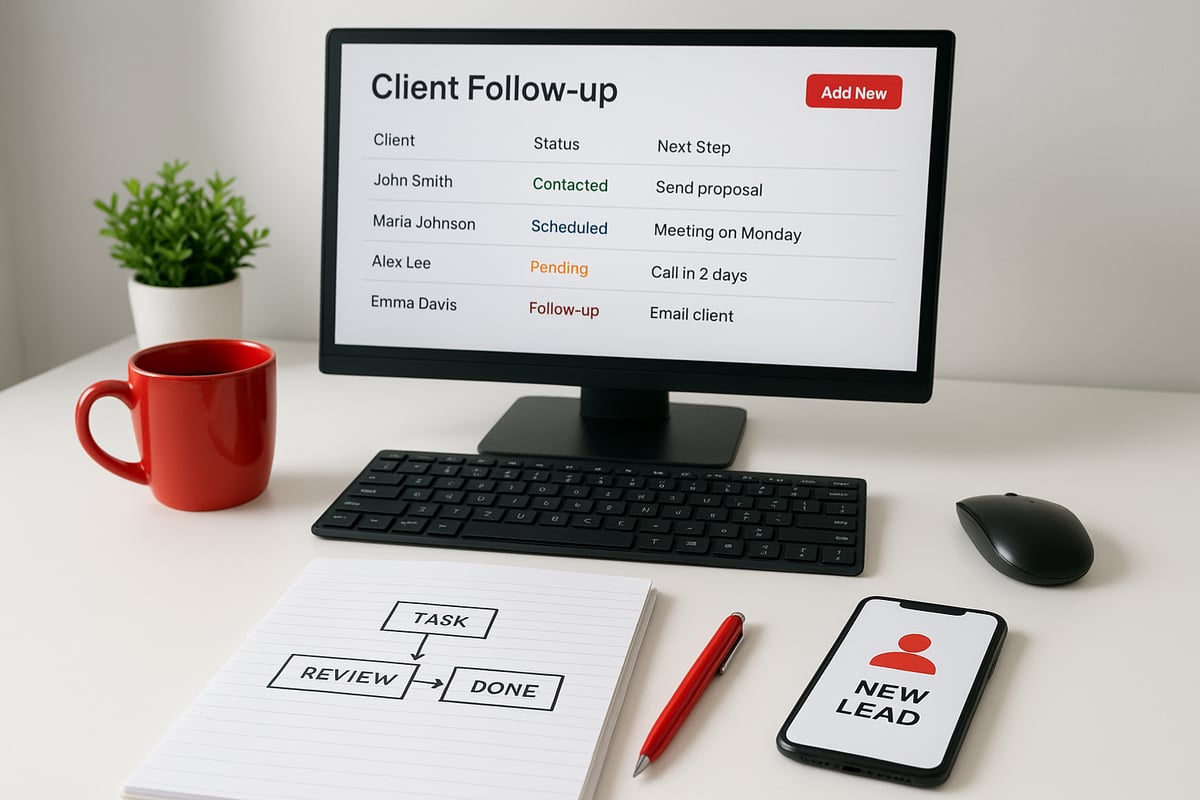
1. Map Your Lead Journey
Start by listing where potential clients reach out. Think website forms, calls, social media, or referral emails. For each touchpoint, jot down the usual questions or requests you get.
Sketch out a simple flow: inquiry, response, follow-up, quote, booking. This helps you see where automated client follow-up for landscaping leads will have the most impact.
2. Choose the Right Automation Platform
Pick a tool that fits your business. Options designed for automated client follow-up for landscaping leads often include CRM features, mobile access, and message scheduling. Compare a few, like Jobber or Service Autopilot.
If you want a shortcut, consider solutions like the Lead to Client Accelerator Automation which connects your forms and messages, making setup much easier.
3. Craft Your Follow-Up Messages
Write templates for each stage. Use a warm, friendly tone. Personalize with the client’s name, the service they asked about, and their location.
For example: “Hi Chris, thanks for asking about garden design. When’s a good time to talk?” Automated client follow-up for landscaping leads works best when it feels personal.
4. Set Triggers and Timing
Decide when each message should go out. Aim for an immediate response after a new inquiry. If you don’t hear back, send a gentle nudge after 24 hours.
Reminders before appointments help reduce no-shows. The goal is to make automated client follow-up for landscaping leads timely and helpful, not overwhelming.
5. Test and Refine
Send test messages to your own phone or email. Check if the timing feels right and if the wording is clear. Adjust anything that sounds stiff or confusing.
A/B test different messages to see which get the best replies. This step keeps your automated client follow-up for landscaping leads feeling fresh.
6. Train Your Team
Show your staff how the system works. Make sure they know when to jump in with a personal call or email. Automation handles routine replies, but some clients will want to talk to a real person.
7. Monitor and Optimize
Review your results every week. Look at how quickly you respond, how many leads convert, and which messages work best. Update your templates and timing as you learn what clients like.
Keep your automated client follow-up for landscaping leads running smoothly by making small tweaks, based on real feedback and results.
Real-World Examples: Landscaping Businesses Winning with Automation
Imagine a small landscaping crew juggling phone calls, email, and on-site work. With automated client follow-up for landscaping leads, these teams no longer worry about missing new business. Every inquiry gets quick attention, which means more jobs and less stress.
Small Business Success Stories
Many small landscaping companies have seen dramatic improvements after setting up automated client follow-up for landscaping leads.
- One two-person team doubled their conversions after activating instant text replies.
- Another business saved 10 hours a week by letting automation handle first-touch responses.
- Owners report that clients love the fast, personal replies, even if sent by a system.
These wins show how even tiny teams can thrive when every lead is followed up.
Before and After: Manual vs. Automated
Manual follow-up often leads to missed opportunities. Staff get busy, and leads slip through the cracks. With automated client follow-up for landscaping leads, every inquiry gets a timely and consistent reply, day or night.
| Manual Follow-Up | Automated Follow-Up | |
|---|---|---|
| Response Time | Several hours or days | Within minutes |
| Consistency | Varies by staff schedule | Always the same, every time |
| Lead Loss | High | Very low |
Want to see how response times impact sales? Check out these Lead Response Time and Conversion Rates to understand why speed matters.
Overcoming Challenges
Getting automated client follow-up for landscaping leads right means finding the balance between technology and the human touch.
- One company switched to automation but kept live phone calls for clients who preferred them.
- Another owner customizes text templates to sound friendly and local, not robotic.
- Teams learned to monitor replies so they can jump in personally when needed.
These steps help keep communication personal without sacrificing speed.
Measurable Results
Landscaping businesses using automated client follow-up for landscaping leads have seen:
- 40 percent faster response times after switching from manual methods.
- 25 percent more booked jobs in the first three months.
- Fewer negative reviews, since every lead gets acknowledged.
Tracking these numbers helps owners see real progress, not just guesswork.
Lessons Learned
From these examples, several tips stand out for automated client follow-up for landscaping leads:
- Update message templates regularly to keep them fresh and relevant.
- Listen to client feedback about communication preferences.
- Review analytics to spot trends and improve timing.
- Never ignore opt-out requests, and always offer a way for clients to reach a real person.
Simple changes make a big difference for both teams and clients.
How Automated Systems Providers Support Landscaping Companies
Handling every landscaping inquiry quickly can be tough, especially when calls and emails pile up. Automated systems providers step in to make sure automated client follow-up for landscaping leads never gets missed. They connect your website forms, CRM, and messaging tools, so each new lead gets a response, even during your busiest days.

Providers like Adhesion Co. design systems that personalize each message, schedule reminders, and track every lead’s journey from first contact to booked appointment. If you want to see how this works in a real business, the Automating Business Solutions Guide explains how automation can make client follow-up easy for service companies.
Here’s what automated systems providers usually offer:
- Integration with your website forms and CRM, so no lead slips by.
- Ready-made message templates you can tweak for your business.
- Automated reminders and appointment scheduling.
- Analytics that show which follow-up steps work best.
- Ongoing support to adjust messages or timing as you grow.
Many providers even offer a free assessment to spot gaps in your current process. For example, after integrating a CRM and SMS tool, one landscaping company saw 30% more consultations booked in just a few weeks. With automated client follow-up for landscaping leads, even small teams can compete with much larger businesses and keep clients happy.
Measuring the Impact of Automated Follow-Up
Automated client follow-up for landscaping leads isn’t just about saving time. It’s about making sure your efforts bring real, measurable results. Tracking how your system performs helps you see what’s working and what needs a tweak.
Key Metrics to Track
To get the most out of automated client follow-up for landscaping leads, start by measuring the right things. Important metrics include:
- Average response time to new inquiries
- Conversion rate from inquiry to booked job
- Number of follow-up messages per lead
- Percentage of leads who reply
You can dive deeper by reviewing Lead Response Time Metrics to see how timing affects conversions. Fast responses can make the difference between winning a client and losing them to a competitor.
Using Analytics to Improve
Analytics tools let you see which parts of your automated client follow-up for landscaping leads are doing best. Check which messages get opened, which ones lead to replies, and when people are most likely to book.
- Test sending messages at different times of day
- Compare results from email, SMS, or both
- Adjust follow-up frequency based on what works
Small tweaks, like shortening a message or changing the subject line, can boost results without much extra effort.
Client Feedback and Surveys
Hearing directly from clients shows if your automated client follow-up for landscaping leads feels helpful or annoying. After a job, ask clients how they felt about your communication.
- Use quick surveys by text or email
- Look for patterns in reviews mentioning response time or friendliness
- Note suggestions for improvement
Real opinions help you fine-tune your messaging and stand out from others.
Calculating ROI
Wondering if your system pays off? Compare your booked jobs and sales numbers before and after using automation. Factor in the hours saved by your team each week.
- Track increase in booked appointments
- Estimate labor saved from manual follow-ups
- Weigh costs of the automation tool versus extra revenue
Seeing the numbers side by side makes the value clear.
Common Pitfalls and How to Avoid Them
Avoid letting your system send too many messages or ignoring opt-outs. Update your templates regularly so messages stay fresh and relevant.
- Don’t forget to check unsubscribe requests
- Refresh message templates every season
- Make sure someone is ready to take over when a client replies
Staying on top of these details keeps your follow-up effective and well-received.
Frequently Asked Questions About Automated Client Follow-Up for Landscaping Leads
Wondering how automated client follow-up for landscaping leads works in the real world? Here are answers to the most common questions, so you can set up a system that feels personal and efficient.
What’s the best way to personalize automated messages?
Use the client’s name, mention their specific service request, and add their city or neighborhood. This makes each message feel unique, even when sent automatically.How do I avoid sounding spammy or robotic?
Write messages in a friendly, conversational tone. Keep them short and helpful. Always test your messages with your team before sending them to leads.Can automation handle appointment scheduling?
Yes. Many systems let clients pick a time from your calendar, confirm appointments, and send reminders. This saves you time and keeps everything organized.What if a client prefers phone calls over texts or emails?
Let clients choose how they want to be contacted when they reach out. Good systems can track preferences and adjust follow-up methods automatically.How do I track which leads came from which source?
Most automation tools include lead tracking and reporting. For a deeper overview, check out this CRM for Small Businesses guide to see how CRMs help you follow every lead’s path.Is automated client follow-up for landscaping leads expensive to set up?
Costs vary, but many platforms have affordable starter plans. Consider the time you’ll save on manual follow-up when weighing the investment.How often should I review and update my follow-up messages?
Check your messages every few months, or whenever you notice a dip in response rates. Refreshing templates keeps your communication feeling current.What if a client replies to an automated message—who handles it?
As soon as a lead replies, your team should take over. Automation gets the conversation started, but personal touch closes the deal.
As you’ve seen, automating your client follow-up isn’t just about saving time—it’s about building stronger connections, never missing an opportunity, and giving your landscaping business a real edge. If you’re ready to put these expert strategies into action and start turning more leads into loyal clients, you don’t have to go it alone. We can help you set up proven systems that work seamlessly from the moment a lead comes in. Ready to see the difference for yourself? Start Your Automation Journey With Our Lead to Client Accelerator
.png)
.png)