
.png)
Picture this: you walk into your office, and your business almost runs itself. No more juggling endless emails or chasing invoices. Instead, you have time for what matters most.
Manual tasks can eat up hours every day. They cause stress, lead to mistakes, and leave little room for growth. If you’ve ever wished for a way out, automating a business could be your answer.
Here’s what you’ll find in this guide:
- Real benefits, like fewer errors and 30% more productivity
- Step-by-step strategies to get started
- The best tools for service companies
- Solutions to common challenges
- How to track your results and keep improving
Ready for less busywork and more progress? Let’s find out how you can make automation work for you.
Why Automate Your Business?
Imagine spending less time fixing mistakes or chasing paperwork, and more time growing your company. That's the promise of automating a business—replacing repetitive manual work with simple, reliable systems. Let's look at the real impact, where it works best, and common myths that might be holding you back.

The Real-World Benefits of Automation
Automating a business isn't just about saving time—it's about transforming daily work. Here are some key benefits:
- Fewer manual errors, since automated steps follow the same process every time.
- Productivity can jump by up to 30 percent, according to recent Technology In Business Statistics By AI And Automation (2025).
- Employees can focus on meaningful projects instead of data entry.
- Many companies see costs drop by 20 percent after automating key tasks.
- Customers get answers and updates faster, which keeps them happy.
- For example, when a service business automates invoicing, the team saves hours each week once spent chasing payments.
- Staff morale improves when they spend less time on tedious, repetitive jobs.
Automating a business opens the door to more predictable, efficient days.
Key Areas Where Automation Pays Off
Not sure where to start? Here are some areas where automating a business delivers the biggest returns:
- New lead management and bringing clients on board.
- Sending invoices and collecting payments.
- Scheduling appointments and sending reminders.
- Data entry and regular reporting.
- Following up with customers and asking for reviews.
For example, automating customer feedback requests can lead to a steady flow of online reviews without extra effort.
Connecting automation with your accounting tools also means you avoid entering the same data twice, reducing mistakes and saving even more time.
Common Misconceptions About Automation
It's easy to think automating a business is only for large companies, but that's not true. Many small businesses use simple tools to automate everyday tasks.
Worried about cost? Plenty of affordable, no-fuss options exist that don't require an IT expert. Some fear job loss, but automation often shifts staff to more valuable work instead of replacing them.
Remember, automation doesn't have to be complex or expensive. Even a local clinic can use low-cost tools to send automatic appointment reminders. The result: fewer no-shows and less time spent on the phone.
Don't let myths keep you from the benefits—automating a business can help companies of any size.
How to Identify What to Automate First
Figuring out where to start with automating a business can feel overwhelming. The right approach breaks it into steps, so you know what matters most. Let’s walk through the process, from mapping your daily tasks to setting goals that actually mean something.

Mapping Out Your Business Processes
Start by listing every regular task your business handles. Grab a whiteboard, sticky notes, or use a simple mapping tool. Get your team together and walk through each step, from the first customer call to final payment.
- Write down each process, no matter how small.
- Mark steps that repeat daily or weekly.
- Highlight where things slow down, like waiting for approvals or missing paperwork.
For example, mapping out your sales process could reveal a long gap between sending quotes and receiving approval. By involving your staff, you get the real story behind daily routines. This first step is the foundation for automating a business. It helps you see where your time goes and what slows you down.
Spotting High-Impact Automation Opportunities
Once you’ve mapped out your processes, look for areas that eat up the most time or cause the most frustration. These are your high-impact opportunities for automating a business.
- Focus on tasks that are repetitive and rules-based.
- Prioritize where mistakes happen often, like manual data entry.
- Pay attention to anything that directly affects your customers, such as late invoices or missed follow-ups.
- Target “quick wins,” such as automating invoice reminders or appointment confirmations.
Consider this: automating payment reminders alone can cut late payments by 40 percent. Process mapping often uncovers 20 percent more opportunities than you’d expect. If you want more practical advice, check out the Automate Business Solutions Guide for step-by-step examples on automating a business. The more you dig, the more you’ll find places where technology can save you time and reduce errors.
Setting Clear Goals for Automation
Before you jump in, it’s crucial to know what you want to achieve by automating a business. Set clear, measurable goals for each process you plan to automate.
- Decide what success looks like: Is it fewer errors, hours saved, or faster customer response?
- Pick key metrics, such as cutting manual data entry by half.
- Make sure your automation efforts match your bigger business plans.
Share these goals with everyone involved. Track your progress from the beginning, so you can see what’s working and adjust where needed. When everyone knows the targets, automating a business becomes a shared goal, not just a management project.
Essential Tools and Technologies for Automation
Choosing the right technology is key when you're automating a business. The right tools not only save time but also make your daily tasks much easier. Let's look at the essentials you need to get started.
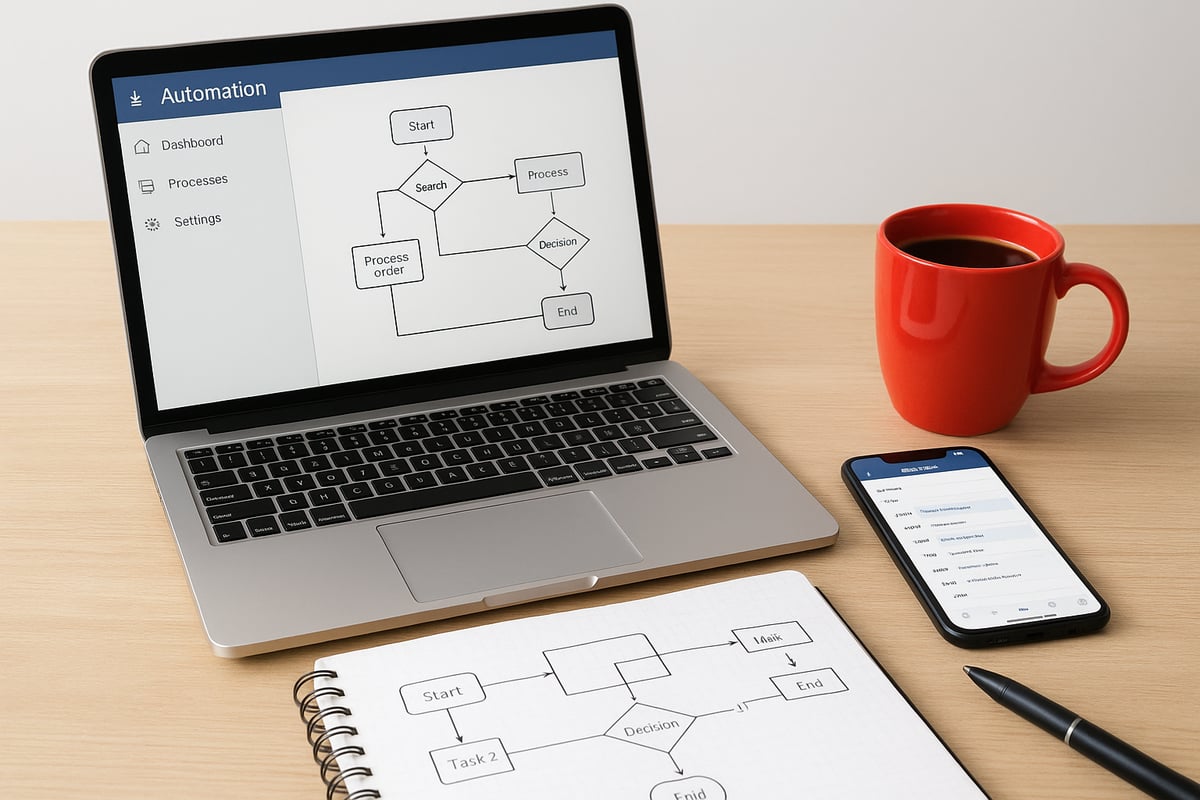
Core Automation Software Every Business Needs
When automating a business, start with foundational software. These tools handle the tasks you repeat every day:
- CRM systems: Keep all your customer info, leads, and follow-ups in one place.
- Accounting integrations: Automate invoicing and payment collection, and link with tools like QuickBooks.
- Scheduling tools: Automatically send reminders to clients and staff.
- Email automation: Set up messages for client updates, feedback requests, and job confirmations.
For example, many service businesses use a CRM to trigger follow-up emails as soon as a job wraps up. According to industry reports, the automation software market is growing quickly because these tools cut hours of manual work each week. If you want a deeper look at how these systems work together, check out Workflow Automation for Business Owners.
Advanced Tools: RPA, AI, and Integration Platforms
As you get more comfortable automating a business, you might add advanced tools to your setup. Here are some options:
- Robotic Process Automation (RPA): Handles repetitive digital tasks, like copying data between spreadsheets and accounting software.
- AI chatbots: Answer customer questions on your website or through messaging apps, even after hours.
- Integration platforms: Connect your CRM, accounting, and scheduling tools so data flows smoothly.
- Event-driven automation: Get real-time updates when important things happen, like a payment received or a new lead.
- Security and compliance features: Make sure your data is safe and privacy rules are followed.
Picture a service company using RPA to transfer invoice data from their CRM to their accounting program. This cuts down on errors and makes payments faster.
Choosing the Right Tools for Your Business
Before automating a business, take stock of your current software. Ask these questions:
- Is your system missing any key features?
- Do new tools offer easy setup and helpful support?
- Can the software grow with your business?
- Will it work with what you already use?
Look for solutions that don't require coding if your team isn't technical. For example, a local repair shop chose a no-code platform, making it simple for everyone to adopt. Always check the reputation of software vendors and their customer support before making a decision.
The right tools make automating a business much easier and more effective, no matter your size or industry.
Step-by-Step: Implementing Business Automation
Getting started with automating a business might feel overwhelming, but it’s easier when you break it down. Here’s a clear, practical approach any business can follow. Each step brings you closer to less manual work and more time for what matters.

1. Assess Your Current Processes
Start by taking a close look at how your business runs each day. Ask your team about their daily tasks and where they run into slowdowns. Document every step in major workflows, like sales or invoicing.
Use a simple tool, a spreadsheet, or even a whiteboard to map out these processes. Look for areas where manual work causes delays or mistakes. For example, you might find that your invoice process involves several people and too many steps before payments go out.
This first step is crucial in automating a business because it reveals where you’re spending the most time.
2. Prioritize Automation Projects
Once you have your processes mapped, it’s time to decide what to automate first. Focus on tasks that take up the most hours or lead to the most errors.
Make a list and rank each process by:
- Time required each week
- Frequency of mistakes
- Impact on cash flow or customer experience
Pick a “quick win” to start. For example, automating appointment reminders is usually faster and easier than integrating complex accounting systems. This helps build confidence and shows the value of automating a business early on.
3. Select and Set Up Your Tools
Now, choose tools that fit your needs and your budget. Review what you already use and see where there are gaps. Test if new tools connect easily with your current software.
Set up user accounts and permissions for your team. Many businesses find value in platforms that offer simple setup and strong support. For a deeper look at smart options for automating a business, check out Small Business Systems Insights.
For example, you might connect your CRM to your invoicing system so that completed jobs automatically trigger an invoice.
4. Design and Test Automated Workflows
Lay out the logic for each automated process. If you use a tool with visual workflow design, map out rules like “If payment is received, send a thank-you email.”
Before going live, test everything with real data. Involve your team to catch any issues early. For instance, try generating a few invoices automatically after a job is completed and see if the process works smoothly.
Testing is key when automating a business, since it helps prevent surprises.
5. Train Your Team and Launch
Automation only succeeds when everyone’s on board. Give hands-on training and clear instructions. Explain how automating a business will change daily tasks and free up time for more important work.
Address any worries about job changes or new technology. Show examples like how automation lets staff spend more time helping customers instead of chasing paperwork.
Launch in stages if possible, so people have time to adjust.
6. Monitor, Measure, and Optimize
After launch, keep an eye on how things are running. Track your goals, such as hours saved or errors reduced. Ask your team and customers for feedback.
Make small tweaks as needed to improve results. For example, if payment reminders aren’t getting responses, adjust the timing or message.
Monitoring is an ongoing part of automating a business. Look for new opportunities to automate as your business evolves.
Overcoming Common Automation Challenges
Automating a business comes with real hurdles. You might face pushback from your team, technical headaches, or concerns about keeping data safe. Each challenge is normal, but you can tackle them with a clear approach and practical steps.
Handling Resistance to Change
When automating a business, expect some resistance. People often worry about losing their jobs or struggling to learn new tools. The best way to address this is by making the benefits clear and involving everyone early.
- Host open discussions about why you’re automating a business.
- Share specific examples, like how a local office found less stress after automating client reminders.
- Reassure your team that the goal is to shift busywork, not cut jobs.
Let your staff ask questions and voice concerns. If they feel heard, they’ll be more likely to embrace the change. Show how automating a business can free up time for meaningful work, like helping customers or solving tricky problems.
Managing Integration and Compatibility Issues
One stumbling block in automating a business is connecting your current tools. Many small businesses have software that doesn’t “talk” to each other. This can slow things down or create confusion.
- Make a list of all software you use before automating a business.
- Look for tools that offer easy integration with your current platforms.
- Plan a test run—move some data, check for errors, and ask for feedback.
If you run into trouble syncing your CRM with accounting software, an integration platform can help. For more on this, check out Unlocking Success with Software Integration. Integration is often the missing link that makes automating a business smooth and reliable.
Keeping Data Secure and Compliant
Security is a top concern when automating a business. You need to protect customer information and meet privacy requirements.
- Choose automation tools with strong security features.
- Set user permissions carefully so only the right people can access sensitive data.
- Keep software updated to fix security gaps.
Train your staff on privacy basics and review your settings regularly. For example, a firm that automated invoice delivery used encrypted payment links to keep data safe. With the right habits, automating a business won’t put your information at risk.
Measuring and Optimizing Your Automation Success
Tracking progress is just as important as setting up automations. If you want to see real gains from automating a business, you need to measure what matters and adjust as you go.
What Should You Measure?
Start by setting up regular reviews for each automated process. Make it a habit to check:
- Time saved per task or process
- Error rates before and after automating a business task
- Cost reductions from fewer manual hours
- Speed of customer responses or payment cycles
Many small businesses report up to 30% more productivity and 20% lower costs after automating a business process, according to the Small Business Technology Use Survey 2025.
Compare, Adjust, and Improve
Don’t just collect data, put it to work. Compare the numbers before and after automation. If you notice faster payments or fewer mistakes, you know you’re on the right track.
Here's a simple table to help you track your results:
| Metric | Before Automation | After Automation |
|---|---|---|
| Time per invoice | 20 min | 5 min |
| Error rate | 8% | 2% |
| Payment delays | 10 days avg | 3 days avg |
Use analytics tools to spot trends. If a workflow isn’t delivering the results you want, tweak your automation settings or ask your team for feedback.
Keep Improving and Looking Ahead
Regularly review your automations. The 2025 REPORT found that companies with clear measurable goals see up to 25% more value from automating a business.
Always watch for new areas you can automate as your business grows. Small improvements add up. By staying proactive, you’ll keep saving time and reducing headaches.
FAQs
Got questions about automating a business? Here are answers to the most common ones:
What’s the first step to automating a business?
Start by writing down all your regular tasks. This helps you spot where automation can make the biggest difference.How do I choose which tasks to automate?
Look for jobs that are repetitive, time-consuming, or error-prone. Prioritize those that affect cash flow or customer experience.Will automation replace my staff?
No, automating a business lets your team focus on more meaningful work. It removes tedious tasks instead of jobs.How much does automation software cost?
Costs vary, but many tools offer free trials or entry-level plans. Start small, then invest as you see results.Can I automate multiple systems if they don’t “talk” to each other?
Yes, integration tools and platforms like FinRobot: Generative Business Process AI Agents for Enterprise Resource Planning in Finance can connect different systems, even if they weren’t designed to work together.How do I know if automation is working?
Track time saved, error rates, and other key metrics before and after automating a business process.What if I need help setting up automation?
Many vendors offer setup support. You can also reach out to automation consultants for hands-on guidance.
Now that you’ve seen how automation can eliminate manual tasks, boost productivity, and unlock more time for you and your team, it’s the perfect moment to put these insights into action. If you’re ready to discover how prepared your business is for automation and identify the best opportunities for growth, you don’t have to figure it out alone. Take the first step toward a more streamlined, efficient operation by finding out where you stand today—get immediate, actionable feedback tailored to your business.
Get Your Automation Readiness Score
.png)
.png)