
.png)
Did you know most businesses already use automation for at least one key process? Despite this, many teams still get stuck with manual work that eats up time and energy.
If you’ve ever wondered how to free your staff from endless busywork, you’re not alone. The right business software automation can help you reclaim hours and focus on what matters most.
In this article, you’ll find seven creative solutions making a real impact. We’ll look at each platform’s standout features, who benefits most, and how they can help you cut down on repetitive tasks.
Curious to see how business software automation is changing the way companies work? Let’s jump in and explore your options.
Why Automation Is Transforming Business Operations
Business software automation is no longer reserved for large corporations. Smaller companies are adopting it to save time and cut costs. In fact, more than 85% of organizations are expected to rely on some form of automation tool soon.
The shift is clear. Manual work drains resources and slows teams. Business software automation helps companies move faster and make fewer mistakes. For example, automated payment processes can free up over 500 hours each year, giving teams more time to focus on higher-value tasks.
What are the biggest benefits? Here’s a quick list:
- Fewer manual errors
- Faster turnaround for routine tasks
- Improved productivity
- More consistent results
- Better use of employee time
Automation is appearing in almost every department. Common areas where business software automation makes a real difference include:
- Invoicing and billing
- Customer onboarding
- Regulatory compliance
- Financial and operational reporting
Remote and hybrid teams benefit too. Automation ensures processes continue smoothly, even when staff are working in different locations or time zones. For a practical example, consider a retail company that once spent days reconciling transactions. After introducing automation, they reduced this process to just minutes.
If you want to see more about how automation improves daily operations, the Automation in Operations Insights page offers practical examples and tips.
Of course, adopting business software automation isn’t always simple. Teams face challenges like adapting to change, connecting new tools to older systems, and making sure everyone gets the right training. Taking time to plan and support your team’s transition can make all the difference.
7 Innovative Business Software Automation Solutions
Not all business software automation tools are built the same. Some focus on speed and simplicity, while others offer deep customization or AI-powered features. Below, you'll find seven standout solutions, each with unique strengths. If you're looking to dig deeper into how these choices fit into broader strategies, check out the Automate Business Solutions Guide for practical tips and examples.
Adhesion Co. – Automation for Service-Based Businesses
Adhesion Co. is designed for service providers who want to save time on repetitive tasks. Its business software automation features include CRM integration, automated invoicing, cash flow monitoring, and tools for managing referrals and reviews.
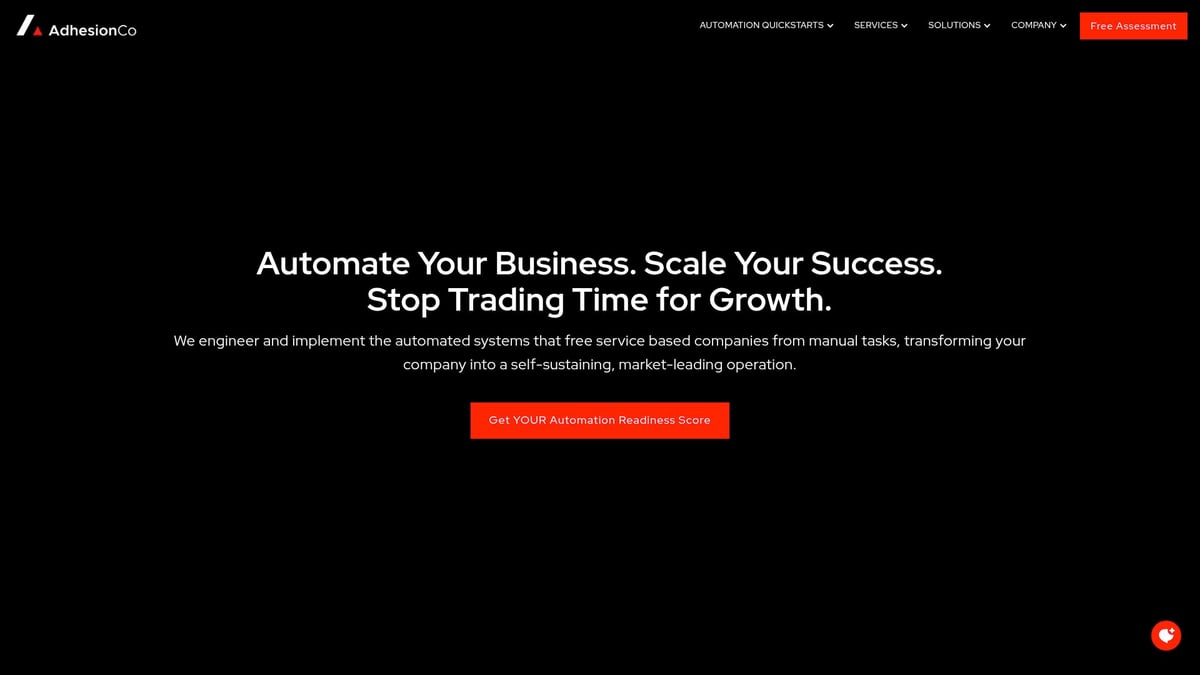
What makes Adhesion Co. different? You get pre-built solutions that can be up and running in under a week. This means less time spent on setup and more time focusing on what matters. It's a solid pick for small and mid-sized service businesses that need tailored automation without a lengthy project.
Key features:
- CRM integration for tracking leads and jobs
- Automated invoicing and payment reminders
- Cash flow dashboards
- Referral and review request automation
Ideal for: Service businesses that want fast, managed business software automation.
Pros: Custom approach, managed services, gives owners back their time.
Cons: Pricing isn't public, and onboarding starts with a consult.
Example: A field service company uses Adhesion Co. to turn web leads into jobs and automate payment reminders, reducing missed invoices.
UiPath – AI-Powered Robotic Process Automation
UiPath is a leader in business software automation, known for its robust robotic process automation (RPA) tools. With a user-friendly drag-and-drop workflow builder, you can automate everything from finance to HR. AI-powered process discovery helps spot new opportunities for automation.
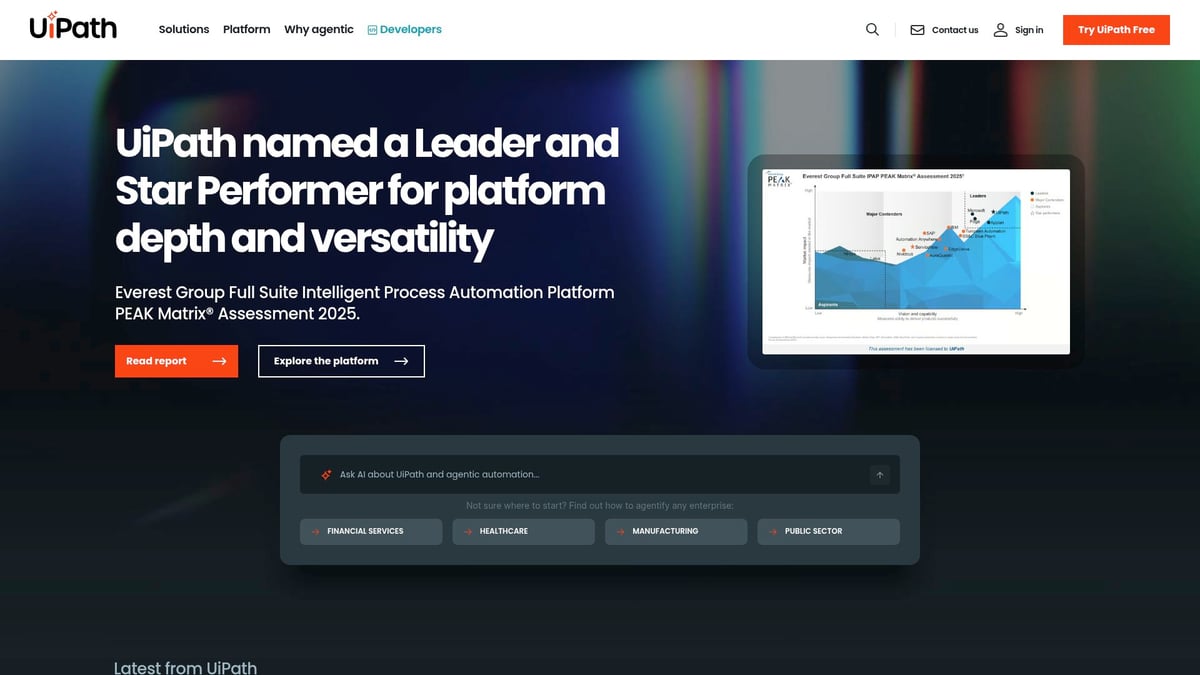
The analytics dashboard gives clear visibility into what's working, so teams can improve over time. UiPath is best for medium to large businesses with complex or high-volume tasks.
Top features:
- Drag-and-drop workflow builder
- AI-driven process discovery
- Analytics and reporting
Ideal for: Companies with lots of repetitive, rule-based tasks across departments.
Pros: Large user community, plenty of training options, scalable business software automation.
Cons: Steep learning curve for beginners, advanced features can be pricey.
Example: A finance team automates invoice processing and compliance checks, cutting manual effort and reducing errors.
Zapier – Connects Your Favorite Apps
Zapier stands out in the business software automation space for its simplicity and flexibility. You can connect over 6,000 apps and set up automations in minutes—no coding needed. Multi-step workflows make it easy to link tools like Gmail, Slack, and Salesforce.
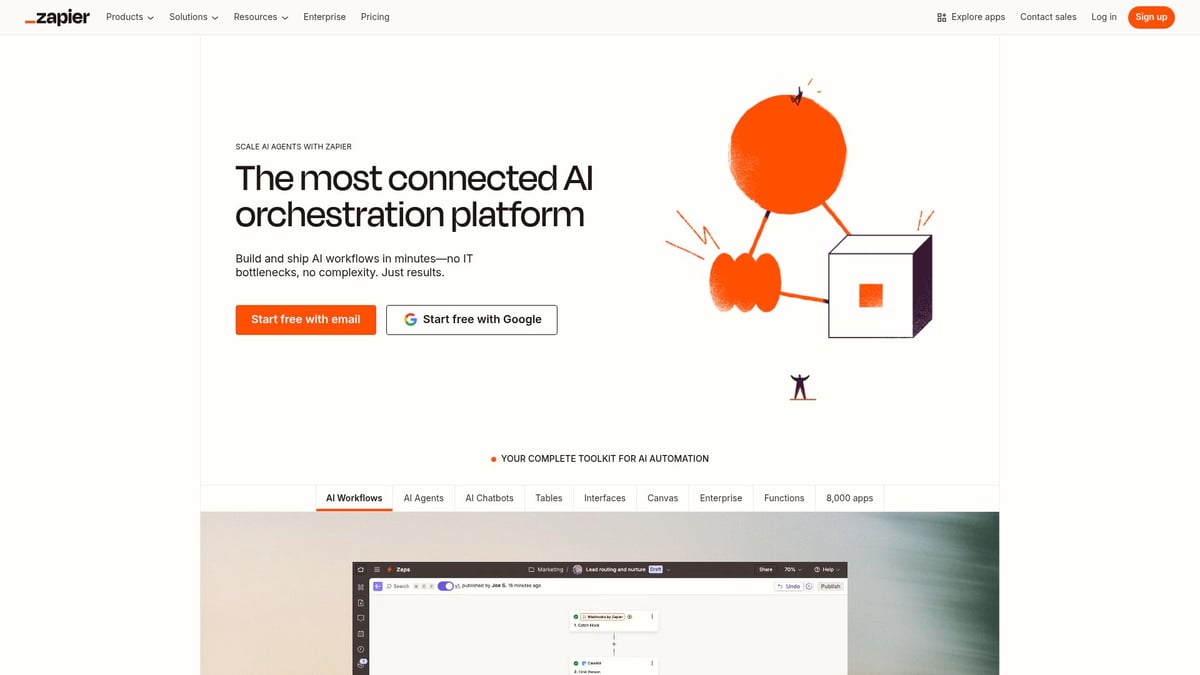
Non-technical users love Zapier because it removes the barriers to automating daily tasks. It's especially useful for small businesses and marketing teams using cloud software.
Key features:
- 6,000+ app integrations
- No-code automation builder
- Multi-step workflows
Ideal for: Teams that want to automate tasks between popular web apps.
Pros: Quick to set up, supports a huge range of apps, affordable entry-level plans.
Cons: Limited advanced logic, costs can rise with heavy use.
Example: A business captures leads from web forms and automatically adds them to its CRM and email marketing, saving hours each week.
Kissflow – Low-Code Workflow Automation
Kissflow brings business software automation to teams that want to build their own workflows without relying on IT. Its visual designer lets you map out processes, set up forms, and manage approvals quickly. Process analytics help you spot bottlenecks and improve over time.

Kissflow is great for HR, procurement, and operations teams that need custom workflows. It's subscription-based, with pricing per user.
Main features:
- Visual workflow designer
- Process analytics
- Forms and approvals
Ideal for: Non-technical teams needing to automate HR, procurement, or operations.
Pros: Easy to use, empowers business users, flexible automation.
Cons: Less suited for very complex processes, price can add up for small teams.
Example: An HR team automates onboarding and document management, reducing paperwork and speeding up new hires.
Microsoft Power Automate – Seamless Integration for Microsoft Users
Microsoft Power Automate is a go-to choice for companies already invested in Microsoft 365. It brings business software automation directly into familiar apps like Outlook, Teams, and SharePoint. Built-in connectors and an AI builder make automating tasks straightforward.
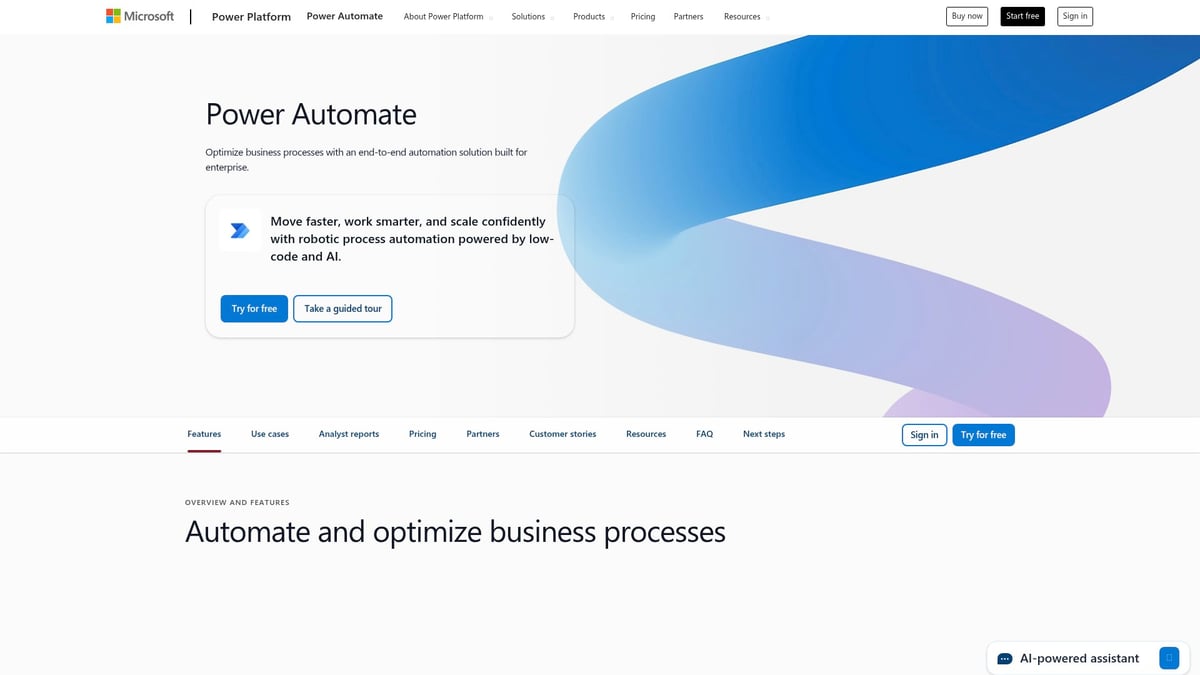
You can set up approval chains, automate notifications, or even use robotic process automation for repetitive work. Pricing is flexible, with per-user and per-flow plans.
Core features:
- Microsoft 365 connectors
- AI builder
- Robotic process automation
Ideal for: Businesses using Microsoft tools that want deeper automation.
Pros: Deep Office integration, lots of ready-made templates, strong support.
Cons: Limited features outside Microsoft stack, performance can lag with large data sets.
Example: A purchasing team automates approval workflows for orders in SharePoint, speeding up decision-making.
Pega Platform – End-to-End Process Automation
Pega Platform is built for big organizations with complex processes. Its business software automation covers case management, business rules, and real-time analytics. You can handle multi-step workflows that cross departments, with strong support for compliance and regulation.
Pega is especially popular in finance, insurance, and healthcare. Pricing is by custom quote, tailored to each client.
Standout features:
- Case management
- Business rules engine
- Real-time analytics
Ideal for: Enterprises in regulated industries with complex needs.
Pros: Highly flexible, scalable for large teams.
Cons: Steep learning curve, documentation can be patchy.
Example: An insurance company automates claims processing and compliance, reducing manual errors and speeding up customer responses.
Claromentis – No-Code Digital Workplace Automation
Claromentis combines business software automation with a digital workplace platform. You get a no-code form builder, workflow automation, compliance templates, and analytics. It also includes intranet, e-learning, and project management in one system.
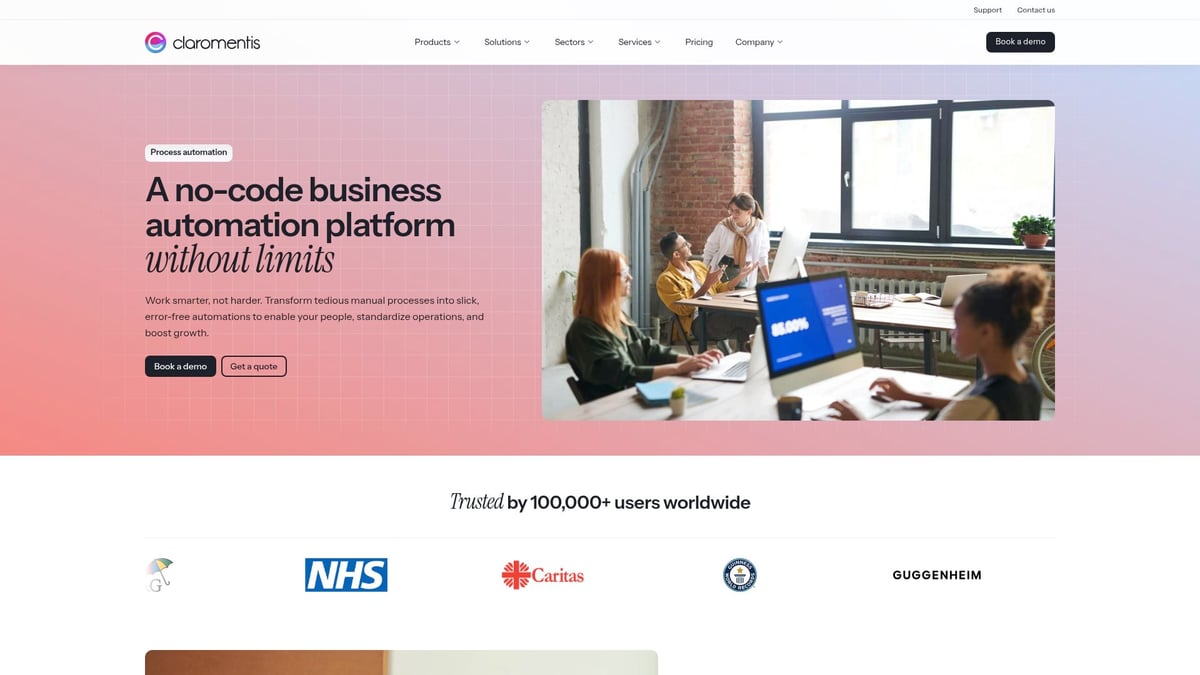
This makes Claromentis a strong pick for mid-sized to large organizations that want an all-in-one solution. Pricing is subscription-based, varying by user count and features.
Key features:
- No-code form and workflow builder
- Compliance templates
- Analytics and reporting
Ideal for: Companies wanting a bundled digital workplace with automation.
Pros: Easy integration, strong customer support, everything in one place.
Cons: Initial setup takes time, best for organizations needing bundled tools.
Example: A company automates HR requests and customer support ticketing, reducing response times and improving visibility.
How to Choose the Right Automation Solution for Your Business
Selecting the right business software automation tool can feel overwhelming. Start by pinpointing the tasks that drain your team’s time or lead to mistakes. These are the areas where automation delivers the biggest impact.
Here’s a simple checklist to guide your decision:
List Your Pain Points
Where do you spend the most time on repetitive tasks? Examples include manual invoicing, double-checking data, or chasing approvals.Check Scalability
Will the business software automation solution handle more transactions as your company grows? Can it support additional users or departments later?Evaluate Integration
Does the tool connect with your current systems, like your CRM, accounting, or email platform? Integration headaches cause delays and frustration.Test Ease of Use
Can your team set up and manage automations without calling IT for every change? Look for no-code or low-code options if you want business users to take the lead.Compare Pricing Models
Is it a monthly subscription, per-user fee, or pay-as-you-go? Make sure the cost matches your budget and usage patterns.Assess Support and Training
What help is available if you get stuck? Good onboarding, tutorials, and responsive support can save hours.Look for Industry Examples
Does the vendor have case studies or examples in your sector? Real-world stories show how business software automation delivers results.
| Factor | Why It Matters | What to Ask |
|---|---|---|
| Pain Points | Focus on real problems | Where do errors/time waste occur? |
| Scalability | Supports future growth | Will it handle more users? |
| Integration | Avoids extra manual work | Does it connect to my tools? |
| Usability | Empowers your team | Is it easy to learn? |
| Pricing | Fits your budget | What’s included in each plan? |
| Support | Reduces risk and stress | How fast is help available? |
If you’re unsure where to start, take advantage of free trials or product demos. This lets you test how each business software automation tool works with your real processes, before making a commitment.
For a deeper understanding of workflow automation and how it shapes your selection process, check out this Workflow Automation Deep Dive.
Common Automation Use Cases by Department
Every department can benefit from business software automation. When you break it down by area, it's clear how much time and effort you can save.
Finance
Finance teams often deal with repetitive, error-prone tasks. Business software automation can handle:
- Invoicing and billing
- Expense approvals
- Bank reconciliation
For example, automating reconciliation can turn days of manual work into just minutes. Many companies now use these tools to cut time and reduce costly mistakes.
Sales & Marketing
Business software automation helps sales and marketing teams stay organized and responsive:
- Capturing new leads from web forms
- Sending automatic follow-ups
- Segmenting customers for targeted campaigns
You can move leads from a website into your CRM and email tools without lifting a finger.
HR
HR is full of tasks that benefit from automation:
- Employee onboarding
- Leave requests and approvals
- Performance tracking
With business software automation, HR teams can process new hires faster and keep all records up to date.
Operations
Operations teams keep things moving. Automation covers:
- Inventory management
- Order processing
- Supplier communications
If you want to explore more options, check out this Business Process Workflow Software review for practical insights.
Customer Service
Business software automation takes care of:
- Ticket routing to the right agent
- Automated FAQ responses
- Collecting and analyzing satisfaction surveys
This means quicker responses for customers and less manual sorting for your team.
IT
IT departments can automate:
- User provisioning for new staff
- System monitoring and alerts
- Managing access controls
These automations save time and free up IT professionals for bigger projects.
Quick Department Use Case Table
| Department | Top Automation Use Case | Example Benefit |
|---|---|---|
| Finance | Reconciliation | Saves hours, reduces errors |
| Sales & Marketing | Lead capture | No manual data entry |
| HR | Onboarding | Faster, consistent process |
| Operations | Order processing | Fewer delays, better tracking |
| Customer Service | Ticket routing | Faster customer response |
| IT | User provisioning | Quicker onboarding, fewer mistakes |
Retailers have seen dramatic results. One company automated e-wallet reconciliation and saved days each month. It's smart to start with a single department and expand as you see results. According to the Workflow Automation Industry Forecast, adoption keeps growing as teams recognize the value of business software automation.
FAQs
Confused about business software automation? These answers will help you get started and avoid common pitfalls.
What is business software automation?
It's using software to handle repetitive tasks, like sending invoices or tracking orders, so your team can focus on bigger goals.Can automation tools work with my existing software?
Most business software automation platforms offer connectors and integrations. Always check if your tools are supported before you choose.How fast can I see results after implementation?
You might notice time savings within days, especially for simple tasks. More complex changes can take a few weeks to show impact.Are these solutions secure for sensitive data?
Reputable platforms use encryption and access controls. Ask about compliance with privacy rules in your industry.Do I need coding skills to use automation platforms?
Many tools are no-code or low-code. Most users can build automations with simple drag-and-drop features.How do I choose between no-code and low-code tools?
No-code is great for basic needs. Low-code is better if you want more customization or have IT support.What’s the best way to start automating my business processes?
Start small with a single workflow. Review reports like the State of Process Orchestration Report to see where others find success.
Now that you’ve explored how automation can simplify everything from invoicing to client onboarding, you might be wondering how to actually get started and see these benefits in your own business. The good news is you don’t need to navigate this journey alone. If you’re ready to take the first step toward streamlined operations and more freedom in your day, I encourage you to Start Your Automation Journey. With expert guidance and proven solutions, you can unlock new levels of efficiency and set your business up for growth—no guesswork required.
.png)
.png)