
.png)
Picture yourself at the office, phone ringing, paperwork stacking up, and your field team waiting for instructions. It’s easy to feel stretched thin when every detail depends on you. Chasing after missed calls or fixing avoidable mistakes can eat up your day.
That’s why finding the right plumbing business automation software matters. This article will help you discover tools that handle the busywork, so you can reclaim your time and sanity.
Here’s what you’ll find inside:
- A quick look at seven top picks, each with unique strengths
- Honest details about pricing, setup, and support
- Features that help real plumbing companies work smarter, not harder
Ready to cut the chaos and see which software can make your days easier? Let’s dive in.
Why Plumbing Businesses Need Automation Software
Running a plumbing business means wearing a lot of hats. One minute you are answering calls, the next you are tracking down paperwork or trying to remember which tech is at which job. It is stressful when double data entry, missed appointments, and slow invoicing pile up. These problems waste time and cause mistakes that can cost real money.

The numbers are eye-opening:
Small businesses can spend up to 120 days a year just handling admin tasks like paperwork and scheduling, according to this report. That is time you could put toward jobs, training, or growing your team.
Here are some everyday headaches plumbing business automation software can help you avoid:
- Entering customer details twice in different systems
- Forgetting to follow up with clients or missing a job
- Chasing down late invoices or sorting payment errors
So, how does automation actually help?
With plumbing business automation software, tasks like job scheduling, invoicing, and sending reminders are handled for you. That means fewer mistakes, faster payments, and a more organized team. Instead of sticky notes and spreadsheets, everything is in one place.
Clients notice the difference too. When appointments run on time and bills arrive quickly, trust grows. Automated reminders mean fewer missed jobs, and faster invoicing keeps cash flow steady. Happier clients often mean more referrals.
Worried about cost or setup? Many plumbing business automation software platforms are built for quick onboarding. Some even offer step-by-step guides or free support to get you started. Owners often find that what once took hours now takes just minutes, letting them focus on running the business, not chasing paperwork.
7 Essential Plumbing Business Automation Software Picks
Choosing plumbing business automation software can feel overwhelming, but the right choice saves you hours and headache. Below, you’ll find seven top picks selected for their features, support, value, and how easy they are to use. If you want guidance on evaluating new tools, check out What to Consider When Selecting Software for a practical checklist.
Each option here is tailored to different business needs, from solo plumbers to growing teams. Let’s break down what makes each one stand out.
Adhesion Co.
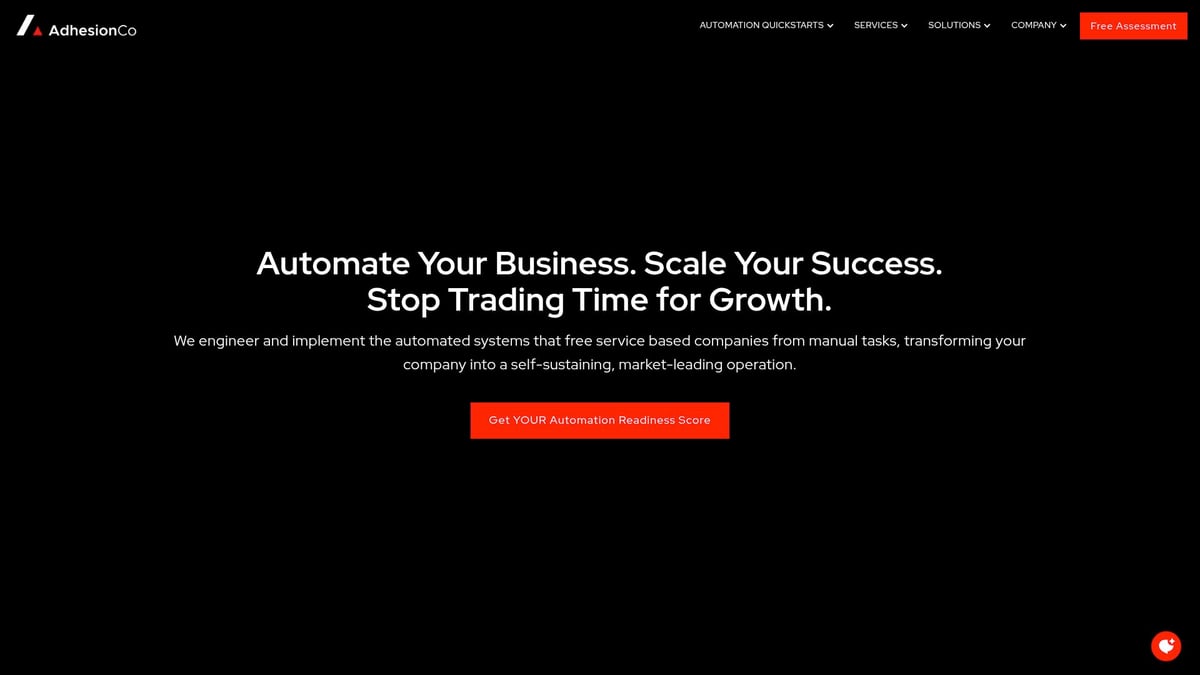
Adhesion Co. provides custom pricing, starting with a free assessment. Core features include CRM integration, automated invoicing, cash flow management, and review requests.
- Rapid setup and tailored for service businesses
- Ongoing support with pre-built quickstart solutions
- Offers strategic partnerships and free resources
Perfect for small to mid-sized plumbing companies needing custom plumbing business automation software. Pros include quick implementation and hands-on help. Cons: pricing isn’t public, and it may not suit those who prefer to build everything themselves.
ServiceTitan
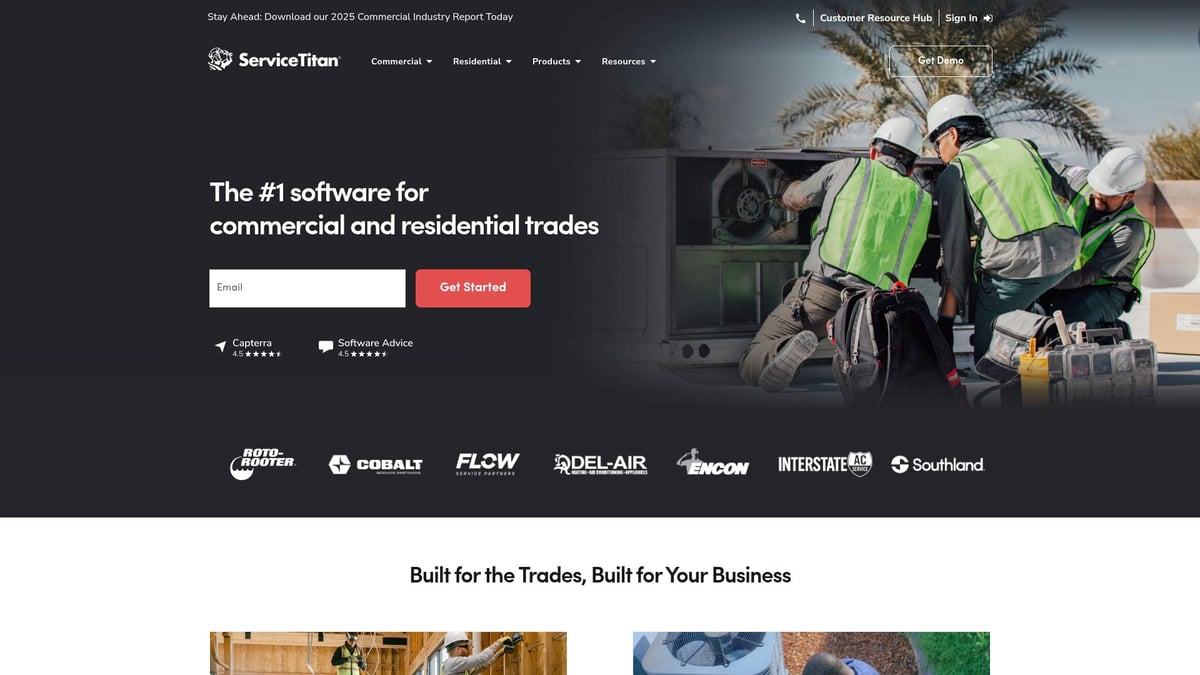
ServiceTitan uses custom quotes with tiered plans. Features include job scheduling, dispatch, a mobile app, customer management, and reporting.
- All-in-one platform with strong support
- Mobile field access for technicians
- Robust analytics and integrations
Best for growing plumbing businesses with multiple team members. This plumbing business automation software offers a user-friendly interface, but be prepared for a higher price and a learning curve during setup.
Housecall Pro
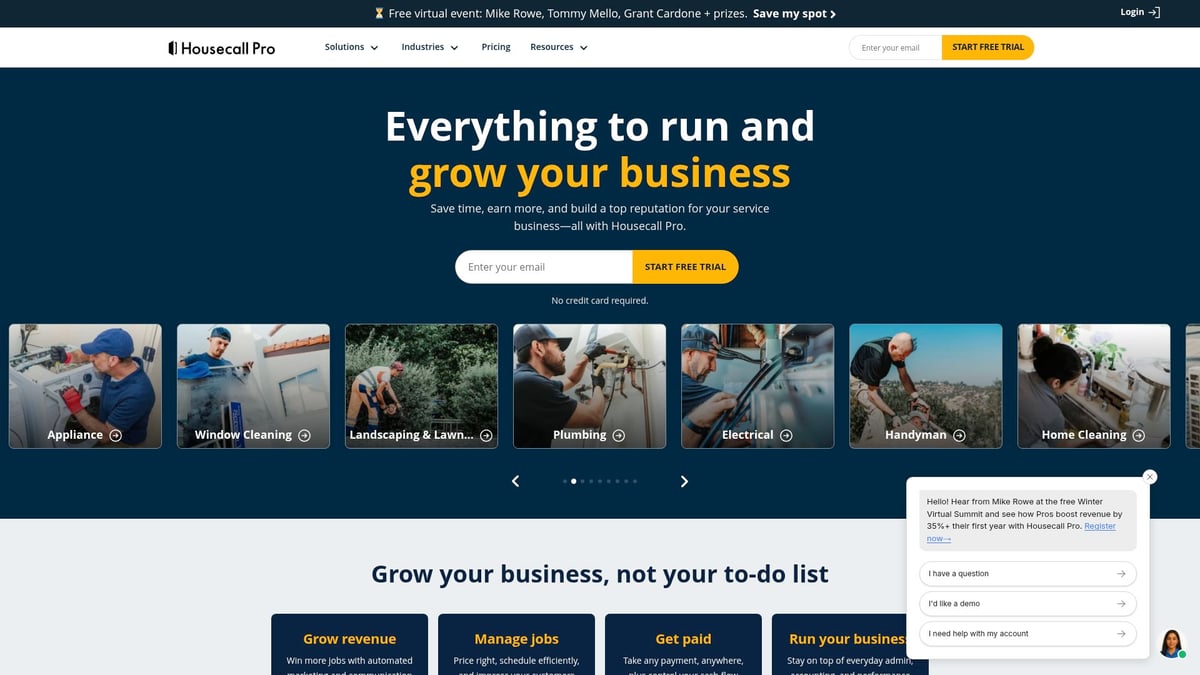
Housecall Pro starts at $49 per month and covers scheduling, invoicing, payments, online booking, and text reminders.
- Simple interface and fast onboarding
- Mobile app for on-the-go management
- Customer portal and live chat support
Ideal for small to mid-sized companies wanting affordable plumbing business automation software. Some advanced features are only available in higher tiers, so check your needs before choosing.
Jobber
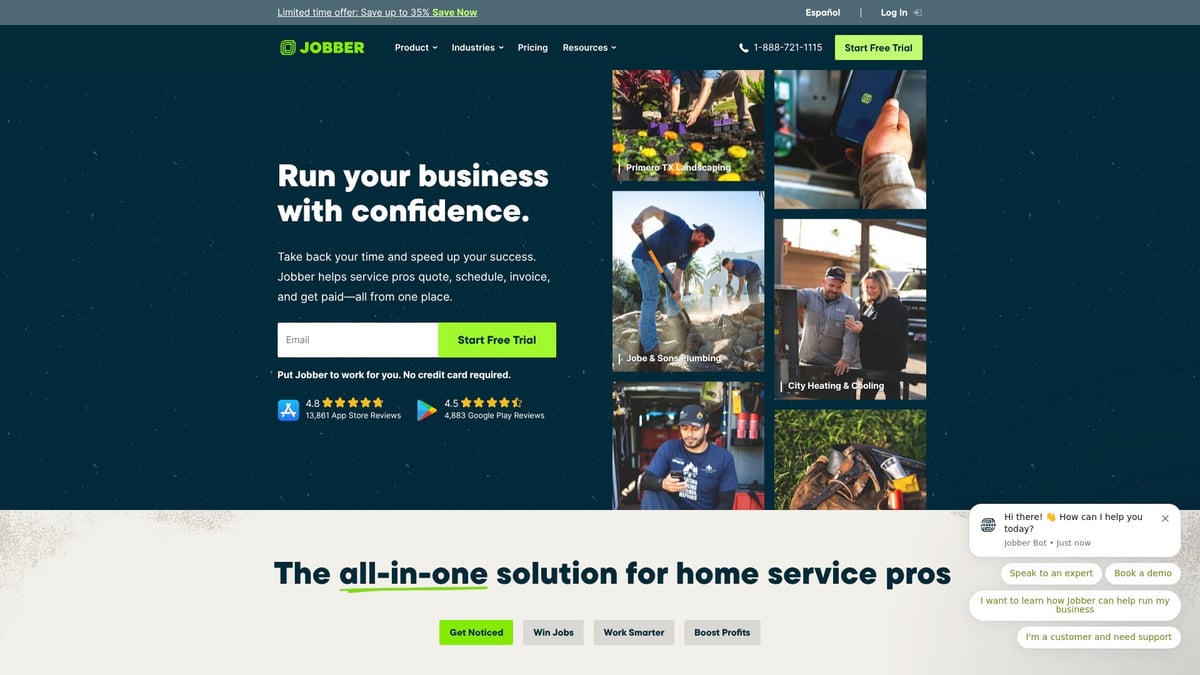
Jobber’s plans begin at $19 per month. It features scheduling, quotes, invoicing, client management, and a mobile app.
- Flexible plans for solo plumbers or small teams
- Helpful templates and strong customer support
- Low entry cost
This plumbing business automation software is great for those starting out or running a small crew. Note: larger teams may find advanced features limited.
Service Fusion
Service Fusion starts at $126 per month with flat pricing. Features include dispatch, GPS tracking, invoicing, and customer management.
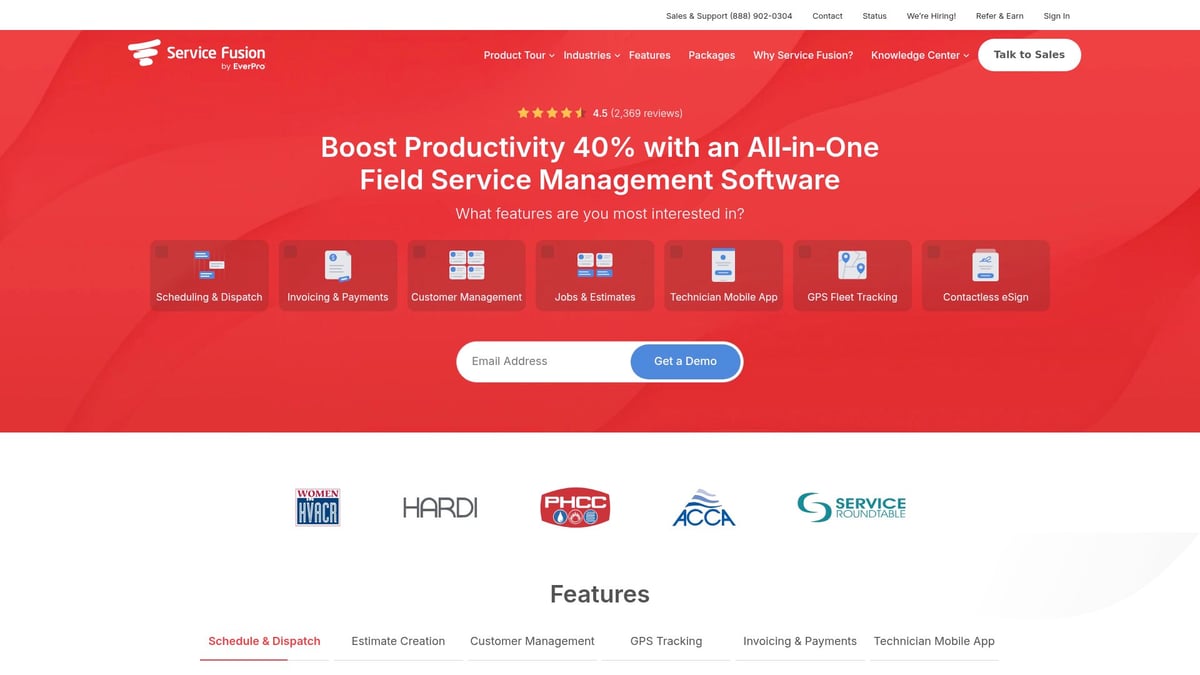
- Unlimited users and robust integrations
- Strong field communication tools
- Reliable customer management features
Medium to large businesses benefit most from this plumbing business automation software. The interface can feel dated, and setup takes time, but the unlimited users perk is a bonus.
FieldEdge
FieldEdge offers custom quotes. Key features are real-time dispatch, customer history, invoicing, and QuickBooks sync.
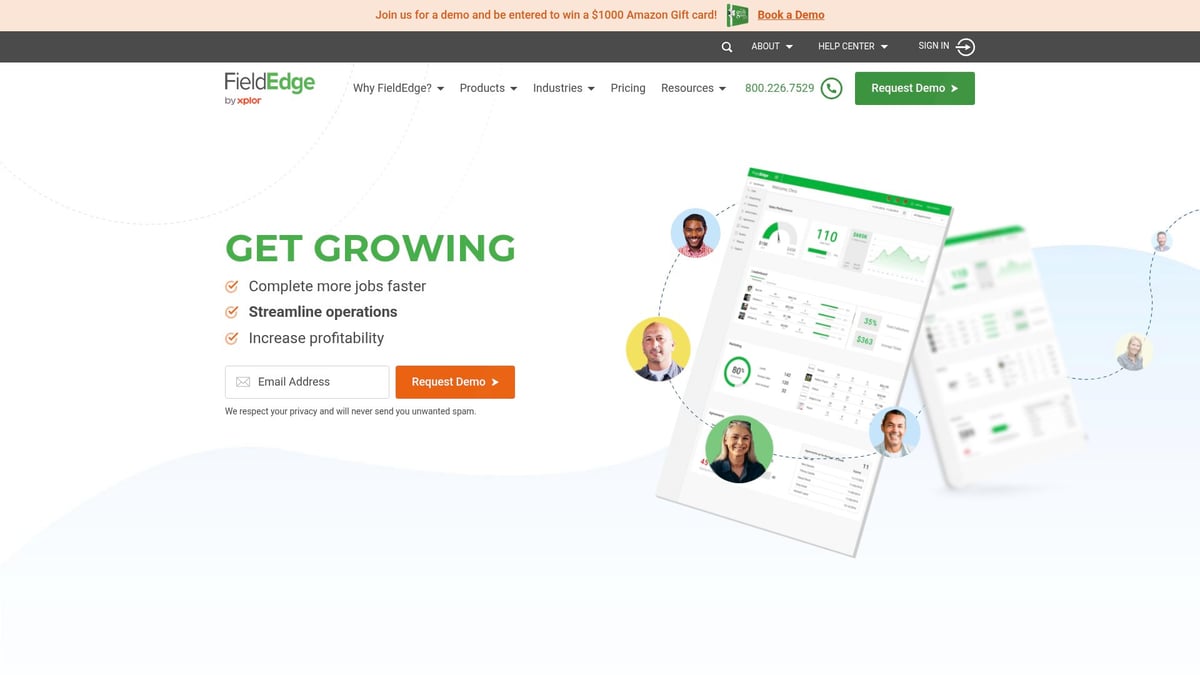
- Detailed reporting and seamless accounting integration
- Powerful analytics with mobile-friendly tools
- Suits businesses needing tracking and reporting
This plumbing business automation software is a solid match for companies focused on data and tracking. Expect a higher cost and some complexity for new users.
ServiceM8
ServiceM8 starts at $9 per month, featuring job management, quoting, scheduling, payments, and automation.
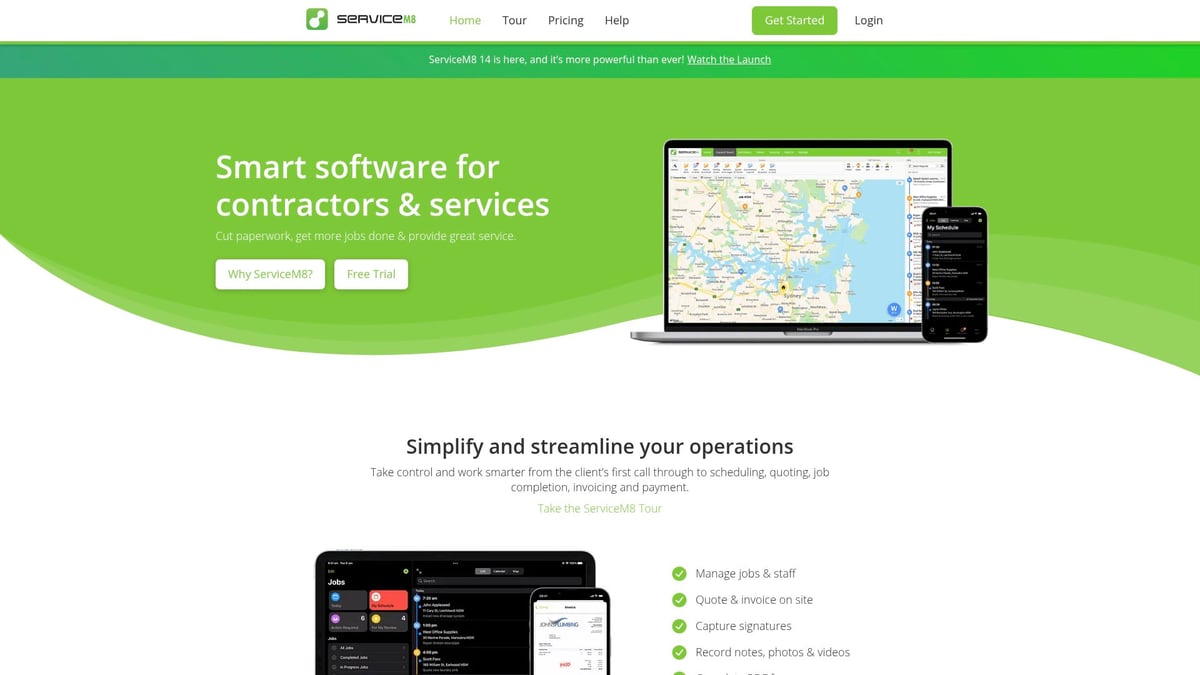
- Affordable entry, pay-per-job pricing
- Apple ecosystem integration and simple setup
- Designed for small businesses
If you’re an Apple user running a small team, this plumbing business automation software is a smart pick. Note: it’s limited to Apple devices and may not offer some advanced options.
Quick Comparison Table
| Software | Starting Price | Best For | Key Feature | Mobile App |
|---|---|---|---|---|
| Adhesion Co. | Custom | Custom automation, small/mid | CRM + invoicing | Yes |
| ServiceTitan | Custom | Growing teams | All-in-one platform | Yes |
| Housecall Pro | $49/mo | Small/mid-sized, fast onboarding | Scheduling + reminders | Yes |
| Jobber | $19/mo | Solo/small teams | Quotes + invoicing | Yes |
| Service Fusion | $126/mo | Medium/large, unlimited users | Dispatch + GPS | Yes |
| FieldEdge | Custom | Tracking/reporting focus | QuickBooks integration | Yes |
| ServiceM8 | $9/mo | Small, Apple users | Job management | Yes |
Each plumbing business automation software option has unique strengths. Matching your business size, tech comfort, and must-have features will help you find the best fit.
How to Choose the Right Automation Software for Your Plumbing Business
Choosing plumbing business automation software might feel overwhelming, but breaking it down makes the process easier. Start by getting clear on what you really need.
Think about these essentials before you decide:
- Budget: How much can you spend each month? Some tools charge per user, while others have flat rates.
- Team size: Are you solo, or do you have a growing crew?
- Must-have features: Do you need mobile access, instant invoicing, or GPS tracking?
- Support: Is there live chat, phone support, or a knowledge base?
- Integration: Does it work with your accounting or inventory system?
Make a list of your daily headaches. Maybe you lose track of jobs or spend too long on invoicing. Map each pain point to a feature in the plumbing business automation software options. To dig deeper, check out the Automate Business Solutions Guide for practical advice on matching problems to the right tools.
Most providers offer demos or trial periods. Test the software with real jobs. Invite your technicians to try it too. Their feedback can reveal if the system is practical in the field.
You’ll also need to decide between cloud-based and on-premises solutions. Cloud tools let you access everything from any device, anywhere. On-premises systems might give you more control, but often need more setup.
Here’s a quick checklist for picking plumbing business automation software:
- Does it integrate with your current apps?
- Is there a mobile app for field staff?
- How easy is it to get help when you need it?
- Will it scale as your business grows?
- Can you import customer data easily?
Remember, one size doesn’t fit all. For example, a mid-sized plumbing company switched from a complex system to a simpler tool after staff complained about wasted time. Within a month, missed appointments dropped and invoicing sped up, just by finding software that fit their real needs.
Maximizing ROI from Your Plumbing Automation Software
Getting the most from plumbing business automation software means more than just installing a new tool. You want your investment to save time, cut errors, and put money back in your pocket. Here’s how to make sure it does.
Getting Your Team On Board
When introducing plumbing business automation software, team buy-in is key. Involve your technicians early. Let them test drive the system and share feedback.
- Hold a demo session so everyone sees the benefits.
- Pick a few champions on your team to help with rollout.
- Celebrate small wins as the first jobs are scheduled or invoices sent.
If your staff feels included, they’ll adopt the software much faster.
Training and Support Matter
Training is not a one-time event. Choose plumbing business automation software with strong support and easy-to-follow learning tools.
- Schedule short, focused training sessions.
- Use help centers or live chat for quick answers.
- Keep a reference guide handy for common tasks.
Ongoing support helps your team stay confident and reduces mistakes.
Start Simple and Expand Gradually
Begin with a few core features, like scheduling or invoicing. As your team gets comfortable, add more automation—think follow-up reminders or automatic review requests.
- Focus on automating repetitive tasks first.
- Use trial periods to test what works best for your business.
- For a deeper look at how automation can evolve, check out this Workflow Automation Deep Dive.
Review your processes every few months to spot new areas for improvement.
Use Reporting to Identify Improvements
Most plumbing business automation software includes reporting tools. Use them to find bottlenecks, track team performance, and see where you’re saving time.
- Run reports on scheduling delays or unpaid invoices.
- Compare admin hours before and after automation.
- Adjust your workflow based on what the data shows.
Set Goals and Track Your Savings
Set clear, measurable goals. For example, aim to cut admin time by 10% or reduce late payments by half.
A real-world example: a service company saved $500 each month just by automating invoicing, as shown in this Case Study: Marshall Cleaning Service.
Check in regularly on your progress. If you’re not seeing the results you want, don’t be afraid to tweak your setup or try different features.
FAQs About Plumbing Business Automation Software
Got questions about plumbing business automation software? You’re not alone. Here are answers to the most common concerns, so you can make an informed choice.
1. What’s the difference between field service management and general business automation software?
Field service management tools are designed for dispatch, scheduling, and job tracking in the field. General automation software covers broader business needs like accounting or HR. For plumbing, look for software that combines both, so you manage jobs and customer experience together. Learn more about how automation enhances service experience in plumbing by reading Automation enhances plumbing service experience.
2. How much should a small plumbing business budget for automation tools?
Most small teams spend between $20 and $150 per month, depending on features. Start with a basic plan, and upgrade as your needs grow. Always factor in setup or training costs.
3. Can automation software integrate with my existing accounting system?
Yes, most plumbing business automation software options sync with QuickBooks, Xero, or other popular accounting tools. Always check the integration list before you buy.
4. Is my data secure with cloud-based plumbing software?
Cloud providers use encryption and secure servers to protect your data. Choose a vendor with clear security policies and regular updates. Ask about backup and recovery options.
5. What’s the typical setup time for these tools?
Setup can take anywhere from a few hours to a couple of weeks. Many platforms offer onboarding guides or live support to get your plumbing business automation software up and running quickly.
6. How do I get my team to use new automation software?
- Involve staff early in demos and decisions
- Provide hands-on training
- Highlight time-saving benefits
- Set simple goals for the first month
7. Can I switch software later if my business grows?
Absolutely. Many plumbing business automation software platforms offer data export, making it easier to migrate. Plan ahead by keeping records organized and asking about exit policies before signing up.
After exploring these top automation software picks and seeing how much time and hassle you can save, it’s clear that the right tools can transform your plumbing business. Whether you’re tired of juggling paperwork or want to free up your team for more important work, taking the next step toward automation is a smart move. If you’re ready to see where your business stands and how prepared you are to streamline operations, I recommend you Get Your Automation Readiness Score. It’s a practical way to assess your needs and confidently plan your next move.
.png)
.png)