
.png)
Ever feel like you're losing deals because creating quotes takes too long or just looks messy? You're not alone. Manual quoting can slow you down and leave clients unimpressed.
This is where small business quote software steps in. With the right tool, you can send quotes faster, look more polished, and close more sales. Everything feels easier and more professional for you and your clients.
In this guide, you'll find the top 7 small business quote software options. We'll break down their pricing, features, real pros and cons, and who they're best for. You'll have everything you need to pick the perfect fit.
Why Small Business Quote Software Matters
Running a small business means juggling endless tasks, often at high speed. When quoting gets slow or messy, deals disappear. Small business quote software helps you work smarter, not harder, by speeding up quotes, reducing mistakes, and making your business look sharp.
Speed and Responsiveness in Winning New Clients
Quick responses win clients. If you wait too long to send a quote, your competitors will swoop in. With small business quote software, you can generate and send quotes in minutes instead of hours.
- Automated systems cut turnaround time.
- Clients get answers while they're still interested.
- Your team avoids bottlenecks and delays.
A recent survey found that 88% of B2B companies lost deals due to manual quoting, resulting in an average 5% annual revenue loss. Manual Quoting Leads to Revenue Loss
Reducing Errors and Manual Work
Manual quoting often means copy-paste errors and missed details. Small business quote software reduces these risks by using templates and built-in checks.
- No more missed line items.
- Consistent pricing across every quote.
- Automatic calculations for taxes and discounts.
This means fewer headaches for you and your clients.
Professionalism and Brand Image
First impressions count. Small business quote software lets you use polished templates with your logo and brand colors.
- Every quote looks professional.
- Customization builds trust with clients.
- Easy updates keep documents current.
Professional quotes can improve conversion rates by as much as 30%.
Integrations with Other Tools
Small business quote software often connects directly to your CRM, invoicing, and payment systems.
- No double entry, so data stays accurate.
- Quotes can become invoices with a click.
- Payments and client info remain in sync.
This integration saves time and reduces frustration for your whole team.
Improved Tracking and Analytics
Ever wonder if your client even looked at your quote? With tracking tools built into small business quote software, you'll know exactly what happens after you hit send.
- See when a quote is opened or accepted.
- Spot which proposals get ignored.
- Use data to improve your approach next time.
Scalability for Growing Teams
As your business grows, quoting can get complicated. Small business quote software supports teams of all sizes.
- Set roles and permissions for team members.
- Approvals and edits are easy to manage.
- Everyone stays organized, even as you add more users.
This keeps your quoting process running smoothly, no matter how busy you get.
Real-World Savings and ROI
Making the switch to small business quote software can free up 10 or more hours each week.
- Less manual work means more time for clients.
- Faster quotes lead to more closed deals.
- Automated processes reduce costly mistakes.
Over time, these benefits add up and help your business grow.
7 Essential Small Business Quote Software Picks
Choosing the right small business quote software can feel overwhelming. To make things simpler, here’s a quick comparison table before diving into each option.
| Software | Starting Price | Main Features | Best For |
|---|---|---|---|
| Jobber | $19/month | Scheduling, CRM, Mobile | Service businesses |
| Adhesion Co. | Custom | Automation, CRM, Payments | Service companies |
| QuoteWerks | $15/user/month | Product DB, E-signature | IT, VARs, sales teams |
| FreshBooks | $17/month | Invoicing, Quotes, Payments | Freelancers, consultants |
| Proposify | $19/user/month | Templates, Analytics | Agencies, B2B services |
| HoneyBook | $16/month | Quotes, Contracts, Portal | Creatives, event planners |
| PandaDoc | Free/$19 | E-signatures, Templates | Sales, consultants |
Jobber
Jobber is a favorite among small businesses that need more than just quoting. Its interface is designed for speed, so you can send quotes right from your phone or laptop, even on a job site.
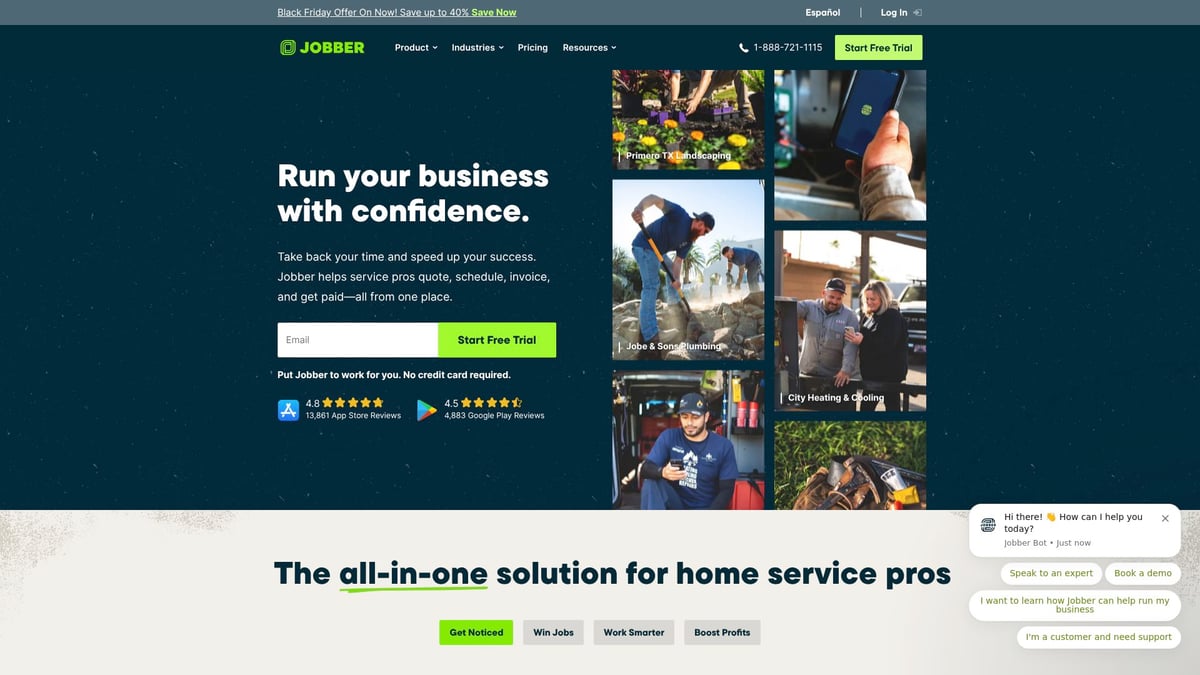
- Pricing: Starts at $19 per month.
- Features: Fast quote creation, job scheduling, invoicing, CRM tools, mobile app.
- Key Benefits: You can manage your entire workflow, from quoting to getting paid, all in one place.
- Best For: Home services, landscaping, cleaning, or repair shops.
Pros:
- Simple, intuitive dashboard.
- You can send, track, and update quotes on the go.
Cons:
- Some advanced features, like deeper automation, require higher-priced plans.
- If you only need quoting, it may be more than you want.
Jobber stands out as small business quote software for teams that are always on the move. It helps avoid double entry, so you never have to copy details from one system to another.
Adhesion Co.
Adhesion Co. offers a personalized approach to small business quote software. After a free assessment, they help you automate quoting, link your CRM, and connect payments. Their setup is fast, and the platform is built for flexibility.

- Pricing: Custom, with a free assessment.
- Features: Automated quotes, CRM and job conversion, invoicing, and payment triggers.
- Key Benefits: You can automate tedious steps and focus on what matters most.
- Best For: Service-based companies needing highly tailored automation.
Pros:
- Quick to set up, even if you’re not tech-savvy.
- Deep automation, including quote-to-job automation for instant workflow.
Cons:
- Custom pricing means you’ll need to talk to sales.
- May be too sophisticated for those who just want basic quotes.
For businesses ready to upgrade, this small business quote software can cut hours of manual work each week. It’s especially useful if you need quotes to trigger jobs, invoices, or payments automatically.
QuoteWerks
QuoteWerks is built for companies that sell both products and services. It lets you create detailed quotes, pull from a product database, and collect e-signatures. Integrations with major CRMs make it a flexible choice.
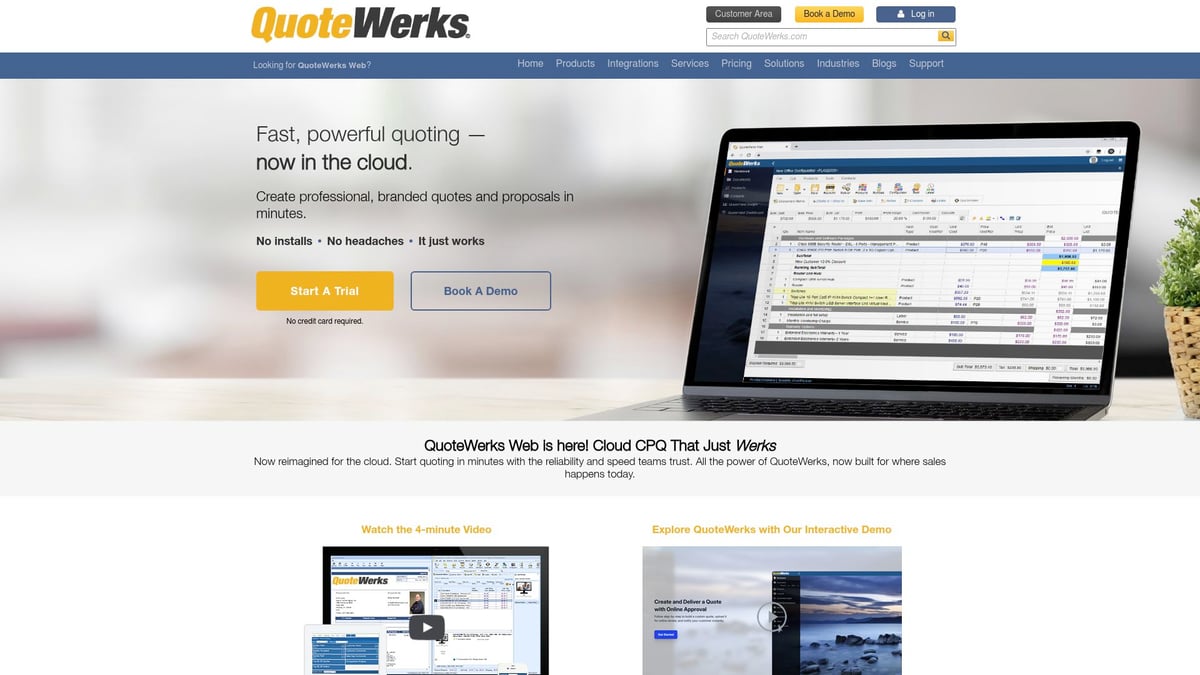
- Pricing: Starts at $15 per user, per month.
- Features: Proposal and quote tools, e-signatures, reporting, CRM connections.
- Key Benefits: Handles complex quotes with lots of line items or options.
- Best For: IT providers, managed services, and sales teams.
Pros:
- Highly customizable for different industries.
- Strong integrations with third-party tools.
Cons:
- The interface feels old-fashioned.
- There’s a learning curve if you’re new to quoting software.
QuoteWerks is reliable small business quote software for those needing detailed, multi-product quotes. It’s best for teams who want control over every element of their proposals.
FreshBooks
FreshBooks is a trusted name for small business accounting, but it also offers simple quoting features. You can create, send, and track quotes, then convert them to invoices with a click.
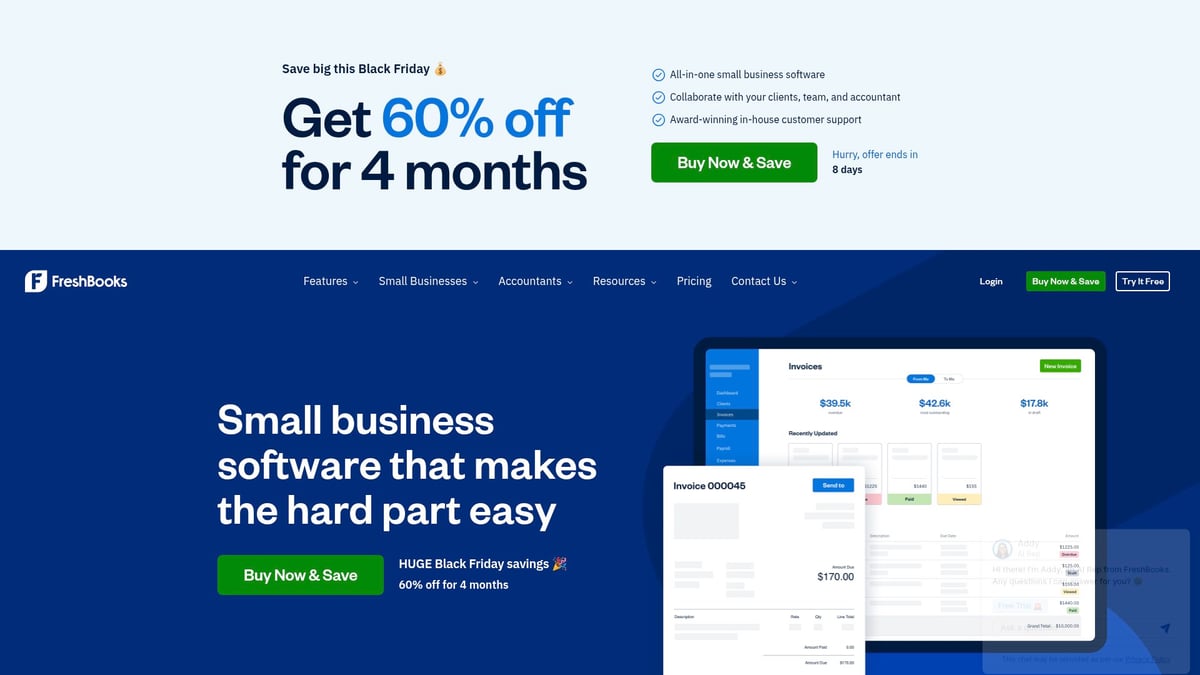
- Pricing: Starts at $17 per month.
- Features: Quotes, invoicing, expense and time tracking, payments.
- Key Benefits: You can manage your finances and quotes from one dashboard.
- Best For: Freelancers, consultants, and creative agencies.
Pros:
- User-friendly interface.
- Excellent customer support.
Cons:
- Not designed for very complex quotes.
- Some features are basic compared to dedicated quoting apps.
If you want small business quote software that blends with your accounting, FreshBooks is a safe bet. It’s ideal for solo entrepreneurs or small teams.
Proposify
Proposify brings design and analytics together, letting you craft beautiful, interactive proposals. It’s packed with modern templates and lets you see when clients view or comment on your quotes.
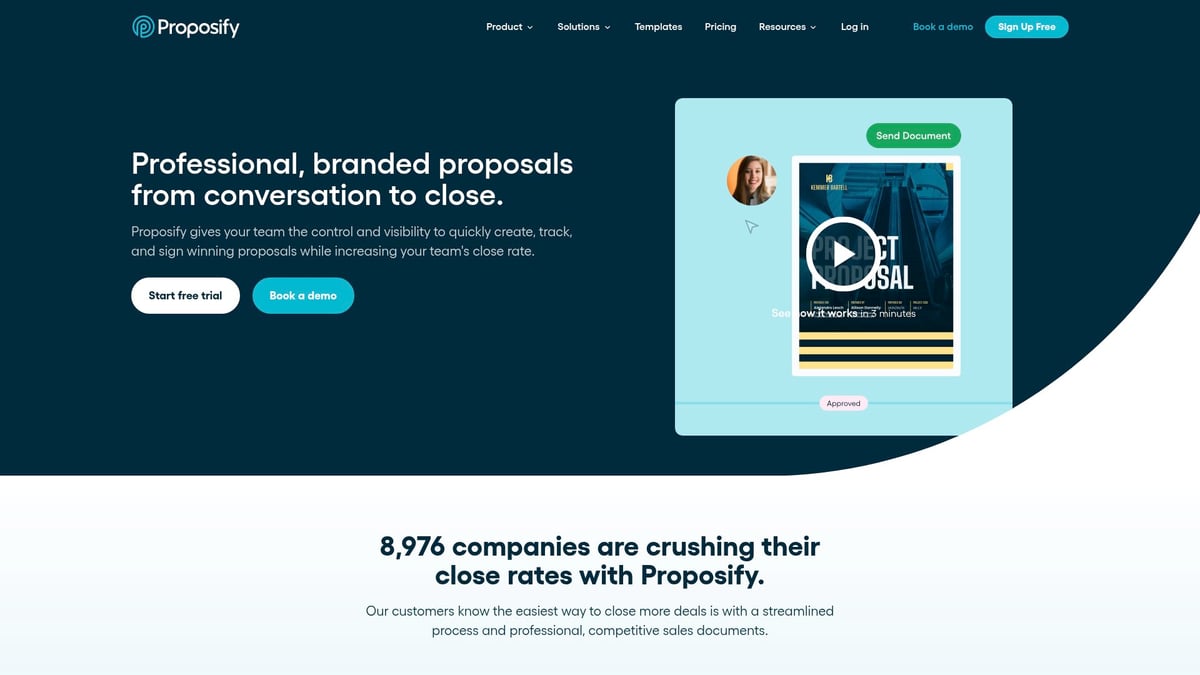
- Pricing: Starts at $19 per user, per month.
- Features: Proposal templates, e-signatures, analytics, content management.
- Key Benefits: Your quotes will look polished and professional.
- Best For: Agencies, B2B services, marketing and design firms.
Pros:
- Modern, eye-catching designs.
- Real-time notifications when a client interacts with your proposal.
Cons:
- Can be overwhelming if you just want basic quotes.
- Takes time to learn all the features.
This small business quote software is perfect if you want to impress clients visually and track their engagement step by step.
HoneyBook
HoneyBook shines for creative professionals and event planners. It combines quoting, contracts, and invoicing, so you can handle client projects from first contact to final payment.

- Pricing: Starts at $16 per month.
- Features: Quotes, contracts, invoicing, project tools, client portal.
- Key Benefits: All-in-one client management with automation.
- Best For: Photographers, designers, event planners, and creative studios.
Pros:
- Clean, easy-to-use interface.
- Automates reminders and follow-ups.
Cons:
- Not built for field service businesses.
- Integrations are more limited than some competitors.
HoneyBook is a great small business quote software for those who want everything in one place, especially if you manage multiple client projects at once.
PandaDoc
PandaDoc is known for fast document creation and flexible templates. You can build quotes, collect e-signatures, and even receive payments—all from the same platform.
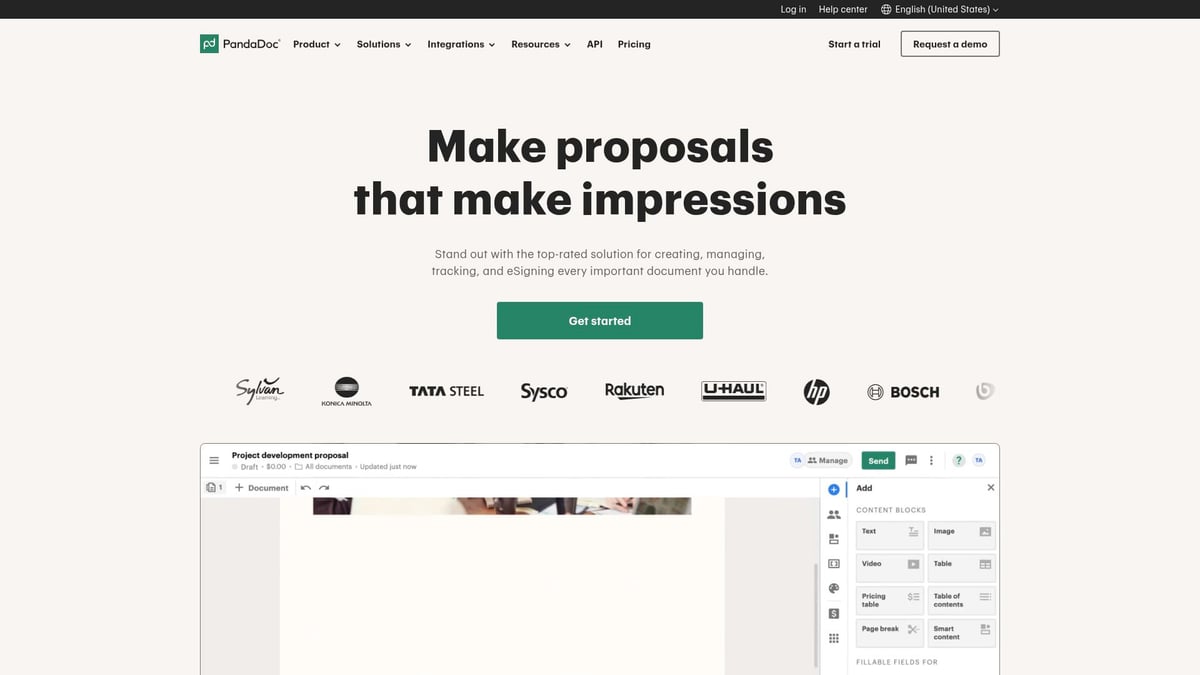
- Pricing: Free plan available, paid plans from $19 per user, per month.
- Features: Document and quote templates, e-signatures, payment collection.
- Key Benefits: Create and send quotes quickly, with lots of customization.
- Best For: Sales teams, consultants, professional service providers.
Pros:
- Easy to use and set up.
- Integrates with many popular CRMs and payment tools.
Cons:
- Some advanced features are only on higher plans.
- Costs can rise as your team grows.
PandaDoc stands out as small business quote software for sales-focused teams who want to keep everything digital and trackable. It’s easy to see which quotes have been opened, signed, or paid.
How to Choose the Right Quote Software for Your Business
Finding the best small business quote software doesn't have to feel overwhelming. The right fit can save you time, reduce mistakes, and help your team respond quickly to clients.
Assessing Your Business Needs
Start by mapping out what your team actually needs from small business quote software. Think about questions like:
- Do you need mobile access for quoting on the go?
- Are customizable templates a must?
- Should the tool connect with your CRM or payment platform?
- How many team members need access?
If you want more help, check out this helpful guide on selecting new software tips for a checklist of what to consider.
Budget vs. Value
Don’t just look at the monthly price tag. Weigh software costs against the hours you'll save and the deals you could win by acting faster.
- Ask about free trials so you can test before you buy.
- Compare what’s included at each pricing tier.
- Consider if the tool helps you avoid costly mistakes.
Integration with Existing Tools
Seamless connections matter. Your small business quote software should work well with your current systems, not create extra work.
- Check for integrations with accounting tools like QuickBooks or Xero.
- Make sure you can sync contacts and deals with your CRM.
- Look for payment collection features if you invoice clients.
Scalability and Support
If your team grows, your software should keep up. Look for:
- Flexible user limits or add-ons
- Role-based permissions for different team members
- Responsive customer support (live chat, phone, or email)
A tool that grows with you means fewer headaches down the road.
User Experience and Learning Curve
Choose small business quote software that's easy for your team to pick up.
- Try a demo to see how the interface feels.
- Read real user reviews before deciding.
- Make sure training resources and support are available.
A smooth experience helps your team actually use the tool, not avoid it.
Security and Compliance
Your client data is valuable. Make sure the software offers:
- Data encryption
- Role-based access controls
- Compliance with relevant standards
Prioritize platforms that take privacy and security seriously.
Real-World Examples
For instance, a local event planning firm switched to small business quote software and saw payments come in days faster. The team also spent less time chasing paperwork, focusing more on serving clients.
FAQs
What is quote software and how does it work?
Small business quote software lets you quickly create, send, and track quotes for clients, saving you time and helping you look professional.Can quote software integrate with my accounting tools?
Most tools connect with platforms like QuickBooks or Xero, so your quotes and invoices stay in sync.Is it hard to switch from manual quoting to software?
Most platforms offer step-by-step setups. You can usually import client lists and get started fast.Are there free quote software options for small businesses?
Yes, some tools have free plans or trials so you can test features before committing.How secure is my client data in these platforms?
Leading providers use encryption and strict access controls to help keep your information safe.Can I customize quote templates to match my brand?
Absolutely. You can add your logo, colors, and adjust layouts to fit your business style.Which quote software is best for service-based businesses?
Check out this Small business systems guide for a breakdown of top options and how they fit different needs.
Now that you’ve explored the top quote software options and seen how automation can save you time, boost your professionalism, and help you close more deals, why not take the next step for your business? Streamlining your quoting process is only the beginning—imagine converting quotes to jobs instantly, reducing manual work, and gaining real control over your operations. If you’re ready to see how seamless automation can transform the way you work, Start Your Automation Journey With Our Quote to Job Convertor Quickstart. Your future, more efficient business is just one step away.
.png)
.png)