
.png)
Are you wondering how small businesses can stand out and get more done without feeling overwhelmed? The answer often comes down to finding the right small business software.
Imagine your day with fewer manual tasks and less stress. The right tools can help you respond to leads quickly, track sales, and keep your team connected. It means more time for what matters most.
This guide will help you choose small business software that fits your needs, supports your goals, and gives you peace of mind. Inside, you'll find a carefully chosen list of top picks, real-life examples, pricing, and key features. Ready to discover the best options for your business? Let’s dive in.
What to Look for in Small Business Software
Choosing small business software isn't just about flashy features. It's about finding tools that make life easier, help your team work smarter, and protect your business for the long haul. Here’s what should guide your decision.
Ease of Use and Quick Setup
Software should feel intuitive, not overwhelming. If you’re busy, you don’t have time to dig through manuals or schedule hours of training.
- Look for drag and drop dashboards so you can organize tasks fast.
- Guided setup wizards walk you through the basics in minutes.
- Clean design means fewer mistakes and less frustration.
Many small business software options offer mobile apps, so you can manage work even on the go. The easier a tool is to learn, the sooner your team can start getting value from it.
Integration Capabilities
Your tools should talk to each other. Small business software that connects with your accounting, customer management, and payment systems saves hours of duplicate work.
- Integrations with QuickBooks, Shopify, and Google Workspace are common.
- As your business grows, connecting new tools should be simple.
- Double check for compatibility with what you already use.
For more on why connecting software matters, see this Software integration for small businesses resource. Smooth integration means less manual entry and fewer errors.
Pricing, Scalability, and Value
Small business software comes in all price ranges. It’s important to know what you’re paying for and if it can grow with you.
- Subscription models mean predictable monthly costs.
- One-time fees might work if you prefer to buy outright.
- Free trials and entry-level plans help you test before you commit.
As your team expands, check if adding users or features is affordable. Upgrade paths should be clear and not cost-prohibitive.
Security and Data Protection
Your data needs to be safe. Small business software should include essential protections, especially if you’re handling customer information.
- Encryption keeps sensitive data private.
- Two-factor authentication adds a security layer.
- Regular updates help prevent new threats.
Ask about compliance with standards like GDPR or PCI if you process payments. It’s better to be safe than sorry.
Customer Support and Training
When you hit a snag, good support matters. Small business software vendors should offer help when you need it.
- 24/7 support is great, but even business hours chat can be enough.
- In-app help and tutorials let you solve problems quickly.
- Community forums offer advice from other users.
Onboarding resources, like video guides, can help your team get comfortable fast.
Real-World Reviews and Case Studies
See what others say before you commit. Real feedback can reveal benefits or issues you might miss.
- Sites like G2, Capterra, and Trustpilot have honest reviews.
- Look for examples of businesses similar to yours.
- Case studies show how software solved real problems.
Learning from peers helps you avoid common pitfalls and find the best fit for your needs.
Top 10 Small Business Software Picks for Success
Choosing the right small business software can give you more time, less stress, and confidence that nothing will slip through the cracks. Below, you'll find a curated list of top options, each with clear pricing, features, and real-world examples.
Adhesion Co.
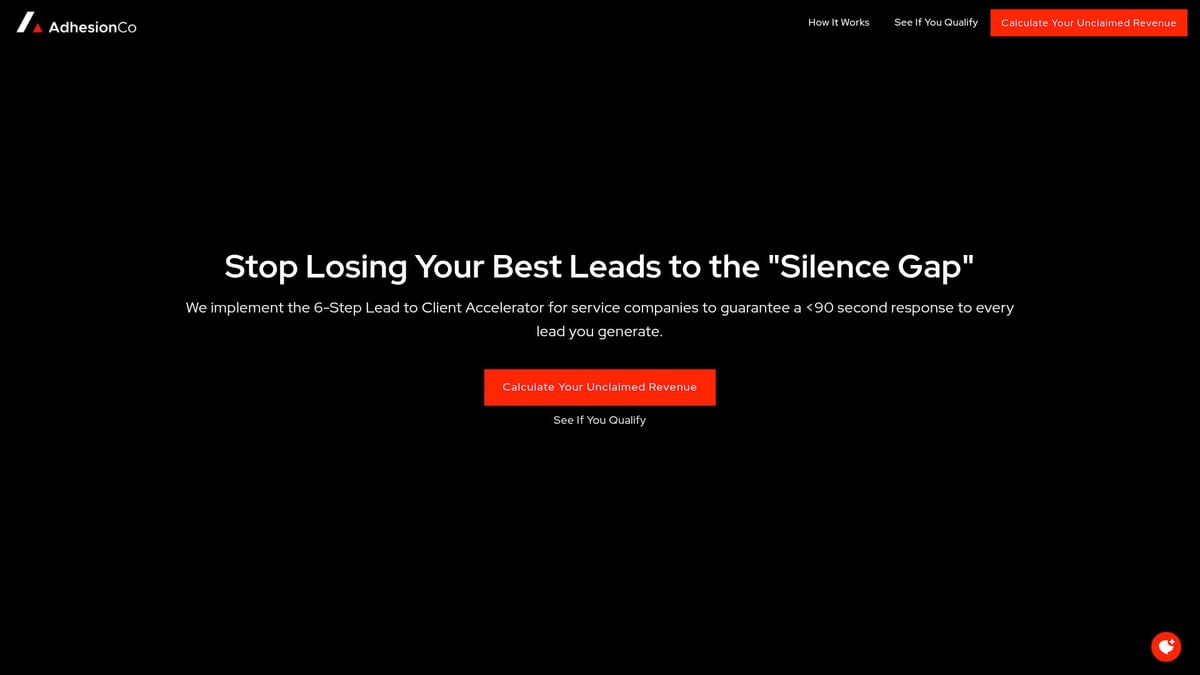
Adhesion Co. is tailored for businesses that want to ensure every lead gets a quick, personal response. The setup fee is $4,998, with managed operations at $498 per month and no per-lead fees. This small business software automates lead capture, integrates with your CRM, and qualifies and routes leads instantly.
Key Features:
- Automated lead response within 90 seconds
- Real-time pipeline dashboard
- CRM integration
Pros:
- Done-for-you setup
- Proactive monitoring
- Permanent sales system
Cons:
- Not for very small businesses or low lead volume
Example: A home services company doubled their booked appointments after using Adhesion Co. to automate follow-ups.
Trello
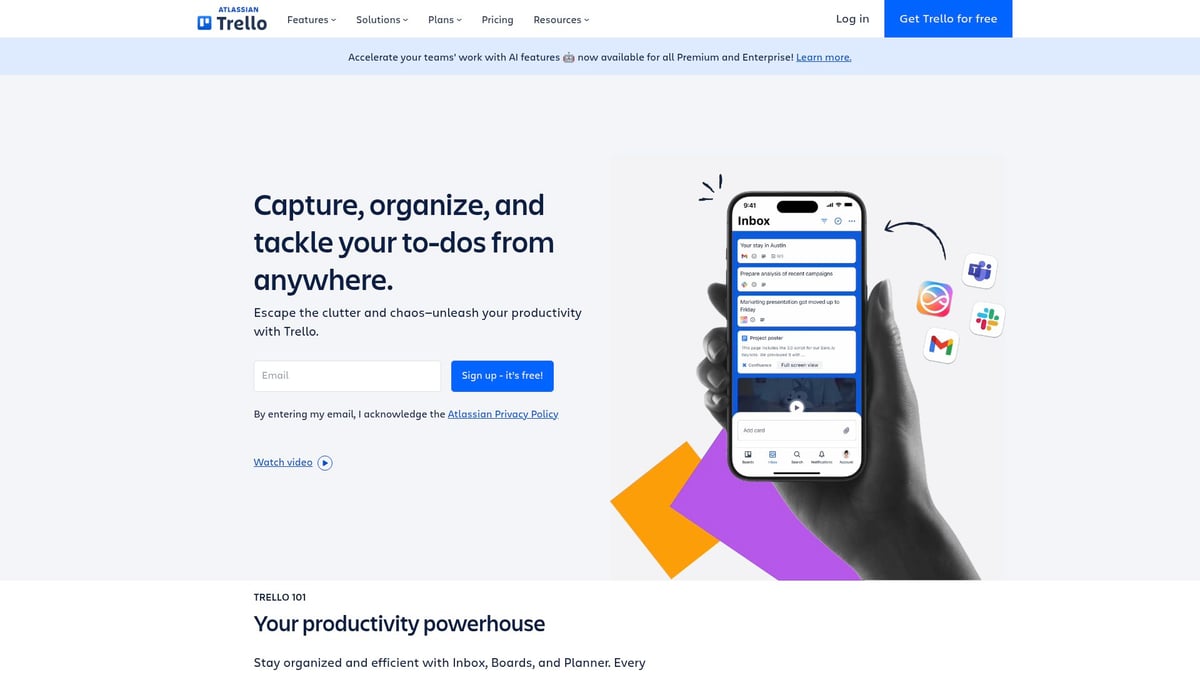
Trello makes project management visual and simple. Its free plan offers plenty for small teams, with paid plans from $5 per user per month. This small business software uses boards and cards to organize tasks and collaborate.
Key Features:
- Drag-and-drop task boards
- Team collaboration
- Integration with Slack and Google Drive
Pros:
- Easy to learn
- Flexible for various workflows
Cons:
- Limited reporting in the free version
Example: A marketing agency keeps campaigns on track and meets deadlines by managing projects in Trello.
QuickBooks Online
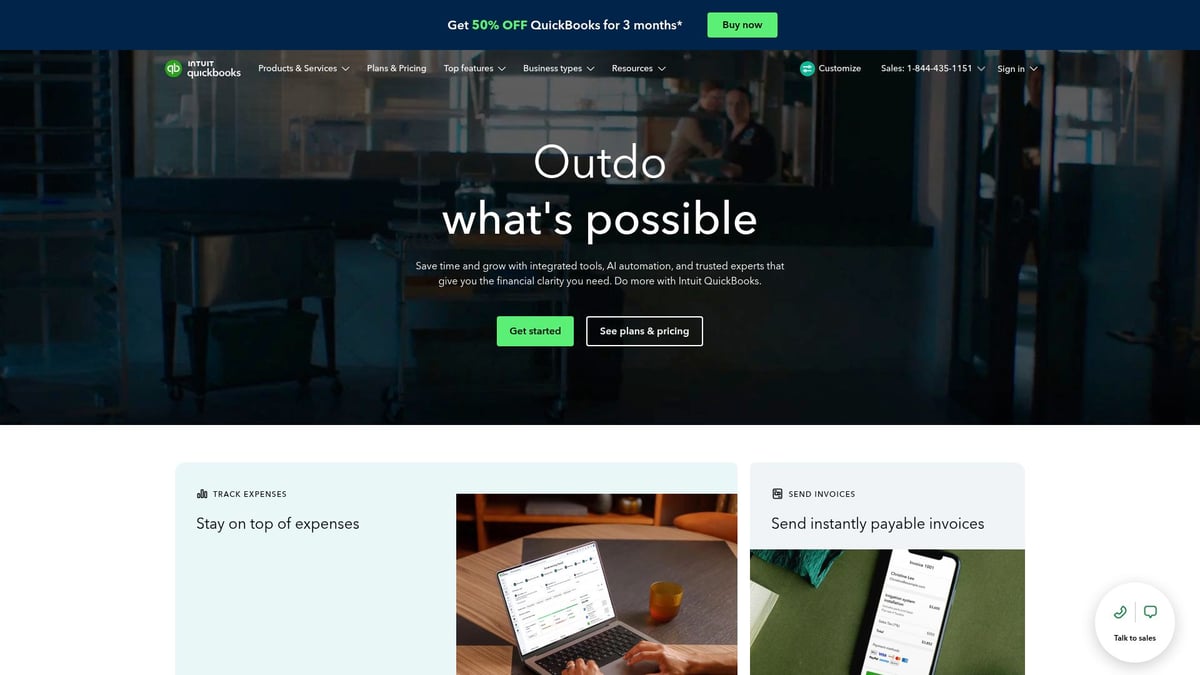
QuickBooks Online is a go-to for small business software in accounting. Plans start at $19 per month, scaling with features and users. It tracks income, expenses, payroll, and helps with taxes.
Key Features:
- Bank integration
- Real-time financial reports
- Invoicing and payroll
Pros:
- Trusted by millions
- Extensive integrations
Cons:
- Some add-ons cost extra
- Advanced features have a learning curve
Example: A boutique retailer manages sales, inventory, and tax filing all in QuickBooks.
Podium
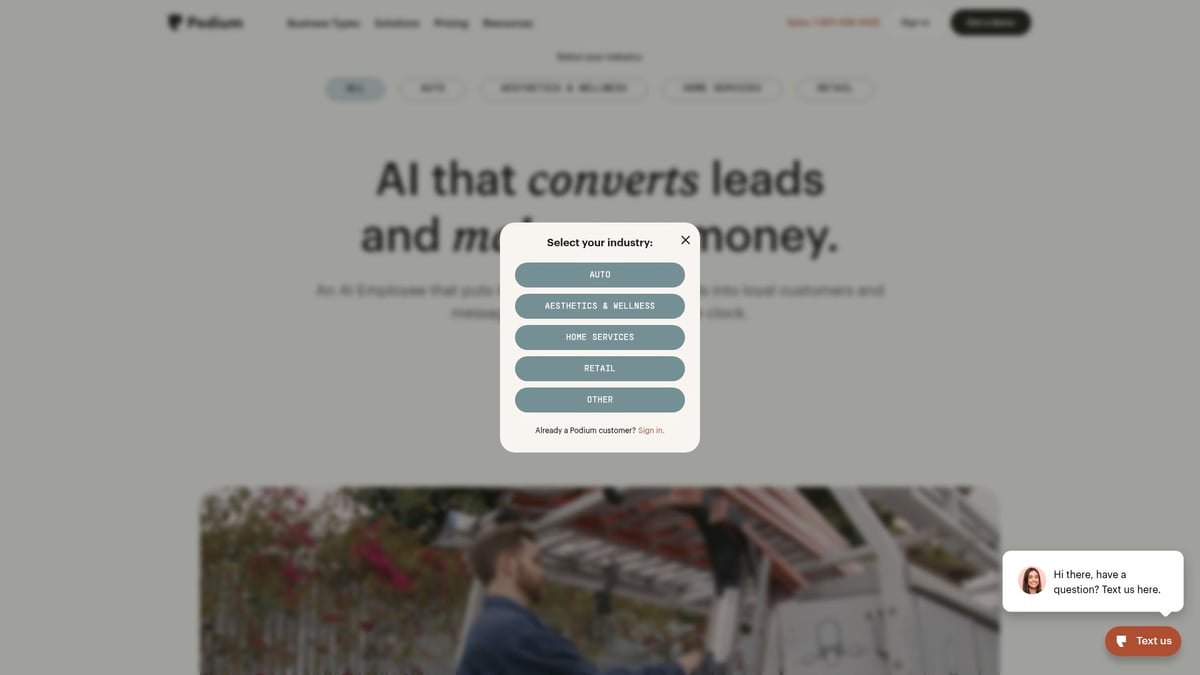
Podium centralizes customer communication and reviews. Pricing is custom, with small business entry plans. It handles messaging, payments, and reputation management from one place.
Key Features:
- Customer messaging
- Review requests
- Text-based payments
Pros:
- Faster response times
- Boosts positive reviews
Cons:
- Some features need higher plans
- Takes time to fully adopt
Example: A dental office increased new bookings by automating reminders and review requests through Podium.
Shopify
Shopify is a leading small business software for online selling. Plans start at $39 per month plus transaction fees. It lets you launch an online store, manage inventory, and sell across channels.

Key Features:
- E-commerce website builder
- Payment processing
- Shipping integration
Pros:
- Fast setup
- Scalable with business growth
Cons:
- Transaction fees if not using Shopify Payments
- Some design tweaks need coding
Example: A small clothing brand grew sales by connecting their Shopify store to Instagram.
Slack
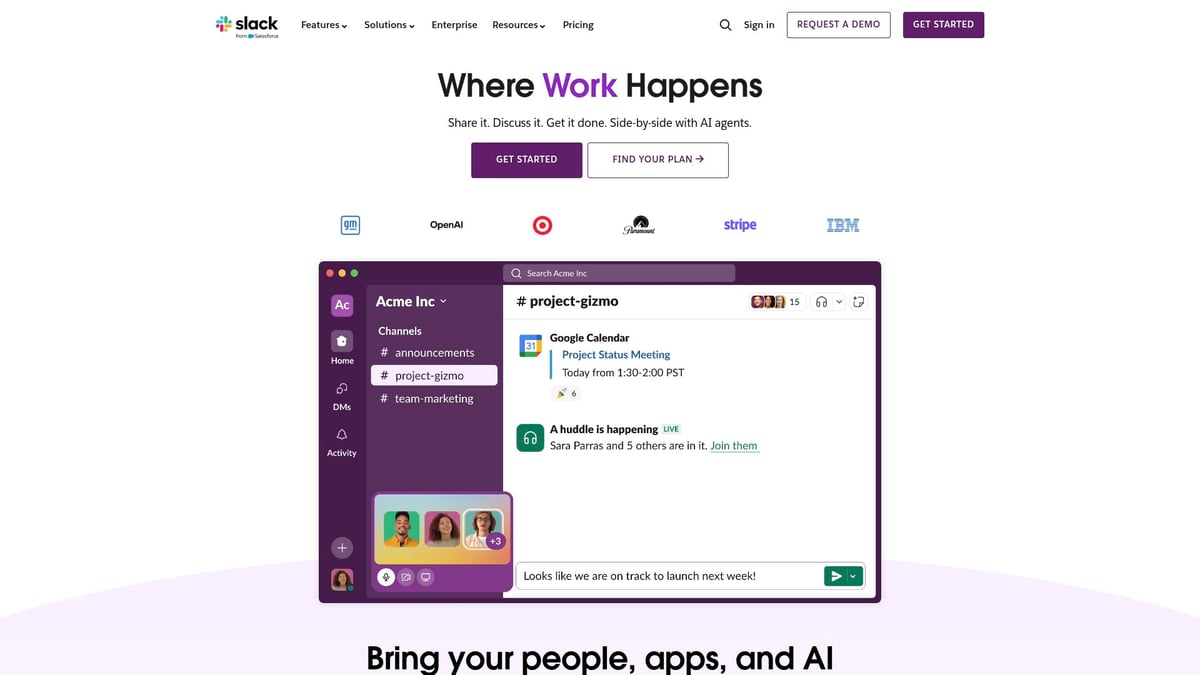
Slack is a favorite for team messaging and collaboration. Free for small teams, with paid plans from $7.25 per user per month. This small business software replaces endless email threads with real-time chat.
Key Features:
- Channels for topics or teams
- File sharing
- Searchable conversations
Pros:
- Integrates with Trello, Google Drive
- Reduces email overload
Cons:
- Can be distracting if overused
- Advanced features in paid plans
Example: A consulting firm manages all client updates and project conversations in Slack channels.
Gusto
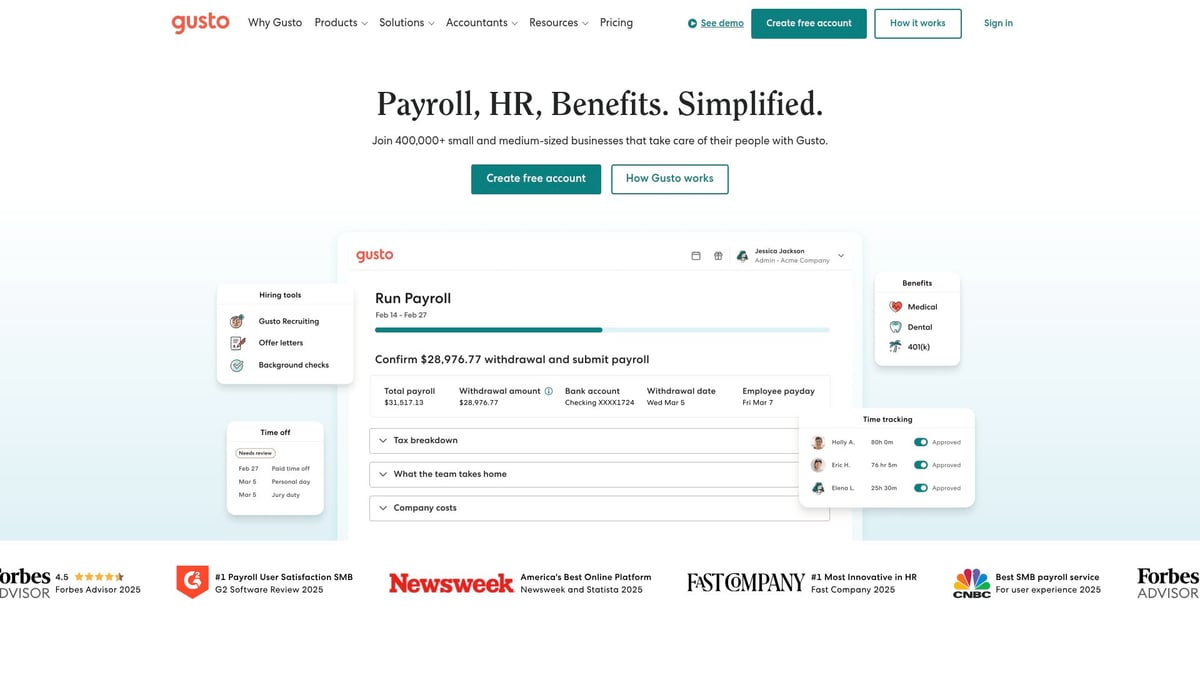
Gusto simplifies payroll and HR for small businesses. Pricing starts at $46 per month plus $6 per person. It automates payroll, benefits, and tax filings.
Key Features:
- Automated payroll
- Benefits administration
- Employee self-service
Pros:
- User-friendly interface
- Good customer support
Cons:
- Not ideal for businesses outside the US
- Some benefits add to the cost
Example: A tech startup saves hours each month with Gusto’s payroll automation.
HubSpot CRM
HubSpot CRM gives you contact management and sales tracking for free, with paid add-ons for more tools. This small business software helps organize leads, automate tasks, and visualize pipelines.

Key Features:
- Contact management
- Email templates
- Pipeline tracking
Pros:
- No cost to start
- Integrates with Gmail, Outlook
Cons:
- Advanced automation needs a paid plan
Example: A real estate team tracks deals from first contact to close in HubSpot CRM.
Canva
Canva is a favorite for design without needing a graphic designer. Free to start, with Pro at $12.99 per month. This small business software lets you create visuals for social media, flyers, and more.
Key Features:
- Drag-and-drop editor
- Templates for every need
- Team collaboration
Pros:
- Huge template library
- Easy to use for beginners
Cons:
- Some assets require Pro
- Not for advanced design work
Example: A bakery creates weekly menus and social posts using Canva.
Mailchimp
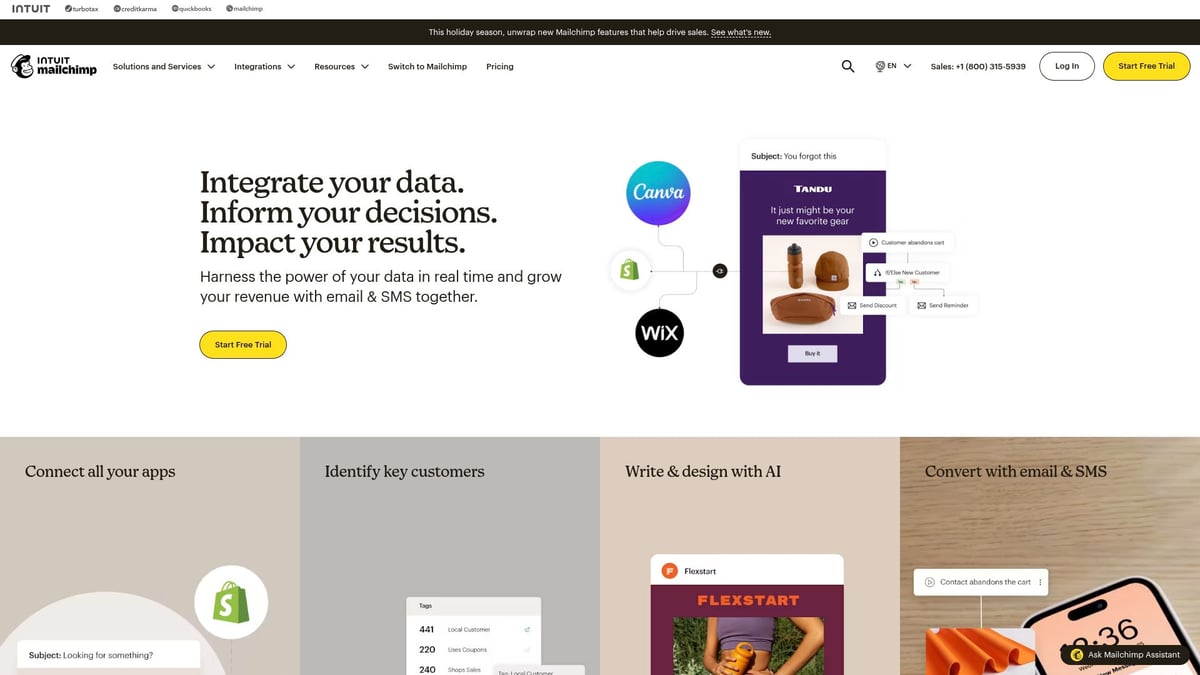
Mailchimp is an email marketing platform that’s easy for beginners. Free for up to 500 contacts, paid plans from $13 per month. Use this small business software for newsletters, automated emails, and audience segmentation.
Key Features:
- Drag-and-drop email builder
- Automation and analytics
- Integration with Shopify and more
Pros:
- Built-in analytics
- Simple for new users
Cons:
- Advanced features in higher tiers
- List management can be tricky
Example: A fitness studio keeps members engaged with automated class updates and welcome emails.
Want to see even more options? Check out this 2026 small business software guide for a broader overview of tools in every category.
How to Choose the Right Software for Your Business
Picking small business software can feel overwhelming, especially with so many options out there. The right choice will support your daily work, fit your budget, and grow with you. Here’s how to make a confident decision, even if you’re not a tech expert.
Assessing Your Needs and Budget
Start by listing your main pain points. Are you struggling with accounting, losing track of leads, or missing deadlines? Write down your must-haves for small business software.
Set a clear monthly or yearly budget. Many platforms offer free trials, so you can try before you buy. Don’t forget to include both the upfront and ongoing costs.
- Identify your top 3 workflow headaches.
- Decide what features are non-negotiable.
- Test a few tools with free trials.
If you want a more detailed approach, check out this guide on choosing new software applications.
Comparing Features and Integrations
Compare the features of each small business software option. Make a checklist of what you need versus what’s nice to have.
- Does it connect with your existing tools like email or accounting?
- Are there mobile apps or browser versions?
- Can you automate tasks or reports?
| Feature | Must-Have | Nice-to-Have |
|---|---|---|
| Integration with CRM | ✔ | |
| Mobile access | ✔ | |
| Advanced analytics | ✔ |
Prioritize tools that play well with your current systems. This saves you time and reduces headaches in the long run.
Evaluating User Reviews and Support
Check recent user reviews for each small business software on sites like G2 or Capterra. Look for feedback about customer support, uptime, and how easy it is to get help.
- Is there live chat or only email support?
- Do users mention quick problem-solving?
- Are there helpful onboarding guides?
Good support can make a huge difference, especially if you hit a snag during busy times.
Planning for Growth and Scalability
Choose small business software that can handle more users or extra features as your company gets bigger. Don’t get locked into a system that will hold you back.
- Can you add users without a big price jump?
- Are there upgrade paths or flexible plans?
- Does the software fit businesses of different sizes?
For a deep dive into what systems support business growth, see this small business systems guide.
Ensuring Security and Compliance
Security matters. Make sure the small business software you select uses encryption and offers secure logins.
- Look for two-factor authentication.
- Ask about how your data is stored and backed up.
- For regulated industries, confirm compliance like GDPR or PCI.
It’s always safer to ask questions up front than to deal with issues later.
Training Your Team and Ensuring Adoption
No software helps if your team won’t use it. Use onboarding guides, video tutorials, or live chat support to get everyone comfortable.
- Assign a “software champion” to answer questions.
- Schedule a check-in after the first month.
- Encourage feedback to improve how you all use the tool.
With the right small business software and a bit of planning, you’ll set your team up for less stress and more success.
FAQs
Got questions about small business software? You're not alone. Here are the answers to what owners ask most:
What’s the best all-in-one software for small businesses? The best choice depends on your needs, but many owners start with user-friendly small business software that covers accounting, sales, and tasks.
Can I integrate these tools with each other? Most top platforms offer integrations. Look for options that connect with your existing apps.
How do I know if I need to upgrade from free to paid plans? You'll usually need to upgrade when you reach limits on features, users, or contacts.
Are these solutions secure for handling customer data? Yes, leading small business software uses encryption and secure logins.
What happens if I outgrow my current software? Many systems offer scalable plans so you can add features as your team grows.
How much should I budget for business software? Costs vary, but most paid plans start under $50 monthly. Free trials are common.
Can I get support if I run into issues? Yes, most providers include live chat, help centers, or phone support.
Which software is best for remote teams? Tools like Slack or Trello are popular for remote work collaboration.
Do I need technical skills to set up these tools? Most are designed for easy setup, with guides and tutorials to help.
How do I migrate data from my old system to a new one? Many platforms offer import wizards or support to help you move your data.
If you’re ready to put these strategies into action and truly streamline your business operations, the next step is to see how automation can fit your unique needs. The right tools won’t just save you time—they’ll give you peace of mind, letting you focus on growth and what matters most to your business. Discover where you stand and what opportunities you might be missing by taking a quick, tailored assessment. It’s a practical way to identify gaps and find out how close you are to maximizing efficiency.
Get Your Automation Readiness Score
.png)
.png)