
.png)
Picture this: You reach for your phone, but nothing responds. Your laptop won’t boot, and your favorite apps freeze. What keeps all your devices and apps running smoothly, often without you even noticing? That’s where systems software steps in.
Systems software is the silent powerhouse working in the background. It’s what makes your phone, computer, and even smart home gadgets come alive and interact with you every day.
In this guide, you’ll uncover what makes systems software so essential. We’ll break down the basics, look at different types, highlight the latest breakthroughs, and show how it shapes your tech experience. By the end, you’ll see how understanding systems software can give you more confidence and control over your technology.
Curious to learn more? Let’s dive in and discover what’s really happening behind the screen.
What Is Systems Software?
Imagine turning on your laptop and seeing nothing but a blank screen. No apps, no icons, no mouse pointer—just silence. That’s what life would look like without systems software quietly working in the background. It’s the invisible layer making sure your devices, from smartphones to servers, actually do what you expect.
Defining Systems Software
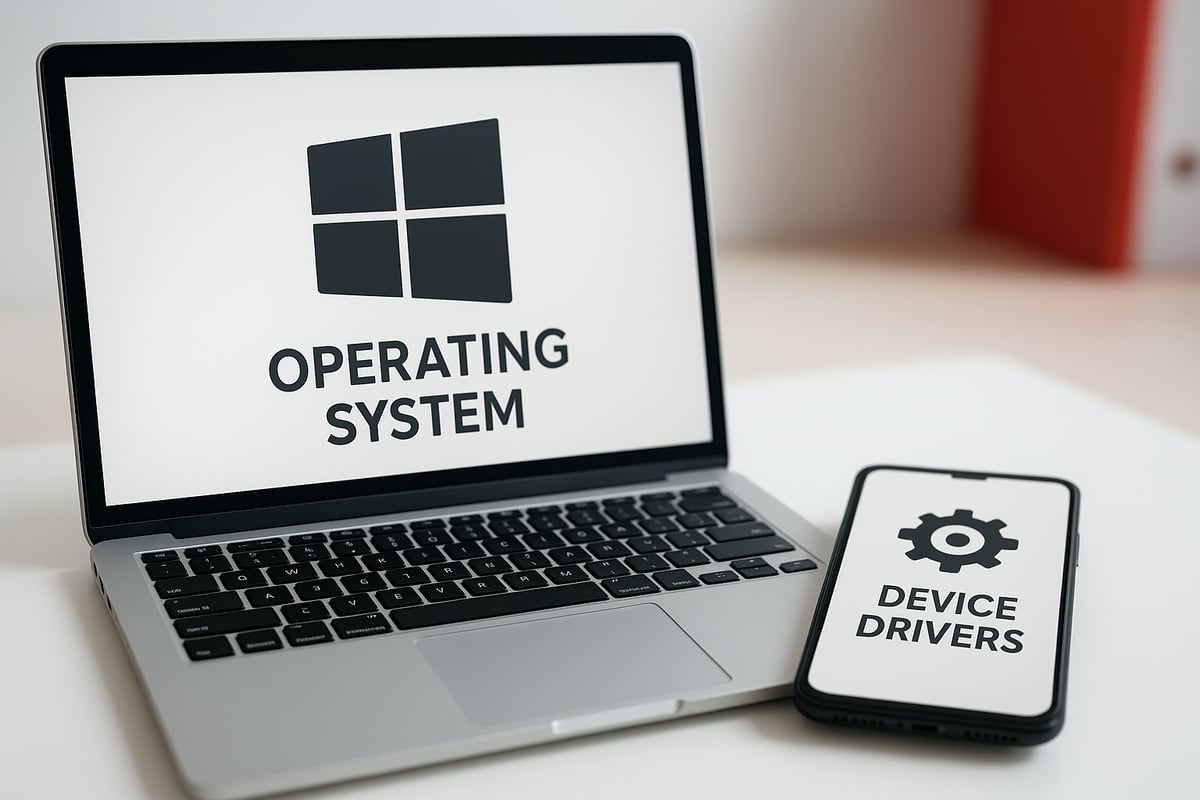
Systems software is the foundation that makes your hardware useful. It’s what lets your phone respond to a tap, your printer talk to your PC, and your laptop boot up in seconds. Unlike application software, which runs visible tasks like editing a photo or sending an email, systems software works behind the scenes.
Think of it this way:
| Type | Role | Example |
|---|---|---|
| Operating System | Manages hardware and apps | Windows, Android |
| Device Driver | Connects hardware to the OS | Printer driver |
| Utility Program | Maintains and optimizes system | Antivirus, backup tool |
| Firmware | Controls hardware directly | Router firmware |
You encounter systems software every day. When you unlock your phone, the operating system springs to life. Plug in a new camera, and a device driver steps in to help. Even your Wi-Fi router relies on firmware to manage connections.
This software also manages resources. It decides how much memory each app gets, which programs use the processor, and where files are stored. Over time, systems software has grown from simple command lines to advanced environments supporting touchscreens, cloud sync, and more.
Why Systems Software Matters
Systems software isn’t just background noise—it’s what keeps your tech stable, fast, and compatible. Without it, your favorite apps wouldn’t run, and your devices wouldn’t talk to each other.
Here’s why it matters:
- It enables multitasking, so you can browse, chat, and listen to music at once.
- It shares resources fairly, preventing one program from hogging everything.
- It powers everything from your smartwatch to massive data centers.
- It provides built-in defenses like user logins, permissions, and firewalls to keep your information safe.
For example, without device drivers, your computer couldn’t print documents or display graphics properly. Systems software bridges the gap between what you want to do and what your hardware can actually perform.
Core Components of Systems Software
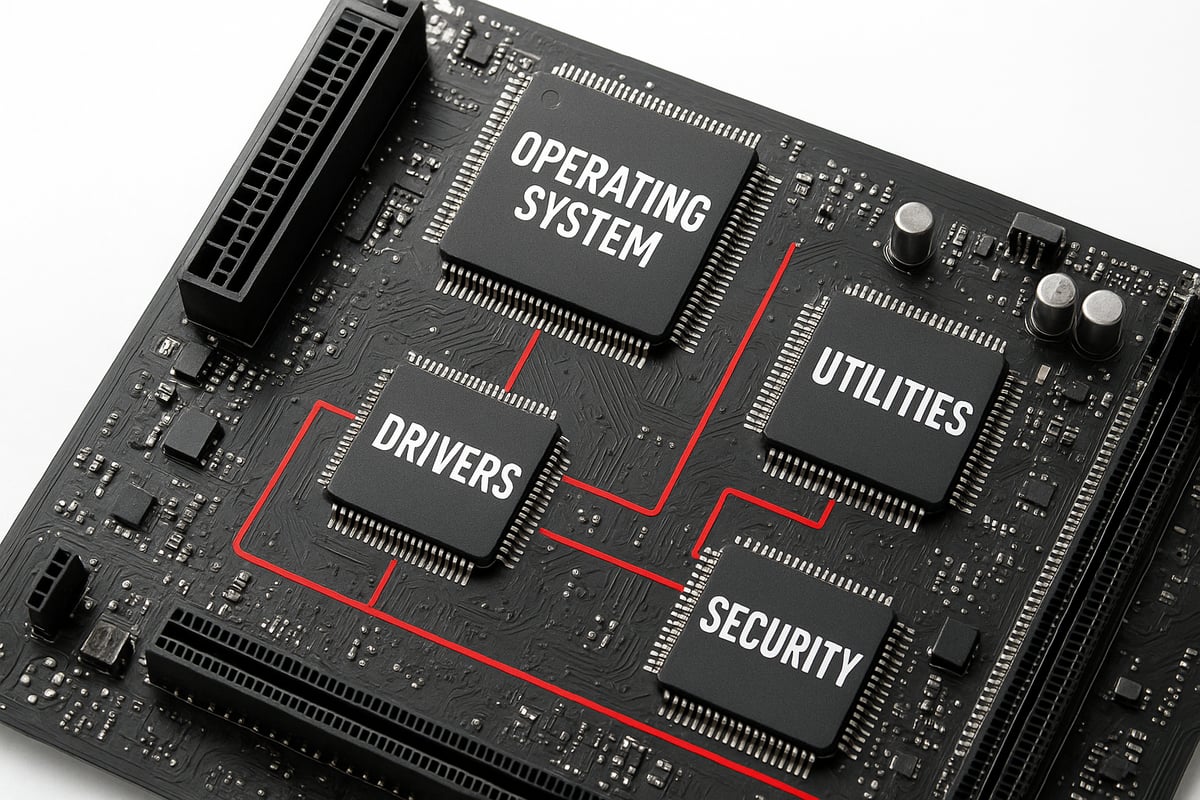
Understanding systems software means looking at its essential building blocks. Each part plays a unique role in keeping your devices and apps running smoothly.
Operating Systems
The operating system is the manager behind the scenes of systems software. It coordinates everything your device does, from launching apps to connecting to Wi-Fi.
Popular operating systems include:
- Windows
- macOS
- Linux
- Android
Operating systems handle process management, memory allocation, and provide the interface you use daily. They make multitasking possible by juggling different tasks efficiently.
You’ll also find specialized operating systems in smartwatches or connected home devices. Frequent updates keep your system protected and running at top speed. Without this core part of systems software, devices would be nearly impossible to use.
Device Drivers and Firmware
Device drivers and firmware are the translators of systems software. Drivers let your computer talk to hardware like printers, cameras, and graphics cards.
Examples of drivers and firmware:
- Printer drivers
- Network card drivers
- Graphics card firmware
Firmware is built into the hardware itself, controlling low-level functions. Updated drivers and firmware can fix glitches or add support for new features.
Without these pieces of systems software, your mouse, keyboard, or even your screen might not work at all. They ensure that devices from different brands can connect and communicate.
Utility Programs
Utility programs are the handy tools within systems software that keep things running smoothly. They help with routine maintenance, troubleshooting, and security.
Common utility programs include:
- Antivirus software
- File management tools
- Backup and restore utilities
Some utilities come built into your operating system, while others are available as third-party downloads. Whether you’re cleaning up disk space or restoring files, you’re relying on this layer of systems software.
These tools make it easy for users to manage their devices without digging into complex settings or code.
Resource Management and Security
A major job of systems software is to manage resources like the CPU, memory, and storage. It decides which apps get priority and when, making sure nothing crashes or freezes.
Security is built in at every level. Systems software handles user authentication, sets permissions, and maintains firewalls. These measures help prevent unauthorized access and keep your data safe.
Modern systems face complex security and performance challenges. For a deeper look at how experts address these, see this comprehensive Software Compartmentalization Analysis.
This layer of systems software is what lets you trust your device to keep your files safe, even as you multitask or connect to the web.
Recent Innovations and Research Trends
Innovation in systems software is moving at a rapid pace. Today, the field is shaped by advances in distributed computing, smarter automation, and new approaches to security. These changes are making devices faster, safer, and more adaptable.
Advances in Distributed Systems
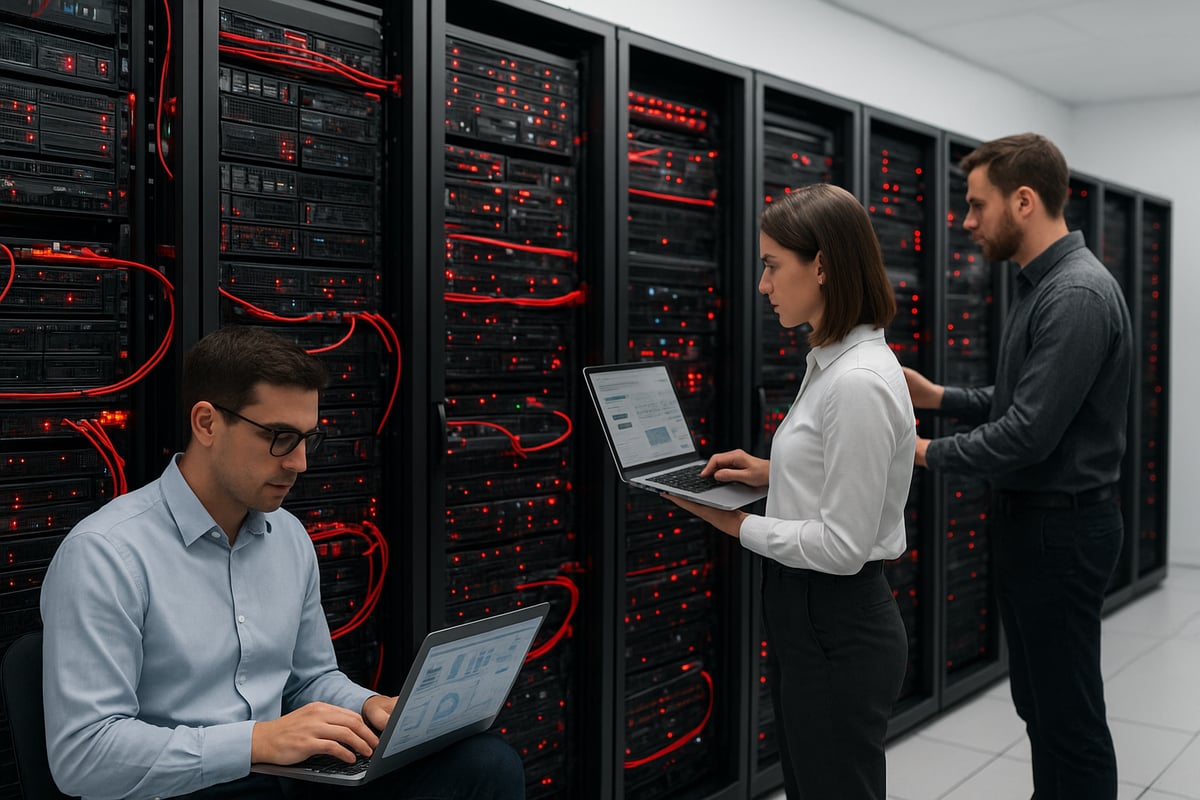
Distributed systems have become the backbone of modern tech. Systems software now supports vast networks of computers working together. Think about cloud storage or video streaming platforms—these rely on warehouse-scale computing.
Key developments include:
- Large-scale memory allocators like TCMalloc, which handle memory efficiently across thousands of machines.
- Improved fault-tolerance, so if one part fails, the system keeps running.
- Smarter scheduling, balancing workloads for speed and stability.
Without these advances, today's web services would struggle to deliver content quickly and reliably.
AI and Machine Learning Integration
AI has found a new role inside systems software. Machine learning helps systems software predict workloads, allocate resources, and even spot bugs before they cause trouble.
- Dynamic tensor shape inference lets AI models adapt on the fly.
- Automated bug detection finds issues in system code.
- AI-driven optimizations boost overall performance.
Researchers are exploring Self-sustaining Software Systems (S4), where software adapts and interprets itself, promising even more resilient systems software in the future.
Memory Management and Profiling
Memory usage is a constant challenge. Modern systems software uses new tools to track and optimize memory.
- Memory profiling frameworks like PROMPT help developers find leaks and inefficiencies.
- Real-time analysis lets teams fix problems before users notice slowdowns.
- Better memory management leads to faster apps and longer device lifespans.
These improvements are vital for everything from gaming consoles to cloud servers.
Security and Memory Safety
Security is always a top concern for systems software. The industry is moving away from memory-unsafe programming languages.
- Secure-by-design approaches are now standard.
- Hardware-assisted features, like protected memory regions, block common attacks.
- Built-in user authentication and permission systems add extra layers of defense.
These measures protect devices from new and evolving threats.
Performance Optimization
Performance matters, especially in resource-limited environments. Systems software now includes smarter ways to keep things running smoothly.
- Software-centric data prefetching, such as Limoncello, anticipates data needs.
- Lightweight operating systems power tiny devices without slowing them down.
- Continuous updates ensure systems software stays efficient as demands grow.
These strategies help devices boot faster and run longer, whether they're phones or industrial sensors.
Key Challenges in Systems Software Today
No matter how advanced systems software becomes, it faces some tough challenges that affect everything from your laptop to massive data centers. Let's break down the most pressing issues and see how they impact reliability, security, and day-to-day use.

Security Vulnerabilities
Security flaws in systems software are a constant threat. Memory safety bugs, such as buffer overflows, can let attackers take control of devices. This kind of issue has caused countless security incidents in recent years.
- Bugs often hide in millions of lines of code.
- Attackers frequently exploit these weaknesses.
- Fixing one flaw can reveal another.
For example, memory safety issues in operating systems have led to major breaches. Stronger systems software is essential to protect users and data.
Scalability and Complexity
Modern systems software must handle huge networks, cloud platforms, and many types of hardware. As systems grow, keeping everything running smoothly gets harder.
- Data centers rely on systems software to juggle thousands of servers.
- Workloads can change quickly, needing flexible responses.
- More devices mean more complexity to manage.
The right systems software helps balance these demands, but adapting to constant growth is a real struggle.
Compatibility and Integration
Supporting both new hardware and legacy devices is no small feat for systems software. Compatibility issues can slow down updates or cause certain devices to stop working altogether.
- New processors need updated drivers.
- Old systems might not support modern features.
- Firmware updates can be risky if not tested.
Without robust systems software, printers, cameras, and other peripherals might not work as expected.
Resource Efficiency
Systems software is always under pressure to do more with less. Every CPU cycle and megabyte counts, especially in large-scale or resource-constrained environments.
- Efficient memory management reduces costs.
- Smart allocation prevents slowdowns.
- Lightweight systems software is crucial for IoT and mobile devices.
Getting this balance right means smoother performance for everyone.
Keeping Up With Rapid Change
The pace of technology never slows. Systems software must evolve to keep up with new threats, hardware, and industry standards. Ongoing updates and skilled engineers are a must.
- Frequent updates patch bugs and add features.
- New hardware demands fresh expertise.
- Industry best practices shift quickly. For more on this, see Software experts insights.
Staying ahead means constant learning and adaptation.
Practical Applications and Real-World Impact
From the moment you wake up and check your phone, systems software is at work. It powers the operating system on your smartphone, manages memory on your laptop, and keeps smart home devices responsive.
- Quick app launches and fast boot times? That’s systems software optimizing resources.
- Automatic updates and device compatibility? It handles that, too.
Without systems software, even basic daily tasks would feel clunky and unreliable.
Everyday Devices and User Experience
Systems software shapes your experience with everyday tech. It’s the reason your tablet wakes instantly and your smartwatch syncs with your phone.
- Smartphones: OS updates keep devices secure and responsive.
- Laptops: Efficient use of memory ensures smooth multitasking.
- Smart TVs and speakers: Seamless connectivity and voice control.
When systems software runs well, you barely notice it. That’s the mark of a solid foundation.
Enterprise and Data Centers
Behind the scenes, systems software supports massive cloud platforms and keeps data centers humming. It balances resources across thousands of servers and keeps big workloads on track.
For many businesses, growth depends on reliable and scalable growth systems for business. Systems software is the backbone for these operations, making sure services stay online and data is protected.
- Cloud OS: Allocates storage and network bandwidth.
- Virtualization: Runs many apps on shared hardware.
- Security tools: Prevents threats in real time.
Industry-Specific Uses
In specialized fields, systems software takes on unique roles. In robotics, it controls precise movements and real-time feedback. Healthcare relies on it for medical device accuracy and data safety.
- Automotive: Real-time systems manage engine performance.
- Industrial automation: Keeps assembly lines running smoothly.
- Aerospace: Ensures mission-critical reliability.
Systems software adapts to strict requirements, from life-saving devices to self-driving cars.
Research and Development
Every leap in AI, networking, or cybersecurity relies on robust systems software. Researchers build and test new ideas on these platforms. Open-source projects invite global collaboration, driving faster progress.
- AI labs: Experiment with new memory management tools.
- Networking teams: Simulate internet-scale traffic.
- Security researchers: Test new protection models.
Without flexible systems software, innovation would slow to a crawl.
The Human Factor
No matter how advanced the code, people shape the future of systems software. Skilled developers solve tough problems and keep systems reliable. Ongoing education helps teams keep up with new threats and technologies.
Community feedback and peer review are essential. They help catch bugs, improve features, and build trust in the systems everyone depends on.
The Future of Systems Software: What to Watch For
Looking ahead, the landscape of systems software is rapidly shifting. New technologies and user expectations are driving changes at every level. Let’s break down what you can expect in the coming years.
Evolving Architectures
Hybrid and specialized operating systems are on the rise. These new designs support everything from edge devices to massive data centers. You’ll also see systems software adapting to quantum computing and unique hardware.
Some projects, like those discussed in the 6G Software Engineering Study, highlight the need for flexible software to match next-gen networks. This shift means more tailored solutions for specialized tasks.
- Hybrid OS for IoT and cloud
- Quantum-ready software layers
- Support for emerging chip architectures
Systems software is becoming more adaptable and focused on real-world needs.
Security by Default
Security is moving to the core of systems software. Many teams are now adopting memory-safe programming languages, reducing common vulnerabilities. Hardware and software are being designed together to make protection stronger.
Expect these changes to bring:
- Automatic threat detection
- Built-in encryption and privacy
- Reduced risk from memory bugs
The goal is to make security an invisible, reliable part of every system.
AI-Powered Automation
Artificial intelligence is reshaping how systems software manages resources. AI can handle tasks like performance tuning, error detection, and even self-healing.
As global AI adoption grows, it’s pushing IT spending and innovation to new heights, as seen in the Global AI Adoption Impact report. This trend will make systems software more responsive and efficient.
- Predictive resource allocation
- Automated updates and troubleshooting
- Smarter monitoring tools
AI is making complex systems easier to run and maintain.
Open Collaboration and Standards
Open-source development is at the heart of many systems software advances. Communities are coming together to build shared frameworks and set global standards.
This approach ensures:
- Faster bug fixes and improvements
- Broader compatibility across devices
- Transparent and trustworthy code
Global standards help everyone benefit from new technology, no matter where they are.
User-Centric Design
Users expect systems software to be simple and intuitive. Developers are focusing on seamless cross-device experiences and accessibility.
Look for these improvements:
- Easy-to-navigate interfaces
- Features for users with disabilities
- Consistent experiences from phone to desktop
With these changes, systems software will feel more personal and approachable for everyone.
Frequently Asked Questions
Wondering how systems software affects your daily tech experience? Here are answers to the most common questions people have about systems software.
What’s the difference between systems software and application software?
Systems software runs your devices behind the scenes, like your operating system, while application software is what you use every day, such as web browsers or games.Why are operating systems updated so often?
Updates fix bugs, improve security, and add new features to keep your device running smoothly.How does systems software affect device performance?
It manages memory, storage, and processing power, making sure your apps work fast and efficiently.What are the biggest security risks in systems software?
Bugs in systems software can let hackers in, so regular updates and security features are essential.How do innovations in systems software impact everyday users?
They lead to faster devices, better compatibility, and safer experiences. For small businesses, check the Small business systems overview for practical examples.Will AI replace human systems software engineers?
AI helps automate some tasks, but skilled engineers are still needed for complex decisions and creative problem-solving.How can I start learning about systems software development?
Try online tutorials, open-source projects, or join tech communities to gain hands-on experience.
As you’ve seen throughout this guide, understanding systems software is key to building a secure, efficient, and future ready business. If you’re ready to put these insights into action and transform your operations, now is the perfect time to take the next step. You don’t have to navigate automation alone—let us help you streamline your processes and eliminate manual tasks so you can focus on growth. Explore how we can support your journey and unlock your company’s full potential—Start Your Automation Journey.
.png)
.png)