
.png)
Ever wish you could just press a button and all your work would finish itself? That’s the promise of workflow automation. It takes the headache out of those repetitive, manual tasks that fill your day.
This article breaks down workflow automation in plain language. You'll learn what it is, why it matters, and how it can help you reclaim hours each week. We’ll walk through practical steps to automate, compare top tools, highlight trends, and flag mistakes to avoid.
Here’s what you can expect:
- Fewer errors and less busywork
- Teams that are happier and more focused
- A clear path to getting started
Ready to learn how to make work feel lighter?
What is Workflow Automation?
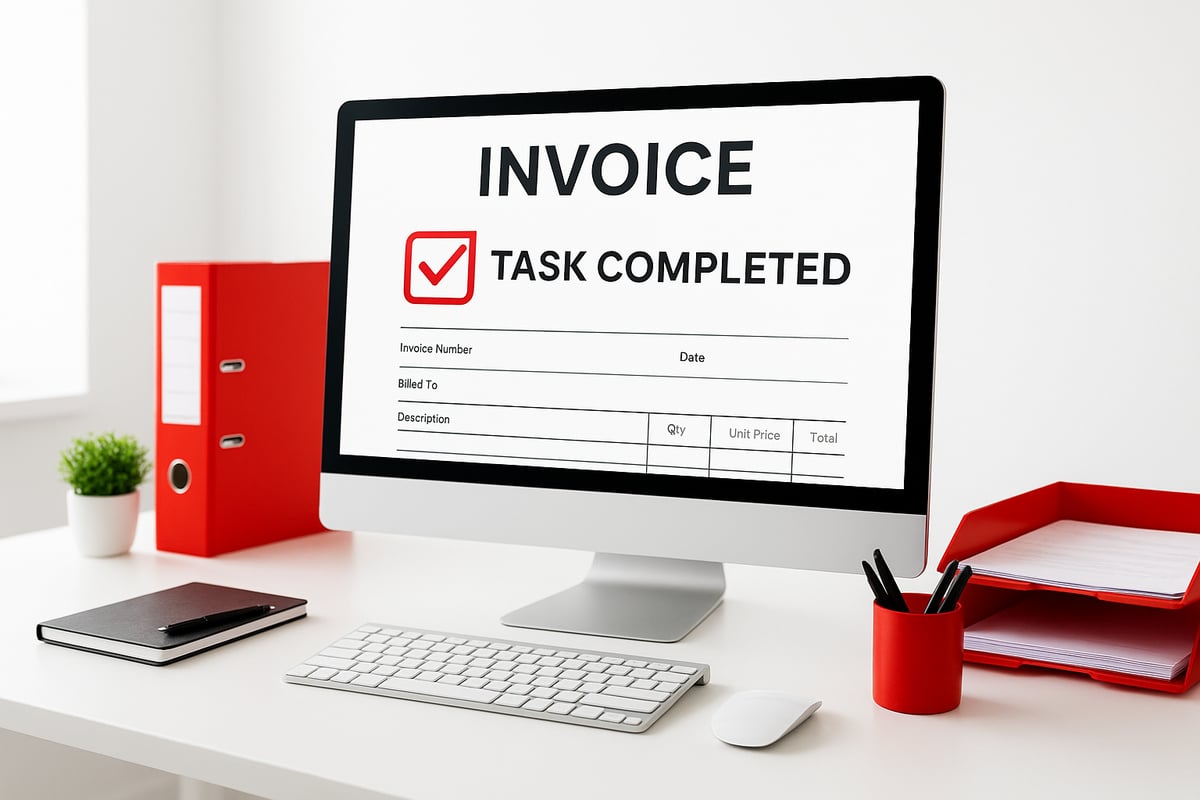
Picture this: you finish a job, and without lifting a finger, an invoice gets created and sent to your client. That's the heart of workflow automation. This approach uses software to handle repetitive tasks, so you don't have to do them by hand.
Defining Workflow Automation
Workflow automation means using digital tools to complete steps in a process automatically. Instead of moving files, sending emails, or updating records yourself, the software takes care of it.
Let's break down the main pieces:
- Triggers: What starts the process, like marking a job as complete
- Actions: What happens next, such as creating and sending an invoice
- Integrations: Connecting your favorite apps (CRM, accounting, email)
- Rules: The “if this, then that” logic behind the scenes
It's easy to confuse workflow automation with business process automation or robotic process automation. Business process automation covers bigger, end-to-end systems. Robotic process automation focuses on mimicking human actions in software. Workflow automation is often the simplest to start with for everyday tasks.
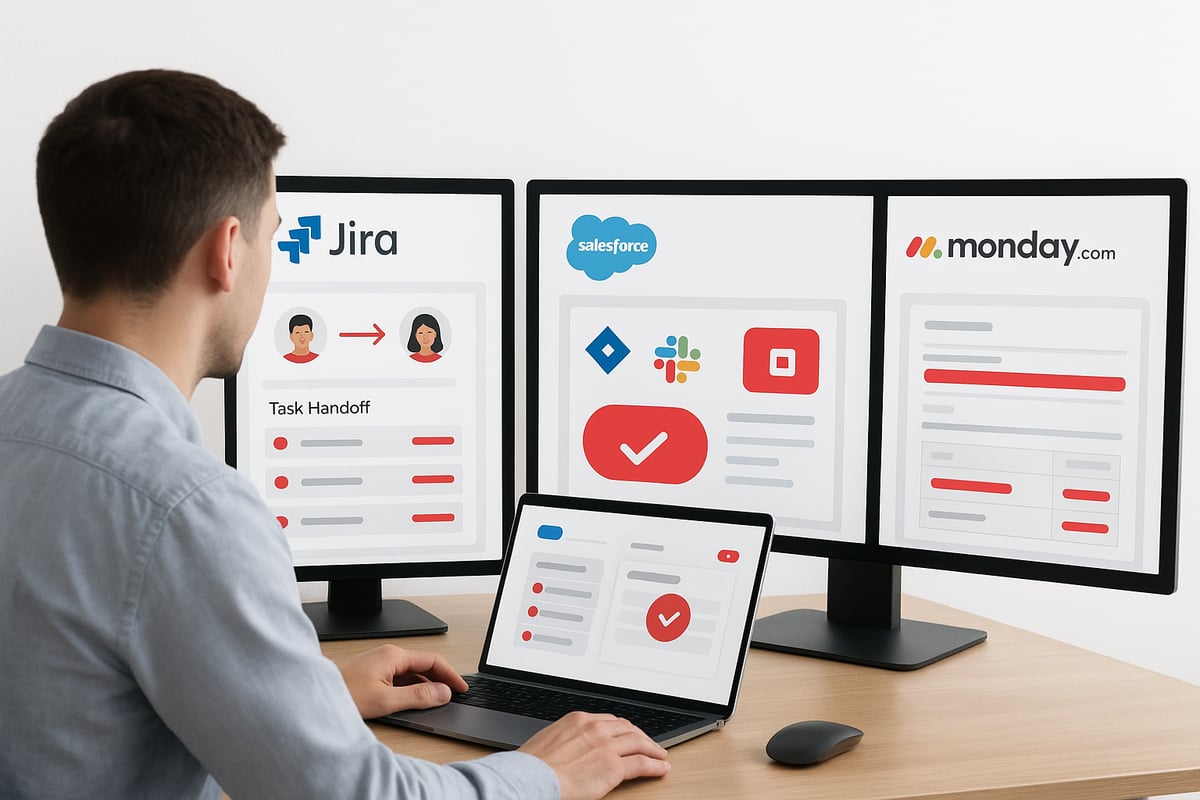
Platforms like Jira and Salesforce make task handoffs automatic, so nothing falls through the cracks. Many businesses use workflow automation for onboarding, approvals, and notifications. Curious about all the details? See this Deep Dive: What Is Workflow Automation for a full breakdown.
AI is now helping automate even more complex steps, learning patterns and suggesting next moves.
Why Businesses are Turning to Automation
Manual work is a pain. Think about:
- Typing in the same data over and over
- Searching for lost emails
- Waiting days for someone to approve a document
These problems slow teams down and cause mistakes. Companies using workflow automation can cut processing times by up to 30% (Salesforce). Fewer errors mean happier clients and less stress for your team.
As customers expect quicker responses, businesses need to keep up. Workflow automation helps teams work smarter, not harder, and makes it easier to deliver a smooth experience every time.
The Benefits of Workflow Automation
Automating routine tasks isn't just a tech upgrade. It can completely change how your business runs each day. Let's break down the main benefits you'll see with workflow automation.

Time and Cost Savings
When you use workflow automation, you cut out hours of manual work every week. For example, a service business that automates job scheduling and invoicing can save several hours each week. Fewer manual steps mean fewer overtime hours and less chance of mistakes.
- Automated scheduling and billing
- Fewer late nights spent on paperwork
- Direct reduction in labor costs
Recent workflow automation statistics show that businesses can cut processing times by up to 30 percent.
Improved Accuracy and Consistency
Manual data entry is a recipe for errors. With workflow automation, you set up rules and let the system handle repetitive tasks. This means fewer mistakes, like duplicate customer records or missed steps.
- CRM integration updates records automatically
- Standardized approvals and notifications
- Fewer lost emails and misfiled documents
You'll notice a big drop in frustrating errors.
Enhanced Employee Satisfaction
Nobody enjoys doing the same task over and over. Workflow automation lets your team focus on projects that matter, not repetitive admin work. Many companies report that employees feel more valued and stay longer when boring tasks are automated.
- Staff spend more time on meaningful work
- Less frustration with manual processes
- Higher retention rates after automation rollouts
Better Customer Experience
When customers get quick, accurate updates, they feel valued. Workflow automation sends notifications automatically, so clients always know what's happening with their order or job.
- Automated status updates
- Faster response to customer requests
- Fewer missed follow-ups
This consistent communication keeps customers happy.
Scalability and Flexibility
As your business grows, workflow automation grows with you. You won't need to hire extra admin help just to keep up. The system can easily handle more jobs, clients, or requests without missing a beat.
- Manage seasonal rushes without extra staff
- Expand services without extra paperwork
- Adapt automations as your needs change
Workflow automation gives you the flexibility to handle growth and change smoothly.
Key Steps to Automate Your Workflows
Getting started with workflow automation can feel overwhelming, but breaking it into clear steps makes it manageable. Here’s how to take your first steps and set your business up for success.

1. Identify Manual Processes
Start by pinpointing the tasks that eat up the most time. Look for jobs you repeat daily or weekly, such as:
- Data entry (like copying info between systems)
- Generating reports
- Invoicing clients
- Chasing approvals
Map out your routines. Track how long it takes to create an invoice by hand, or how often you’re stuck waiting for email replies. These are prime candidates for workflow automation. The more you can visualize these tasks, the easier it’ll be to spot bottlenecks and opportunities for change.
2. Set Clear Goals and KPIs
Before diving in, decide what you want to achieve with workflow automation. Are you aiming to save time? Reduce errors? Speed up payments?
Define specific metrics:
- Time saved per process
- Number of errors before and after automation
- Payment turnaround times
Set a baseline by measuring these numbers now. Later, compare them to see how much workflow automation has improved things. This approach keeps your efforts focused and measurable.
3. Choose the Right Tools
The right platform can make or break your workflow automation journey. Decide if you want a low-code or no-code tool, which lets you build automations visually, or a custom-coded solution for more complex needs.
Make sure the tool integrates with your existing systems, such as your CRM, accounting, or field service software. Popular options include Jira, Salesforce, Zapier, and Monday.com. For a step-by-step walkthrough, check out the Automate Business Solutions Guide.
Compare features like:
| Tool | Ease of Use | Integrations | Customization |
|---|---|---|---|
| Jira | Moderate | High | High |
| Zapier | High | Very High | Moderate |
| Salesforce | Moderate | High | High |
| Monday.com | High | High | High |
4. Design and Test Automated Workflows
Now, start building. Set up triggers (like a job marked as complete), define the actions (such as auto-creating an invoice), and test the results.
Build automations one step at a time. Run a pilot with a small team to spot issues early. Testing lets you iron out kinks before rolling workflow automation out to everyone.
5. Train Your Team
A new system only works if people know how to use it. Give your team simple guides and hands-on sessions. Walk through the new workflow automation together.
Encourage questions and listen to feedback. Tweaks based on real-world use will make your automations stronger and help everyone feel included in the change.
6. Monitor, Optimize, and Expand
Keep an eye on your KPIs. Are processes faster? Are errors down? Review your workflow automation regularly and adjust as your business grows.
When you add new services or see new bottlenecks, expand your automations. Start small, then build as you see results.
Top Workflow Automation Tools and Platforms
Choosing the right workflow automation platform can make all the difference. With so many tools on the market, it helps to know what sets each apart and how they fit your needs. The workflow automation landscape is expanding quickly, with platforms offering everything from drag-and-drop builders to AI-powered recommendations. For a deeper look at market growth and the forces behind it, see the Workflow Automation Market Forecast 2025-2035.
Overview of Leading Platforms
Several workflow automation platforms are popular for their flexibility and integration options. Jira is widely used for project and task automation, letting teams assign, track, and complete tasks with ease. Salesforce specializes in CRM process automation, handling everything from lead capture to customer follow-ups. Zapier connects hundreds of different apps, automating tasks between them. Monday.com offers custom workflow automation, with visual boards and templates. ServiceNow is a favorite for IT and service management.
Key features to compare:
- Drag-and-drop workflow builders for easy setup
- AI-powered suggestions for smarter automation
- Integration with other business tools
- Customizable triggers and actions
Each platform brings unique strengths, so your choice depends on your team’s needs.
Industry-Specific Solutions
Certain workflow automation tools are built for specific industries. Service businesses often use field service management platforms that automate scheduling, dispatch, and invoicing. Marketers turn to HubSpot or Marketo for campaign automation, lead tracking, and customer engagement. Financial teams rely on platforms that sync with accounting software to automate approvals and reporting. IT departments prefer tools like ServiceNow for ticketing and asset management.
Industry-focused tools help teams work faster by handling the repetitive tasks unique to their field. Choosing a platform designed for your industry can speed up adoption and results.
Factors to Consider When Choosing a Tool
When picking a workflow automation tool, keep these factors in mind:
- Compatibility with your existing systems (CRM, accounting, communication tools)
- Ease of use and the learning curve for your team
- Pricing models: some charge per user, others by workflow or flat rate
- Support options and size of the user community
Testing a few options with a small team before rolling out company-wide can help you find the right fit. Look for tools that can grow with your business and support new needs over time.
Real-World Examples
Companies across industries have seen major gains with workflow automation. For example, a service business using Monday.com automated its client onboarding and reduced manual steps by half. Marketing teams using Zapier sped up lead handoffs and follow-ups. Salesforce users report 25 to 40 percent faster turnaround on key processes after automation. These tools reduce errors, save time, and help teams focus on more meaningful work.
Real stories show that workflow automation isn’t just for big companies. Small and mid-sized teams can see big improvements in efficiency and job satisfaction.
Future Trends in Workflow Automation
The landscape of workflow automation is changing quickly. New technology is making it easier for businesses to automate more—and do it smarter. Here’s what you can expect next.
AI and Machine Learning Integration
AI is taking workflow automation beyond simple tasks. Now, software can predict what needs to happen next by learning from past actions. For example, an AI-powered system might suggest the next step in a sales process based on a customer’s behavior.
You’ll see more tools that use machine learning to recommend actions, spot patterns, and even automate decisions. This means less guesswork and more time saved. Curious about what’s coming? Check out these 15 Workflow Automation Trends in 2025 for a deeper dive into AI’s growing role.
Conversational Interfaces and Chatbots
Chatbots and voice assistants are making workflow automation even more accessible. Instead of filling out forms, employees can type a quick message or use voice commands to trigger automated tasks.
- Requesting time off in Slack or Teams
- Getting instant status updates
- Approving expenses without opening another app
These conversational tools cut down on steps and make processes feel more natural.
Hyperautomation and End-to-End Orchestration
Hyperautomation means connecting different automation tools so they work together. Instead of automating just one task, you can automate a whole process—like onboarding a new hire from paperwork to IT setup.
- Multiple apps working in sync
- Fewer manual handoffs
- Smoother transitions between teams
Workflow automation platforms are focusing on linking everything, not just single steps.
Increased Focus on Security and Compliance
As workflow automation handles more sensitive data, security is a bigger priority. Businesses want tools that encrypt information and track who does what.
- Automated audit trails
- Built-in privacy controls
- Regular security updates
You’ll see platforms adding features to help companies meet strict privacy rules and keep data safe.
Democratization: Automation for All Roles
Workflow automation is no longer just for IT experts. With drag-and-drop builders, anyone can set up automations without code.
- Marketing teams automating campaigns
- Finance automating reporting
- Operations speeding up approvals
This shift means more people can solve their own problems and improve how they work.
Common Pitfalls and How to Avoid Them
Workflow automation can be a game changer, but a few common mistakes can slow you down or cause frustration. Here’s what you need to watch out for—and how to sidestep trouble.
1. Automating the wrong processes
Jumping in and automating a broken or unnecessary workflow only locks in bad habits. Before setting up any automation, review the process. Ask, does this step really add value? For a deeper look into improving operations, check out Automation in Operations Explained.
- Map out each step before automating
- Remove or fix inefficient steps first
2. Lack of team buy-in
If your staff isn’t on board, even the best workflow automation can fail. People might worry about job security or feel left out of changes.
- Hold workshops to get input
- Show how automation removes boring tasks, not jobs
3. Poor integration with existing tools
Automations that don’t connect smoothly to your main systems can cause double work or errors. Imagine having to copy data manually between apps—that’s what you’re trying to avoid.
- Check compatibility before committing
- Test integrations with small data sets first
4. Overcomplicating workflows
Trying to automate everything at once can create tangled, fragile systems. Start simple and build up as you learn what works.
- Begin with one or two key tasks
- Expand only after the basics run well
5. Ignoring ongoing maintenance
Workflow automation isn’t “set and forget.” As your business changes, your automations need updates to stay relevant.
- Set reminders to review workflows regularly
- Assign someone to own each automation
6. Not tracking results
If you don’t measure how your automation is working, you’ll miss out on improvements. Use clear metrics to see what’s working and where tweaks are needed.
- Track time saved, errors reduced, and customer response
- Adjust workflows based on real data
Avoiding these pitfalls keeps workflow automation running smoothly, saving you time and letting your team focus on what matters.
FAQs
Got questions about workflow automation? You’re not alone. Here are clear answers to the most common concerns, so you can feel confident getting started.
What’s the difference between workflow automation and business process automation?
Workflow automation handles specific, repeatable tasks like sending invoices, while business process automation covers broader, end-to-end business processes that may include many workflows.How do I know which tasks to automate first?
Start with tasks that are repetitive and time-consuming, such as data entry or onboarding. For onboarding examples, see these Customer Onboarding Automation Tips.Do I need coding skills to set up workflow automation?
Most modern platforms offer no-code or low-code options, so you can automate without programming experience.What are the most common mistakes when starting with automation?
People often automate broken processes or skip testing. Always review and improve the process first.How much does workflow automation software typically cost?
It varies. Some tools charge per user or workflow, while others offer flat rates. Costs can range from free to hundreds per month.Can automation work with my existing tools and software?
Most workflow automation platforms integrate with popular apps like CRMs, accounting tools, and email. Always check compatibility before choosing a solution.How do I measure the ROI of workflow automation?
Track time saved, error reduction, and faster completion of tasks. Compare before-and-after metrics to see the impact.What should I do if my team resists automation?
Involve your team early, provide training, and show how automation reduces their busywork.How often should I review and update my automated workflows?
Plan to check your automations at least every few months, or whenever your business processes change.Are there security risks with automating sensitive business processes?
Yes, so use platforms with strong security controls and compliance features. For more on future trends and security, see Top 5 Trends Shaping Workflow Automation in 2025.
As you’ve seen throughout this guide, workflow automation isn’t just about saving time—it’s about reclaiming your focus, eliminating errors, and setting your business up for sustainable growth. If you’re ready to put these strategies into action and want a trusted partner to help you streamline operations, why not take the next step? We can help you move from manual tasks to efficient, automated systems designed for service businesses like yours. Let’s work together to make your processes smarter and your team’s day-to-day easier—Start Your Automation Journey.
.png)
.png)