
.png)
Imagine starting your day, only to face a mountain of emails, endless approvals, and scattered tasks. It seems like there's never enough time, and manual steps just make things worse.
If you're tired of obstacles slowing your team down, you're not alone. This guide is here to help you discover business workflow tools that actually make work simpler, not harder.
You'll find a clear breakdown of the top tools, what they offer, how much they cost, and which teams will benefit most. Ready to find a better way to work? Dive in and see which tools could change your day.
What Makes a Great Business Workflow Tool?
Trying to get things done while switching between apps, chasing down approvals, and sorting through endless emails is exhausting. This is where business workflow tools step in—they take the busywork out of your day.
Defining Workflow Tools and Why They Matter
Business workflow tools help you automate steps like approvals, document routing, or moving sales leads from one stage to another. Instead of tracking requests in your inbox, these tools move work forward automatically.
Imagine an IT manager who spends hours resetting passwords for employees. With the right workflow tool, those requests get routed and completed without manual effort. According to McKinsey, generative AI and automation could handle up to 70% of repetitive tasks, freeing teams for higher-value work.
If you're curious about how automation fits into modern work, check out this What is workflow automation guide for a deeper dive.
The main benefits? Fewer manual steps, quicker responses, and less chance of things slipping through the cracks.
Must-Have Features for Modern Teams
The best business workflow tools make life easier for everyone, not just tech experts. Here are key features to look for:
- Integration with popular apps like Microsoft 365, Salesforce, Slack, or your CRM.
- No-code or low-code options so anyone can customize workflows.
- Real-time notifications and dashboards to keep teams updated.
- Support for both routine and creative processes.
- Security and compliance for sensitive info.
- Mobile-friendly interfaces for remote work.
- Scalability, so the tool grows as your business does.
These features help business workflow tools fit into any team's daily routines, making it simple to adapt as your needs change.
Evaluating Tools: What to Consider
Choosing business workflow tools means looking beyond features. Consider:
- Is the pricing clear, and is there a free trial?
- How steep is the learning curve? Are support resources available?
- Can the tool adapt as your team gets bigger or your processes change?
- What do real users say about customer support?
- Does the tool fit your industry, whether it's IT, HR, finance, or sales?
A little research up front makes it much easier to pick a tool that fits—saving you time, money, and headaches down the line.
Top 10 Business Workflow Tools to Streamline Success
Choosing the right business workflow tools can be overwhelming, so let's break down the top options. Each tool here brings something unique to help you tackle daily bottlenecks, cut down on repetitive work, and make your team's life easier. Explore the features, pricing, and real-world examples to find the best fit for your needs.
Adhesion Co.
Adhesion Co. specializes in business workflow tools for service companies that handle a lot of leads. The setup fee is $4,998, with managed operations at $498 each month.
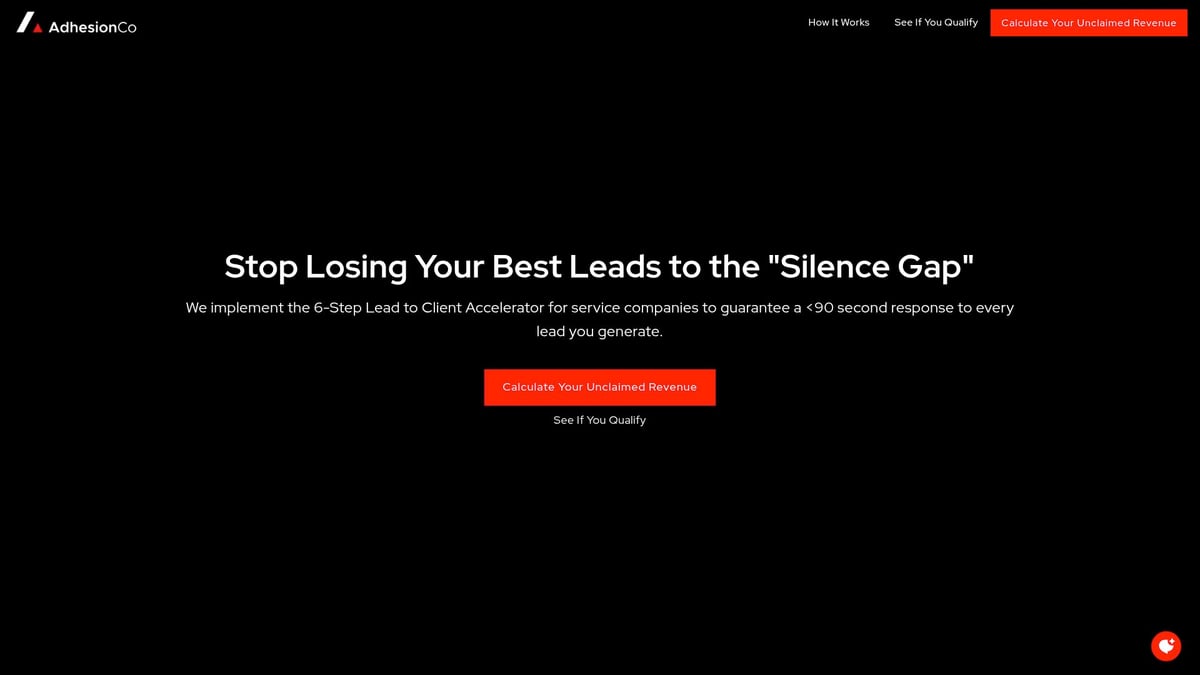
Core features include universal lead capture, automated responses, intelligent qualification, CRM sync, and real-time dashboards.
What sets Adhesion Co. apart is its guaranteed sub-90-second response for new leads. There's a permanent sales infrastructure and flat-fee pricing—no per-lead charges at all.
This tool fits service-based businesses with high lead volume and over $1M in revenue.
Pros:
- No per-lead fees
- Proactive system monitoring
- High-touch support
Cons:
- Best for established, growth-focused businesses
A home services company using Adhesion Co. doubled conversion rates by never missing a lead. For a broader comparison, see the Business process workflow software guide.
Zapier
Zapier is a favorite among small and midsize businesses looking for simple business workflow tools. It offers a free plan, with paid options starting at $19.99 per month.
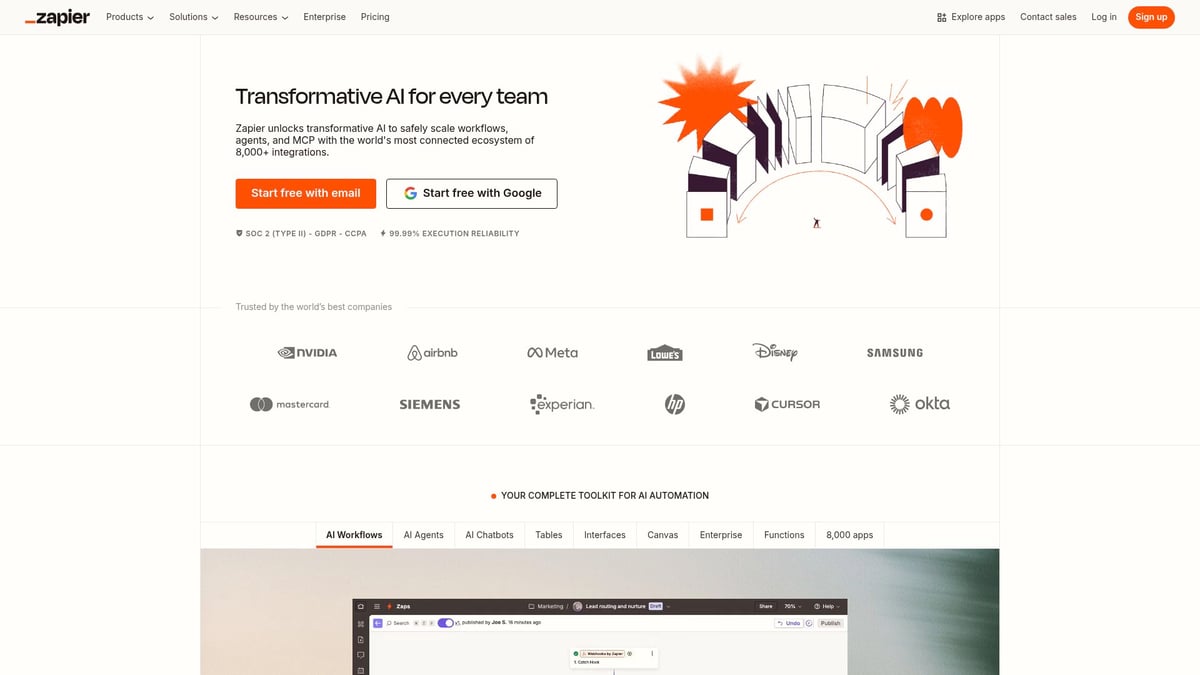
Zapier connects with over 6,000 apps and automates repetitive tasks using Zaps. No coding is needed, and you can build flows to automate anything from sending invoices to syncing data between spreadsheets and CRMs.
Pros:
- User-friendly interface
- Vast integration library
- Scalable for growing needs
Cons:
- Complex workflows can get expensive
- Some advanced features need higher tiers
A marketing agency saved over 10 hours weekly by automating lead assignments, freeing up time for creative work.
Process Street
Process Street helps teams standardize recurring tasks with AI-powered business workflow tools. Pricing starts at $100 per month for teams.
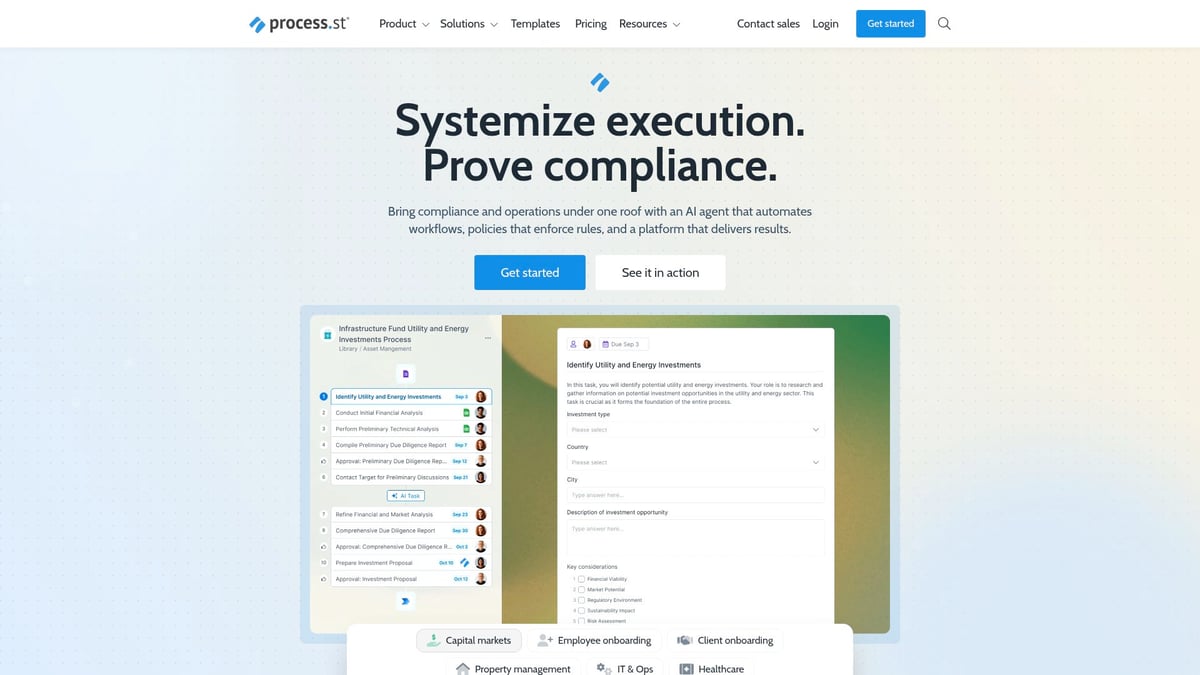
Key features include checklist templates, approval processes, and conditional logic. It integrates with Slack, Zapier, and more, so you can automate onboarding, audits, or SOPs.
Pros:
- Easy template sharing
- Ensures compliance
- Integrates with popular tools
Cons:
- Some features need premium plans
- Limited reporting capabilities
An HR team automated onboarding, which cut manual errors and made new hires feel supported from day one.
Workato
Workato is built for businesses needing powerful business workflow tools that handle complex, multi-system processes. Pricing is custom, but usually starts around $10,000 per year.
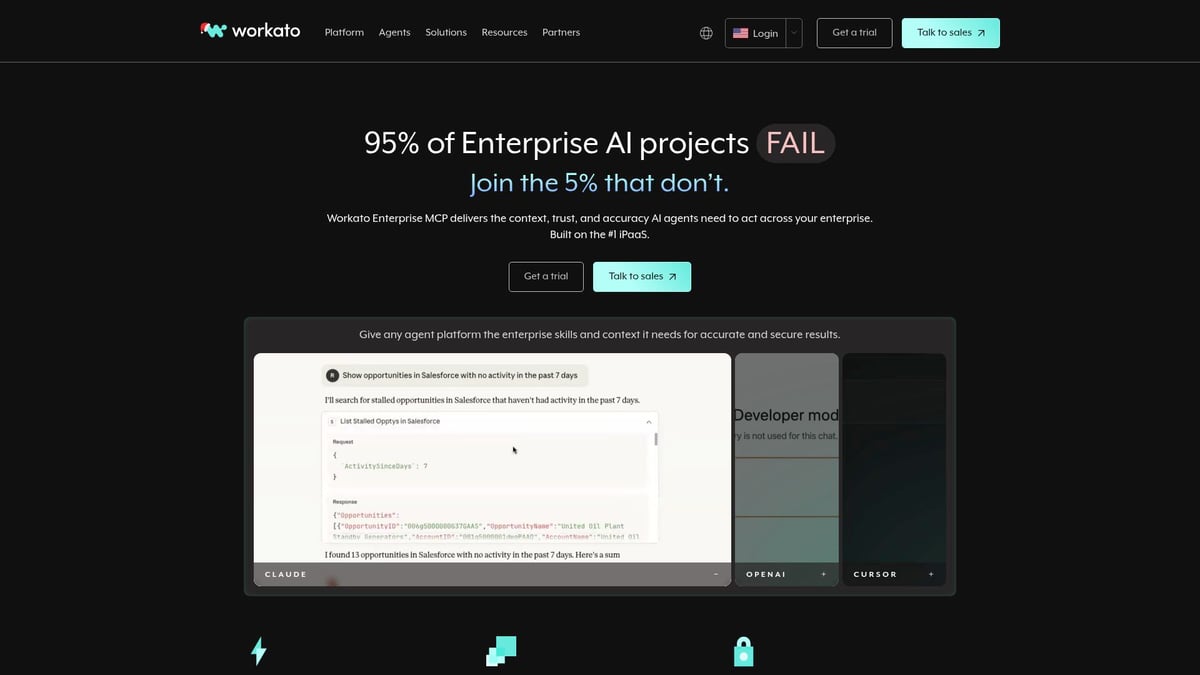
It uses recipe-based automation and connects to over 1,000 apps. AI suggestions help you optimize workflows, especially if your processes cross HR, finance, and IT.
Pros:
- Highly scalable
- Supports deep integrations
- Collaborative features
Cons:
- Steep learning curve for advanced workflows
- Premium pricing
A SaaS company used Workato to integrate sales, support, and billing, delivering a seamless customer experience.
Microsoft Power Automate
Microsoft Power Automate offers business workflow tools starting at $15 per user per month, and it's included in some Microsoft 365 plans.

It automates workflows across Microsoft and third-party apps, and it supports robotic process automation (RPA). You can trigger flows from Teams, Outlook, or SharePoint.
Pros:
- Deep Microsoft integration
- Lots of templates
- Secure platform
Cons:
- Can be complex for non-IT users
- Some connectors need extra licensing
A finance team automated invoice approvals, saving days each month and cutting out email back-and-forth.
Nanonets
Nanonets provides AI-driven business workflow tools focused on document automation. Pricing is custom, but there's a free trial to get started.
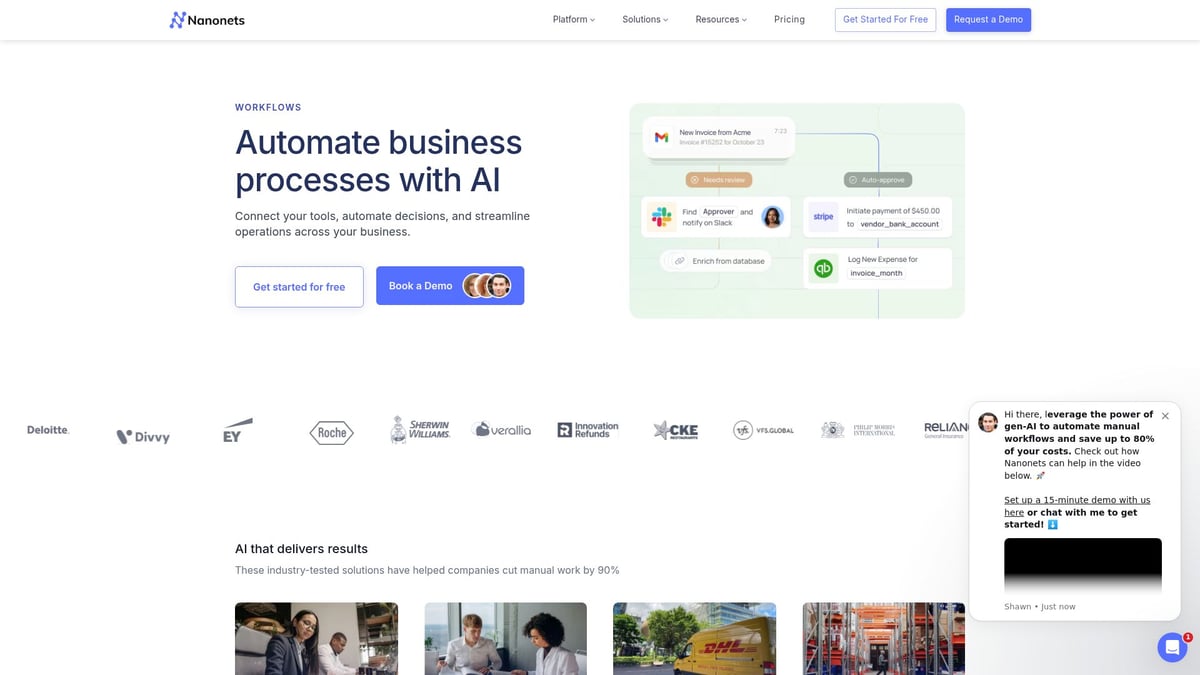
Features include optical character recognition (OCR), workflow triggers, and data extraction. It's a good choice for finance, logistics, HR, and industries with heavy compliance needs.
Pros:
- Accurate AI
- Reduces manual errors
- Integrates with ERPs
Cons:
- Custom workflows need setup
- Pricing is on request
A logistics company automated bill of lading processing, cutting turnaround time from hours to minutes.
Flowlu
Flowlu is an all-in-one business workflow tool for small businesses. Pricing starts at $29 per user per month.
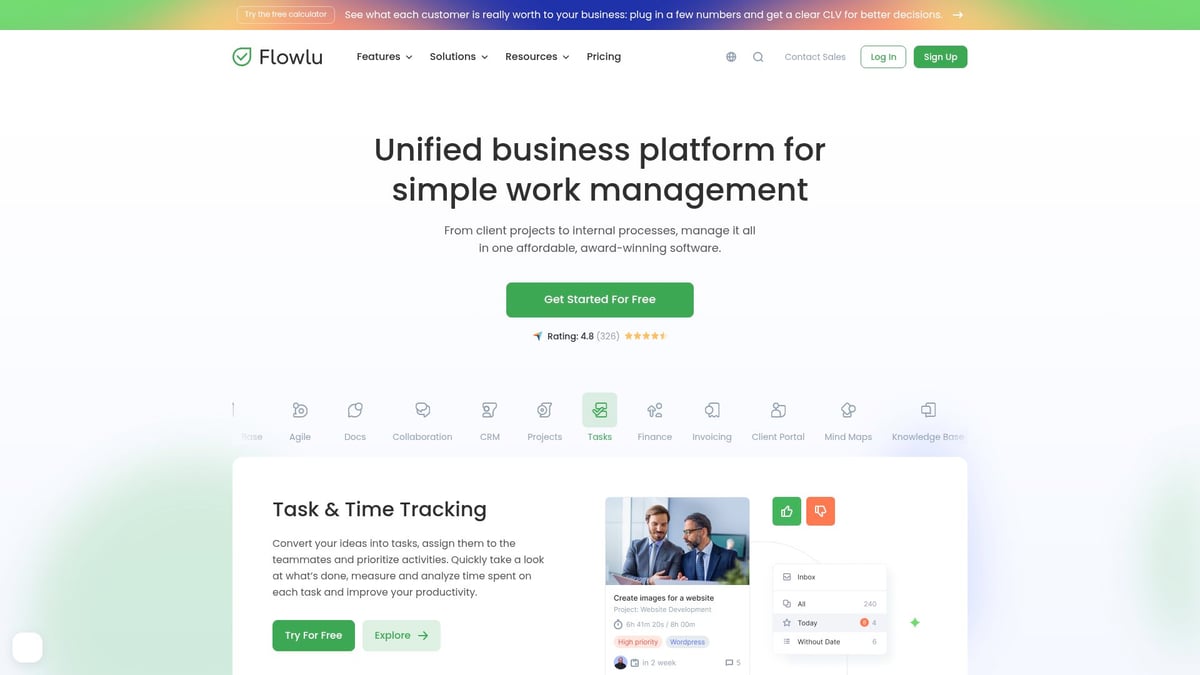
It combines CRM, project management, invoicing, and a knowledge base in one dashboard. This centralizes business operations, making it easier to keep track of everything.
Pros:
- Affordable and customizable
- Robust reporting
- Everything in one place
Cons:
- Advanced features only in higher tiers
- Learning curve for the full suite
A consulting firm used Flowlu to manage projects, client communications, and billing without juggling multiple apps.
Moveworks
Moveworks delivers AI-powered business workflow tools that automate employee support across IT, HR, and finance. Pricing is by custom quote.

Its AI agent understands natural language and integrates with major business systems. Large enterprises benefit most, especially if they handle a lot of support tickets.
Pros:
- Fast issue resolution
- Reduces support workload
- Highly customizable
Cons:
- Requires setup and planning
- Best for larger organizations
A global company cut IT ticket resolution time from days to minutes by deploying Moveworks.
Cflow
Cflow brings no-code business workflow tools to teams at $11 per user per month.
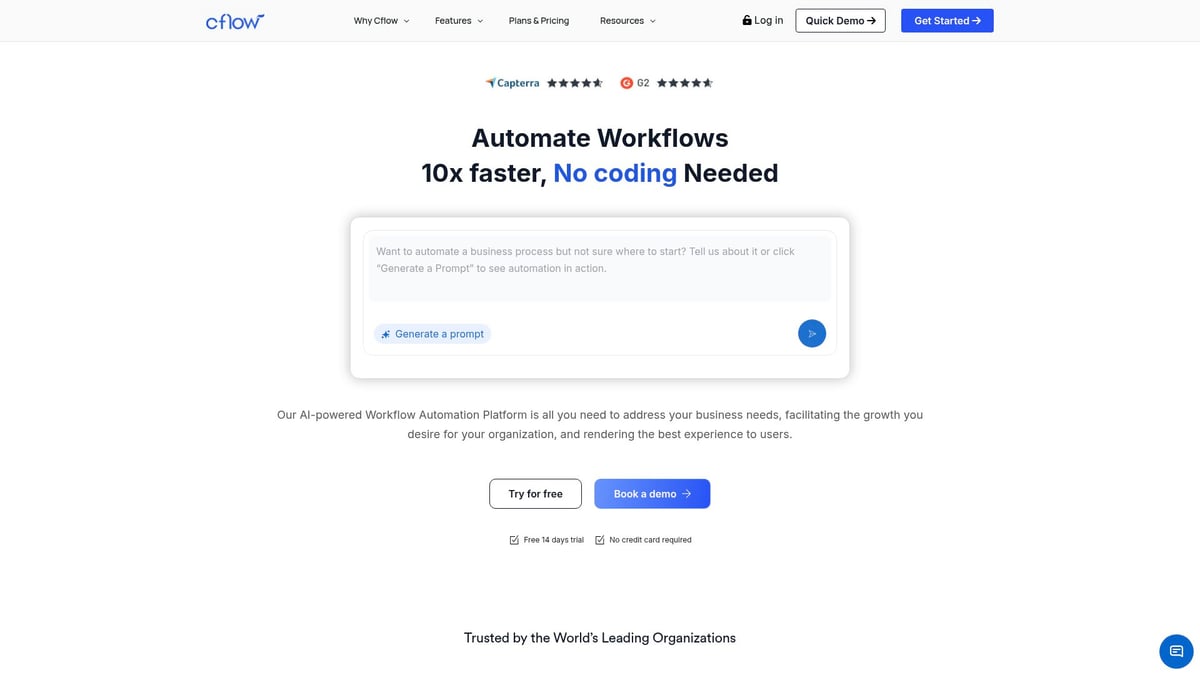
It features a workflow builder, process templates, and real-time analytics. Non-technical users can easily automate approvals, requests, and document flows.
Pros:
- Affordable pricing
- Intuitive interface
- Strong support
Cons:
- Reporting could be deeper
- Mobile app features are limited
Procurement teams automated purchase requests, reducing approval time by 60 percent and improving transparency.
Mulesoft
Mulesoft offers enterprise-grade business workflow tools with custom pricing.
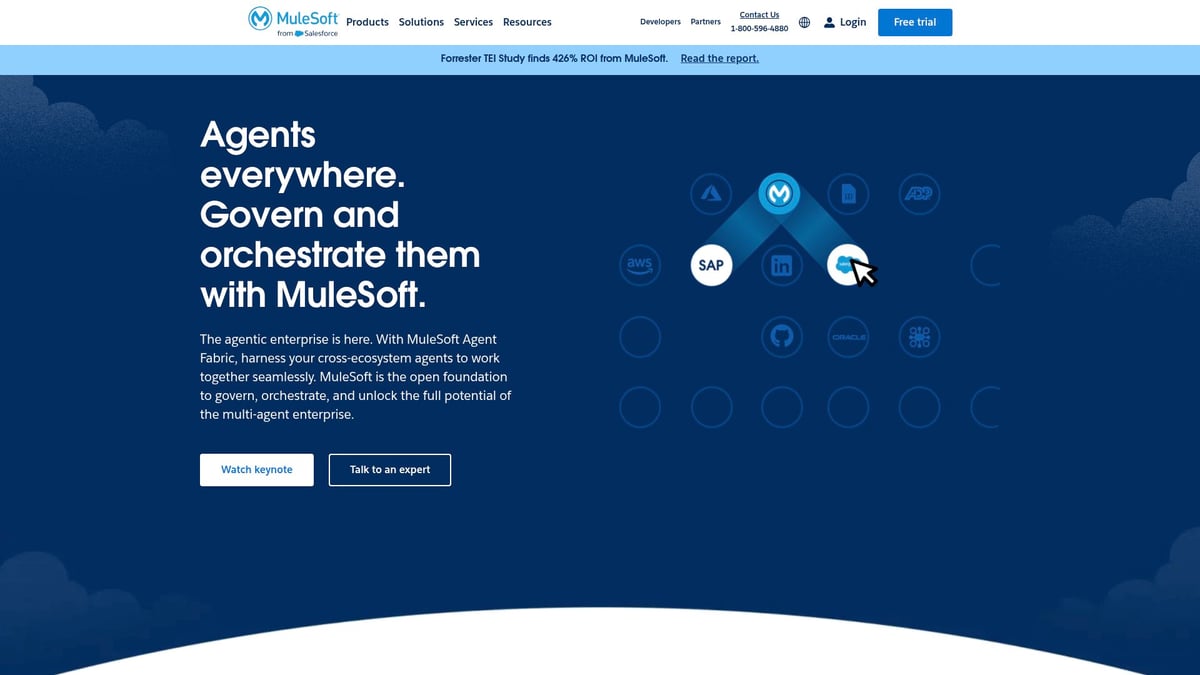
It stands out for API-led connectivity and integration with both legacy and cloud systems. Security is robust, making it ideal for industries like healthcare and finance that need to connect complex tech stacks.
Pros:
- Reusable integrations
- High security
- Scalable for large organizations
Cons:
- High implementation costs
- Steep learning curve
A healthcare provider connected patient data across multiple platforms, giving staff real-time access and improving care.
How to Choose the Right Workflow Tool for Your Business
Choosing from the many business workflow tools can feel overwhelming. The right fit depends on your team's pain points and the goals you want to achieve. Let's break down how to make a smart choice, step by step.
Matching Tools to Your Needs and Goals
Start by pinpointing the biggest bottlenecks your team faces. Are approvals slow and holding up projects? Are leads going missing, or does manual data entry eat up hours? Write these down.
Next, think about your team's comfort with technology. Do you need business workflow tools that support no-code setups, or is your team comfortable with more technical interfaces? Evaluate which apps and platforms you already use daily. Make a list, and check if the tools you're considering can connect with them.
Budget is another big factor. Look at both upfront costs and ongoing fees. Consider the time and money you might save by automating repetitive tasks. Most business workflow tools offer free trials or demos, so take advantage of these before making a decision.
- Identify your top workflow pain points.
- Assess your team's tech skills.
- List current apps and check integration options.
- Compare pricing, including hidden fees.
- Try before you buy with demos or trials.
Tips for a Successful Implementation
Once you've chosen from the available business workflow tools, involve your team right away. Ask for feedback on what features matter most. Start by automating a single, simple process, like document approval or lead assignment. This lets you see results quickly without overwhelming everyone.
Monitor progress from the start. Track how much time is saved, how many errors drop, and whether work moves faster. Stay flexible and adjust your approach as you learn. Lean on vendor support, training, and community forums if you run into roadblocks. If you want a deeper dive, check out how to automate business processes for practical guidance.
- Get user input early.
- Launch with a pilot workflow.
- Measure outcomes and adjust as needed.
- Use vendor resources for troubleshooting.
- Keep improving as your needs change.
Examples from Real Companies
Business workflow tools can drive real improvements for teams of all sizes. For example, a marketing team might automate lead routing and follow-up, so every inquiry gets a response within minutes. HR departments can set up onboarding checklists that guide new hires from day one, making the process smooth and welcoming.
IT teams often use workflow automation to resolve support tickets faster. By routing issues to the right expert or using AI for common requests, staff spend less time on repetitive fixes and more time on projects that matter.
No matter your industry, the right business workflow tools can help your team work smarter, reduce stress, and focus on what you do best.
FAQs
Have questions about business workflow tools? Here are clear answers to the most common ones.
What’s the difference between workflow automation and project management tools?
Workflow automation tools, like those described in Automation and workflow insights, focus on automating tasks, approvals, and data flows across your business. Project management tools track projects, deadlines, and tasks but don’t always automate repetitive steps.Are workflow tools secure for sensitive business data?
Most business workflow tools use encryption, role-based access, and compliance certifications. Always check a tool’s security documentation before sharing sensitive information.How long does it take to set up a typical workflow platform?
Setup can be as quick as a few hours for simple processes. More complex setups, especially with lots of integrations, may take a few weeks.Can I integrate workflow tools with my existing CRM or accounting software?
Yes, most leading tools connect with popular CRMs, accounting apps, and cloud platforms. Check if your preferred apps are supported before you choose.Do I need technical skills to use these tools?
Many business workflow tools offer no-code or low-code interfaces, so non-technical users can build and manage workflows. For deeper customizations, some IT support may help.How do I measure the ROI of workflow automation?
Track time saved, error reduction, and faster response times. Compare these improvements against the cost of the tool.What if my business grows—will these tools scale with me?
Most business workflow tools are designed to grow with your needs. Look for options that offer flexible pricing, user management, and integration as your team expands.Are there free workflow tools worth considering?
Yes, some tools offer free plans with limited features. These can be a good starting point for small teams or simple needs.How do I get team buy-in for new workflow software?
Involve team members early, show how the tools solve daily frustrations, and offer training sessions to build confidence.What support options are available if I run into issues?
Most providers offer live chat, email, help centers, and community forums. Some premium plans include dedicated account managers or priority support.
You’ve just explored the top tools that can transform your business operations—reducing manual work, accelerating approvals, and freeing up valuable time for what truly matters. If you’re ready to put these insights into action and see where automation can take your company, why not take the first step right now? Discover how prepared your business really is to embrace automation and identify the areas with the most potential for improvement. It’s quick, insightful, and tailored to help you streamline success in 2026.
Get Your Automation Readiness Score
.png)
.png)