
.png)
Ever feel like your day disappears into endless data entry, follow-ups, or shuffling emails between tools? You’re not alone. Many teams spend hours on tasks that could be handled in seconds with the right workflow automation software. This guide shows you how to reclaim your time by exploring what workflow automation software is, how to choose the right tool, and a detailed look at the top 10 options. Ready to cut out the busywork and focus on what matters? Dive in and discover which solution could change the way you work.
What Is Workflow Automation Software & Why Does It Matter?
Imagine never having to copy-paste data between apps or chase down approvals again. That's the promise of workflow automation software. In simple terms, this software replaces repetitive, manual steps with automated actions that follow clear rules. If you want a deeper dive into the topic, you can check out this Workflow automation explained resource.
Workflow automation software uses if/then logic to trigger actions. For example, if a client fills out a form, then they get an instant welcome email. If an invoice is approved, then it's sent to the finance system. These rules cut out slow, error-prone steps.
Here are some common ways teams use workflow automation software:
- Lead management: Automatically assign and follow up with new leads.
- Approvals: Route documents to the right people for quick sign-off.
- Onboarding: Guide new hires through necessary steps and paperwork.
- Invoicing: Generate and send invoices without manual entry.
- Project coordination: Update tasks and notify team members as work progresses.
Studies show workflow automation software can save teams up to 30% of their time and reduce errors by more than half. That means fewer headaches and more energy for meaningful work.
The benefits are clear:
- Fewer mistakes from manual data entry.
- Faster turnaround times for routine tasks.
- More time for creative or strategic projects.
For instance, a small agency used workflow automation software to handle client onboarding, cutting their process from days to just hours. They now focus on building relationships instead of chasing paperwork.
Workflow automation software matters because it gives you time back. It lets you focus on the work that truly moves your business forward.
How to Choose the Right Workflow Automation Tool
Choosing the right workflow automation software starts with understanding your current pain points. Are manual tasks slowing your team down? Maybe approvals are always stuck or new hires spend hours on paperwork. Before you compare software, map out where things break or drag in your daily routine.
Assess Your Current Workflow
Start by listing every repetitive task and bottleneck in your process. This could include lead assignments, document approvals, or invoice creation. Talk to your team about what takes the most time or causes the most errors.
- Write out each workflow step.
- Highlight where delays or double work happen.
- Prioritize pain points by frequency and impact.
This step makes it easier to match workflow automation software to your real needs.
Essential Features to Look For
Not all workflow automation software is equal. Look for these must-haves:
| Feature | Why It Matters |
|---|---|
| User-friendly design | Saves training time, easy for everyone |
| Integrations | Connects with tools you already use |
| Custom workflows | Fits your unique processes |
| Analytics | Tracks performance and bottlenecks |
| Security | Protects sensitive data |
Real-time notifications and mobile access make a big difference, especially for remote or hybrid teams.
Scalability and Growth
Your needs will change as your business grows. Choose workflow automation software that can handle more users, complex processes, and extra integrations later on. Look for platforms offering tiered pricing or easy upgrades.
If you expect rapid expansion, ask vendors about limits on automations, storage, and users.
No-Code, Low-Code, or Developer-Focused?
Think about your team’s tech skills. No-code platforms let anyone build automations with drag-and-drop tools. Low-code tools offer more flexibility if you have some technical users. Developer-focused options require coding but unlock advanced features.
- No-code: HR, sales, marketing teams
- Low-code: IT, operations
- Developer-focused: custom IT projects
Pick what matches your team’s comfort level.
AI, Machine Learning, and Advanced Automation
Some workflow automation software now uses AI to route tasks, read documents, or predict bottlenecks. Machine learning can improve accuracy over time. If you process lots of data or documents, these features save hours and cut mistakes.
Ask vendors for real-world examples of how AI boosts results.
Demo Evaluation Checklist
Before you commit, test-drive your top picks. Here’s a quick checklist:
- Does the platform fit your workflow map?
- Are key integrations available and easy to set up?
- How customizable are templates and rules?
- Is the reporting clear and helpful?
- Can you get support when needed?
For more practical tips, check out this guide on choosing software applications.
Test with real team members. Match each tool to your business needs, like sales lead routing for sales, onboarding for HR, or invoice tracking for finance.
Top 10 Workflow Automation Software Picks {1200}
Choosing the right workflow automation software can feel overwhelming. There are so many platforms, each claiming to be the best. To help, we focused on usability, features, support, and value. We also shuffled the order, so you'll see some lesser-known options alongside big names.
Wondering how these picks fit into real business scenarios? For a deeper dive and extra examples, check out these workflow automation insights.
Below, you'll find a breakdown of each tool. Each section covers pricing, standout features, who it's best for, and a quick look at pros and cons.
Adhesion Co. Lead to Client Accelerator
Adhesion Co. takes a unique approach to workflow automation software for lead management. It offers universal lead capture, instant responses under 90 seconds, and automated qualification, all synced with your CRM.
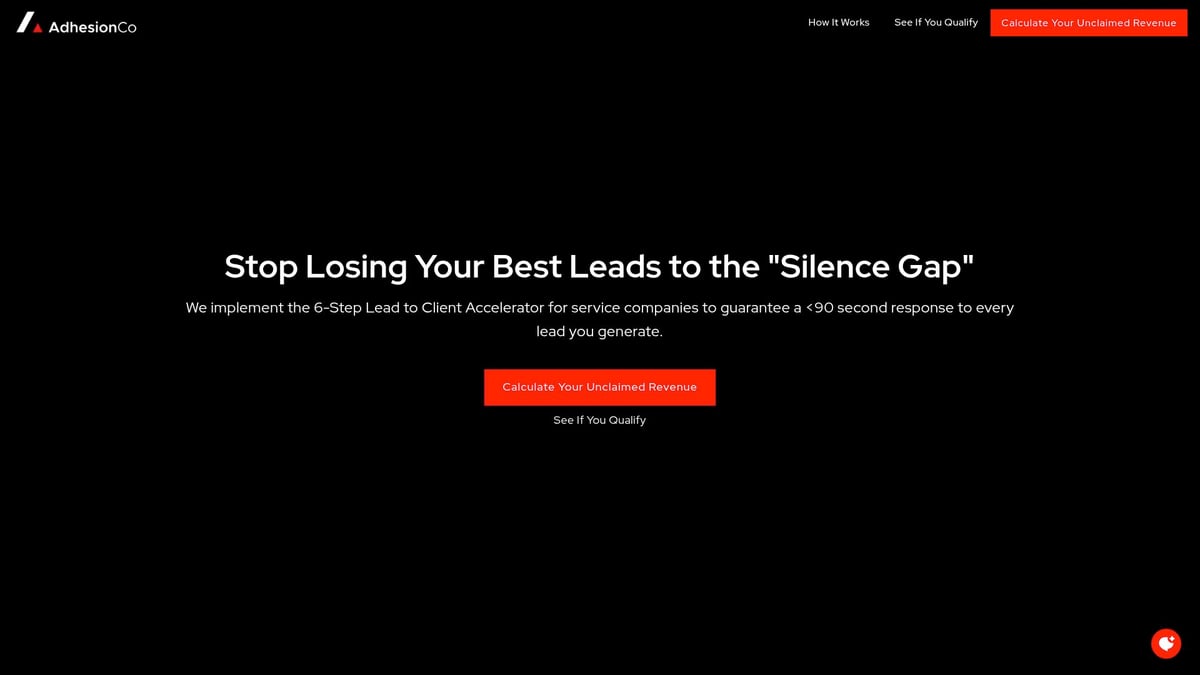
Pricing is $4,998 setup and $498/month, which includes managed operations and a flat rate for unlimited leads. It's designed for service businesses handling 10 or more daily leads, like home services and contractors.
Key benefits:
- No more lost leads or slow follow-up
- Proactive support and real-time monitoring
- No per-lead fees
Pros: Reliable, fast, hands-off. Cons: Built for established, growth-focused teams, not startups or solo operators.
ClickUp
ClickUp is a flexible workflow automation software chosen by teams needing customizable automations and project management in one place.
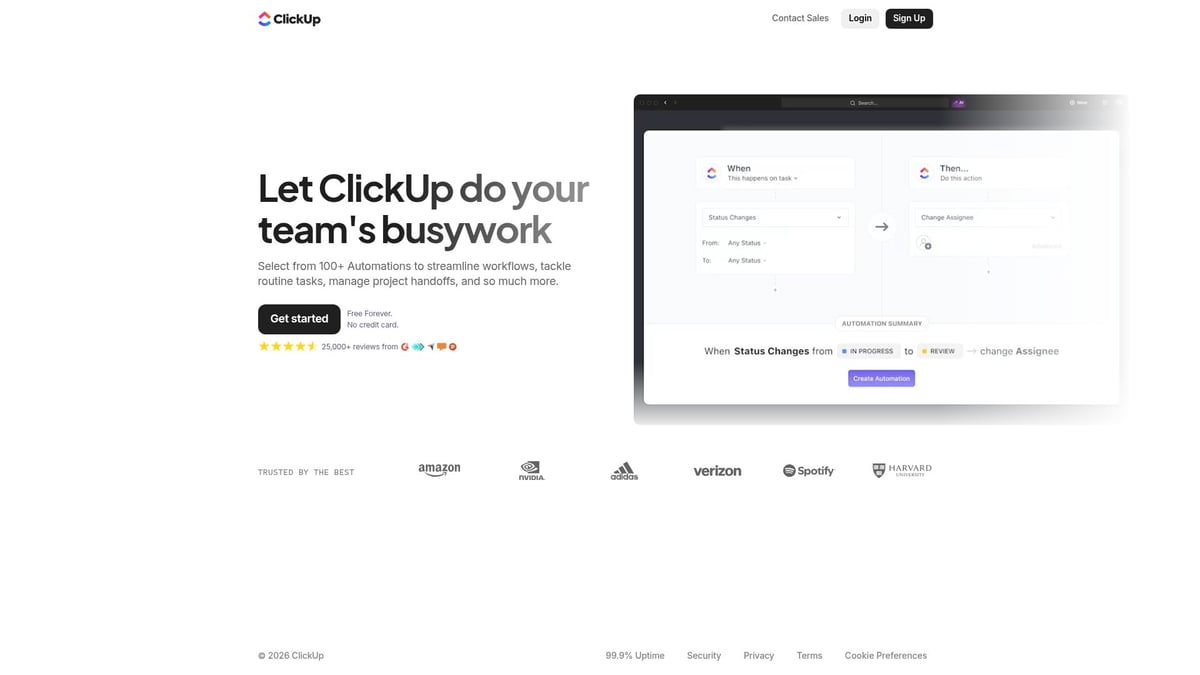
Pricing starts with a generous free plan, then $7/user/month for paid tiers. Key features include visual workflow builders, templates, and integration with hundreds of other apps.
Who will love it? Project teams, marketers, agencies, and anyone who wants to build their own processes. Pros: Highly customizable, easy to use, robust free version. Cons: The feature set can feel overwhelming for new users.
Smartsheet
Smartsheet blends the familiarity of spreadsheets with the power of workflow automation software. Starting at $9/user/month, it offers dynamic workflows, automated alerts, approvals, and detailed reporting.

It's especially useful for operations teams, project managers, or anyone who likes working with rows and columns. Pros: Scalable, easy to deploy, strong analytics. Cons: Advanced automation features may require some training.
Power Automate
Power Automate, part of the Microsoft 365 suite, is a robust workflow automation software made for teams already using Microsoft tools.
Pricing varies by plan and includes rule-based automation, over 500 integrations, and AI-powered workflows. It's a favorite for IT, HR, and finance departments needing deep integration and security.
Pros: Powerful, secure, built for scale. Cons: Complex flows have a learning curve.
Monday.com
Monday.com stands out as a visual workflow automation software with drag-and-drop boards and automation recipes. It starts at $9/user/month after a free trial.
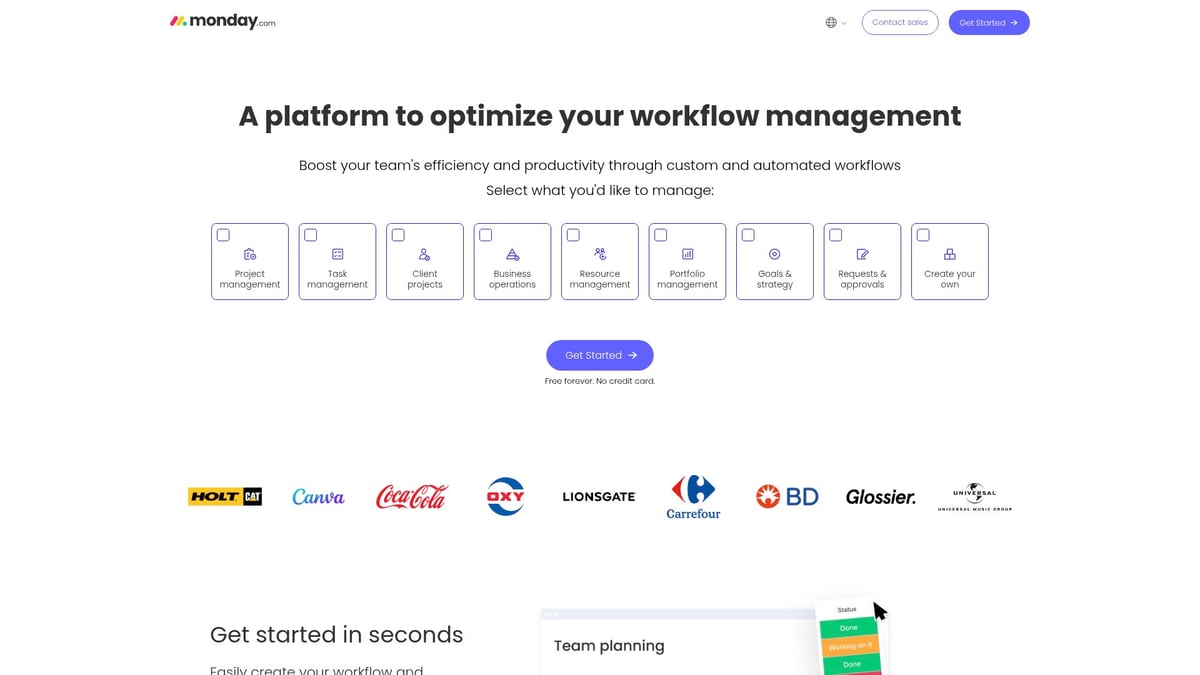
It's ideal for creative agencies, SMBs, and teams looking to standardize processes. You get customizable boards, collaboration tools, and great support.
Pros: Intuitive UI, vibrant community, easy onboarding. Cons: Some advanced automations are only in higher-tier plans.
Zapier
Zapier is the go-to workflow automation software for connecting thousands of apps without code. The free plan covers basic needs, and paid plans start at $19.99/month.
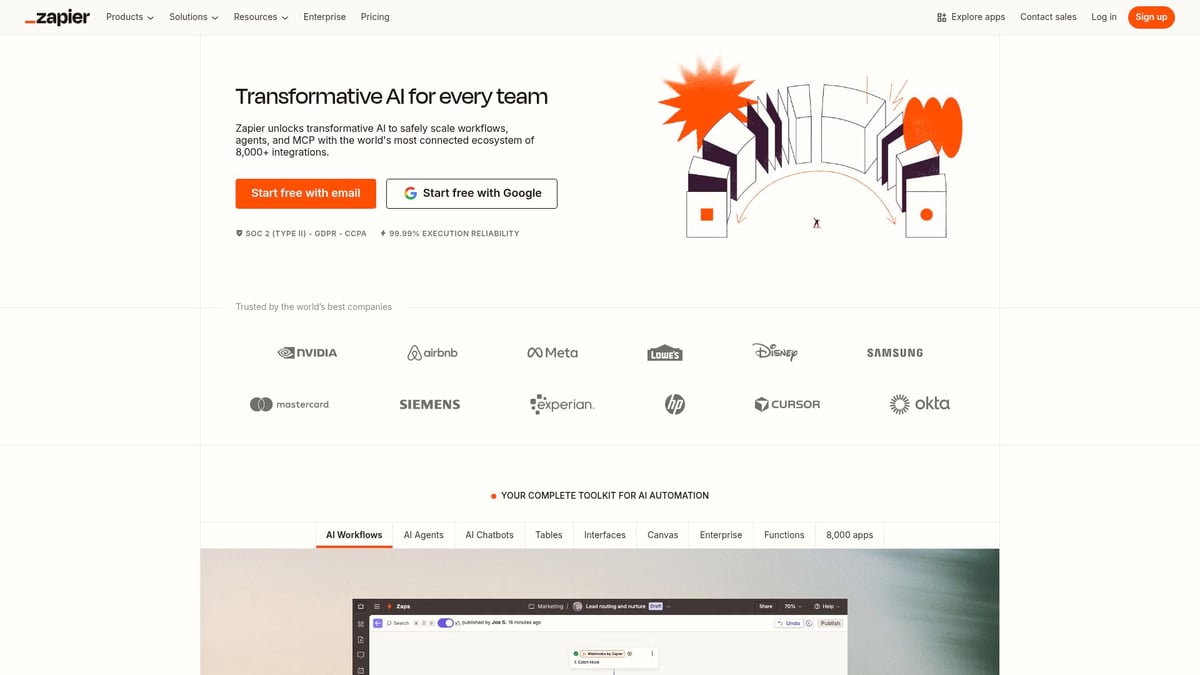
You build automations called "Zaps" to move info between apps like Gmail, Slack, and Salesforce. Ideal for marketing teams, startups, and non-technical users.
Pros: Fast setup, huge integration catalog. Cons: Costs can rise fast if you automate at scale, and lower tiers have limited logic.
Wrike
Wrike caters to bigger organizations needing workflow automation software for project tracking and cross-team collaboration.
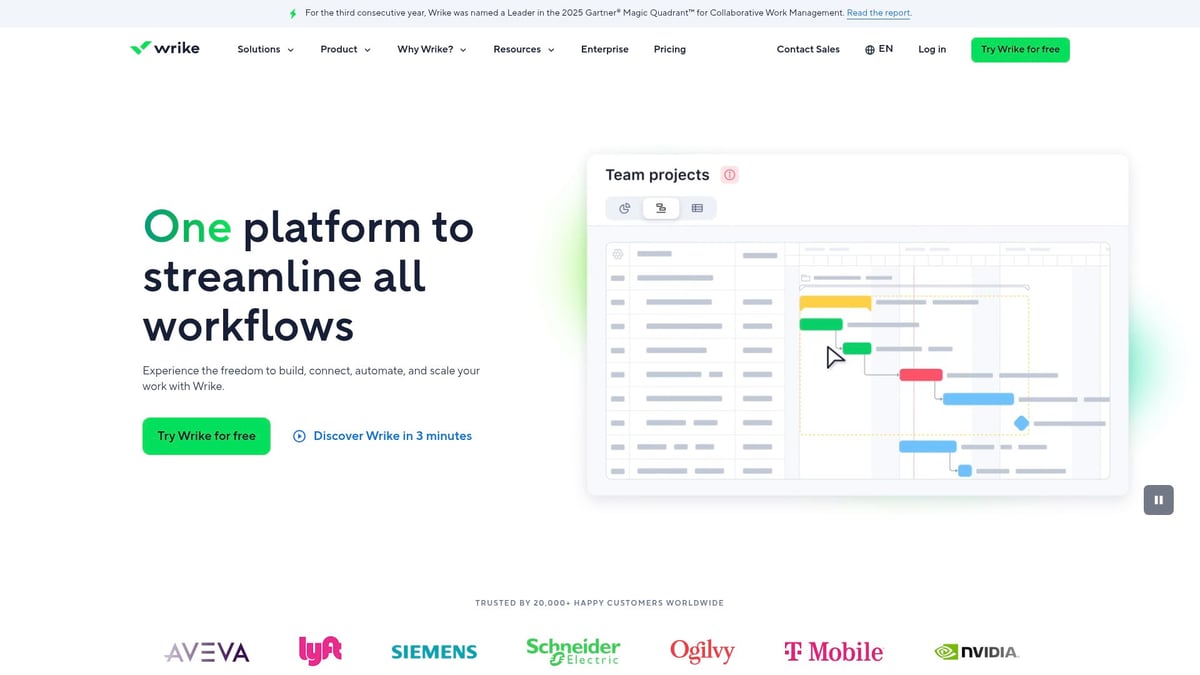
It offers a free plan and paid options from $9.80/user/month. Features include workflow templates, automation, and detailed reporting.
Who benefits most? Enterprises, agencies, and remote teams. Pros: Customizable, robust, strong analytics. Cons: Interface can feel crowded and has a steeper learning curve.
Kissflow Workflow
Kissflow Workflow is friendly workflow automation software for non-technical users. Pricing is custom, typically starting around $10/user/month.
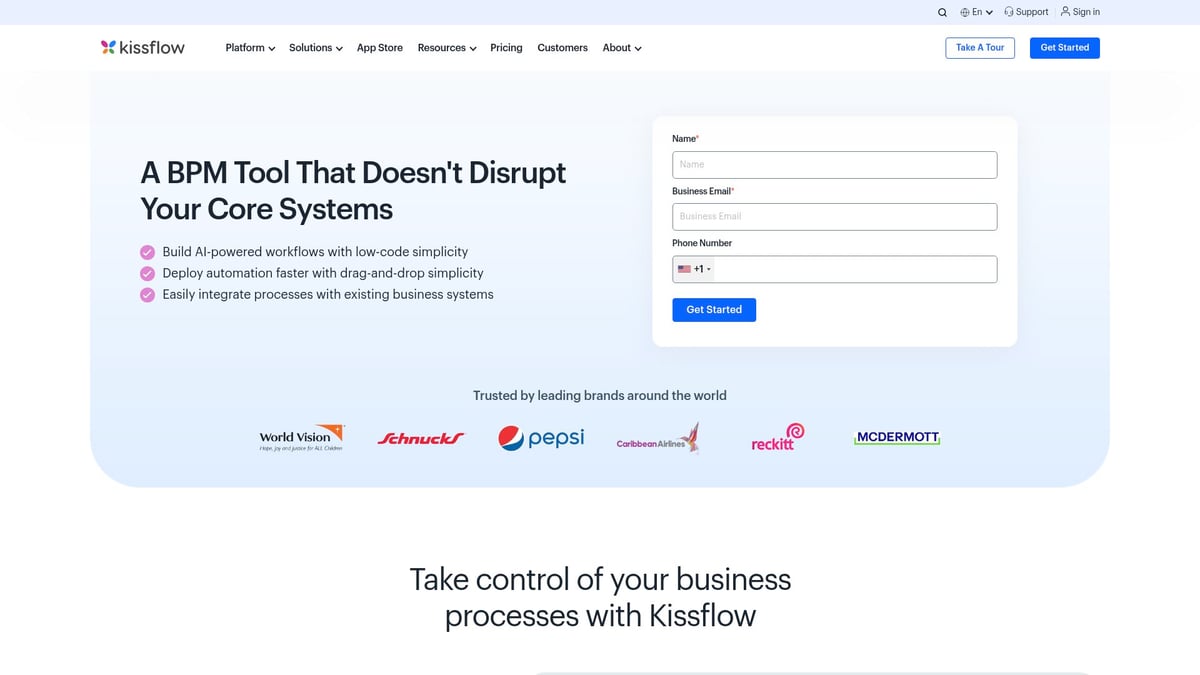
It features a drag-and-drop builder, easy process automation, and plenty of integrations. HR, procurement, and finance teams in SMBs often choose it for its simplicity.
Pros: User-friendly, quick to deploy. Cons: Lacks some advanced features for highly complex needs.
Nanonets
Nanonets brings AI to workflow automation software, specializing in intelligent document processing. Pricing is by quote.
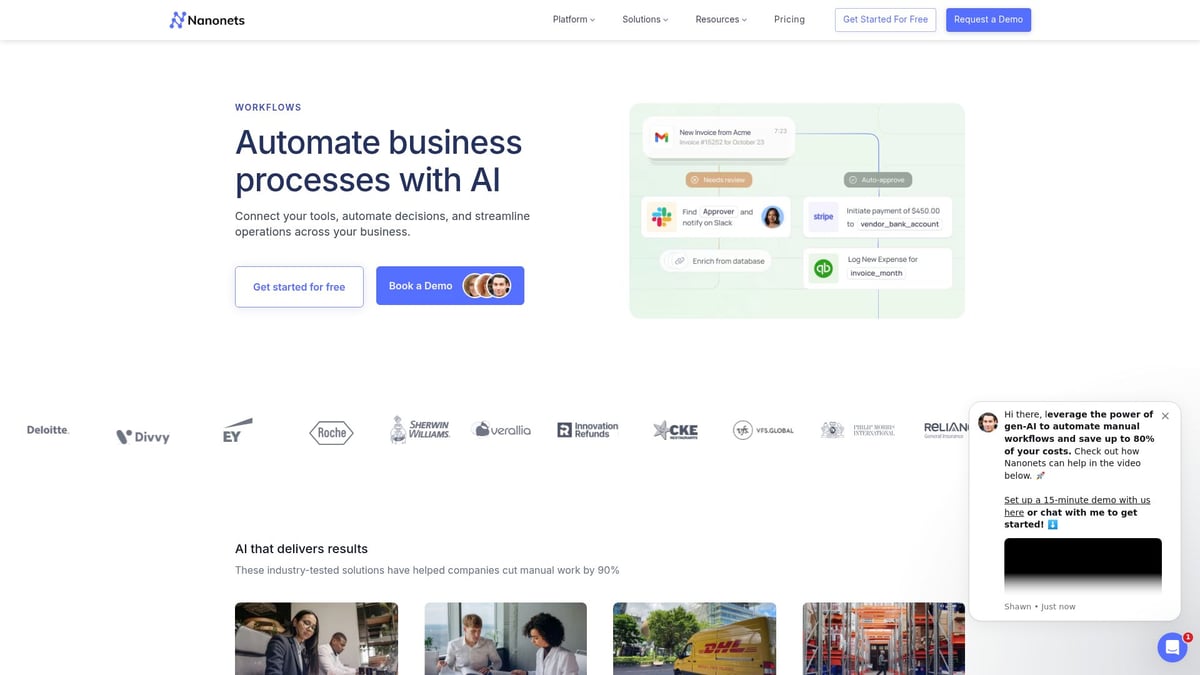
It's ideal for accounting, logistics, insurance, and data entry teams that handle lots of unstructured documents. Features include custom AI models for extracting and sorting data.
Pros: High accuracy, handles messy data. Cons: Requires setup and a bit of training to get the best results.
Studio Creatio
Studio Creatio is a low-code workflow automation software platform with advanced customization. Plans start at $25/user/month.
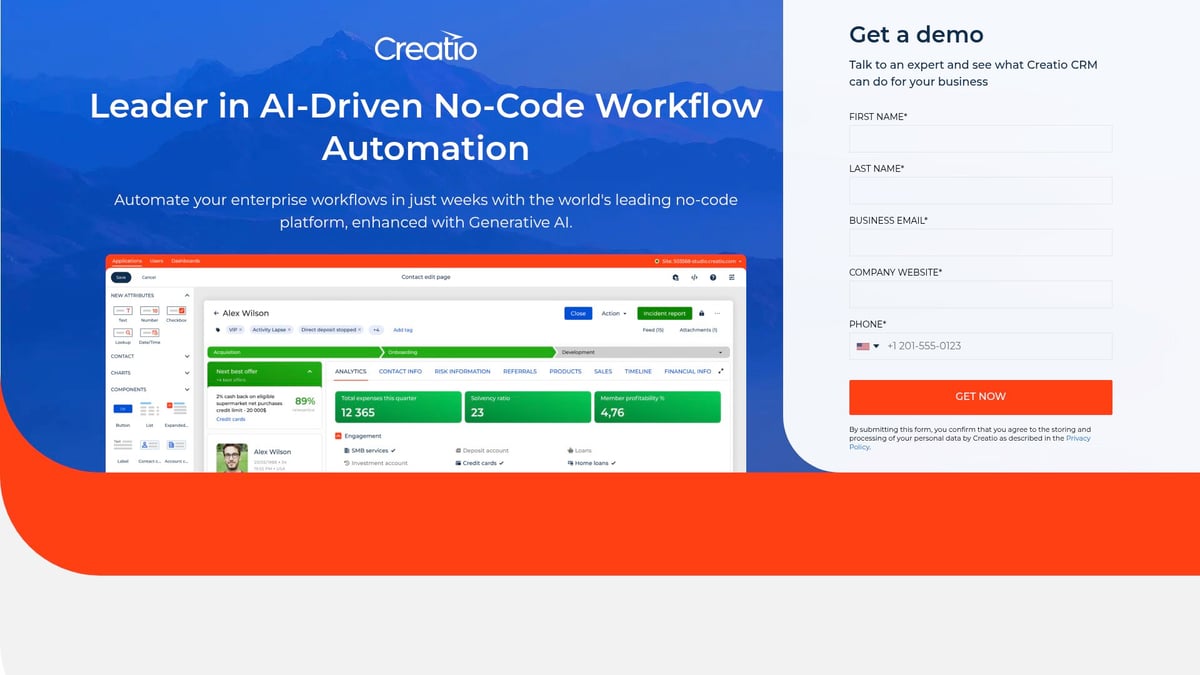
It offers a process designer, analytics, and integrations for enterprises, IT, and operations teams. You'll appreciate its flexibility if you need tailored workflows.
Pros: Scalable, flexible, strong support. Cons: Higher price point, may be too much for small teams.
Here's a quick comparison of key features and pricing for these workflow automation software solutions:
| Tool | Starting Price | Best For | No-Code? | AI/ML? |
|---|---|---|---|---|
| Adhesion Co. | $4,998 setup + $498/mo | High-volume lead ops | No | No |
| ClickUp | Free, $7/user/mo | Projects, agencies | Yes | Yes |
| Smartsheet | $9/user/mo | Operations, managers | Yes | No |
| Power Automate | Varies | IT, HR, finance | Low-code | Yes |
| Monday.com | $9/user/mo | SMBs, creatives | Yes | Yes |
| Zapier | Free, $19.99/mo | Marketing, startups | Yes | Limited |
| Wrike | Free, $9.80/user/mo | Enterprises, agencies | Yes | No |
| Kissflow | ~$10/user/mo | HR, finance, SMBs | Yes | No |
| Nanonets | Contact | Accounting, logistics | No | Yes |
| Studio Creatio | $25/user/mo | Enterprises, IT | Low-code | Yes |
No matter your team size or industry, there's workflow automation software here to replace repetitive tasks and help you focus on what matters.
Key Features to Look for in Workflow Automation Software
Choosing the right workflow automation software comes down to the features that fit your team's real needs. With so many tools out there, it's crucial to focus on what makes work easier, faster, and more reliable.
Essential Features
Look for drag and drop builders so anyone can set up workflows without tech skills. Conditional logic, like if this then that, helps you automate steps based on real actions. Integrations are must-haves, letting your workflow automation software connect with your favorite tools.
Other essentials include:
- Prebuilt templates for common tasks
- Analytics for tracking progress and bottlenecks
- Security features to protect sensitive info
Real-time notifications make sure nothing slips through the cracks. For a deeper dive into how these features support business process workflow, check out business process workflow software.
Integration and Mobility
Your workflow automation software should sync with CRMs, email platforms, file storage, and more. This keeps all data in one place and makes hand-offs seamless.
Mobile access is a game changer for remote teams. Whether approving invoices or onboarding new hires, you can act from anywhere.
- Automated lead follow-up
- Invoice generation and delivery
- Employee onboarding flows
Customization and AI
Modern workflow automation software often includes AI or machine learning. These features can predict bottlenecks or recommend process improvements, helping you work smarter.
Customization is key. Small businesses might prefer simple templates, while larger organizations need advanced options. For more on how AI and no-code trends are shaping the space, the 2024 Workflow Automation Trends Report has practical examples and data.
FAQs About Workflow Automation Software
Got questions about workflow automation software? You’re not alone. Here are answers to the most common ones, in plain English.
What is workflow automation software?
It’s a tool that replaces repetitive manual tasks with automated processes based on rules you set.How do I know if my business needs workflow automation software?
If you spend lots of time on routine tasks, it’s worth exploring.Can I use workflow automation software without coding experience?
Yes, many options are designed for non-technical users.What are typical costs for workflow automation software?
Pricing varies, but you’ll find free plans and paid options to fit most budgets.How do integrations work with existing apps?
Most tools connect with popular apps, letting data flow between them automatically.Are these tools secure for sensitive data?
Top platforms use encryption and security features to protect your information.Can workflow automation software scale as my business grows?
Yes, most solutions offer flexible plans for teams of any size.What’s the difference between no-code and low-code platforms?
No-code is for everyone, low-code gives more control to those with some tech skills.How long does it take to implement a new workflow tool?
Setup can take minutes to a few weeks, depending on complexity.Where can I find more resources to compare software options?
Check out this Workflow Automation Market Forecast 2025-2035 for trends and comparisons.
After exploring the top workflow automation software options for 2026, you’ve seen just how much time and stress you can save by letting technology handle repetitive tasks. Whether you’re looking to boost productivity, reduce errors, or simply focus on what you do best, the right automation tools can truly transform your business operations. If you’re eager to find out how ready your company is to take advantage of these solutions, why not take the next step? You can discover your strengths and uncover improvement areas by getting your personalized assessment with the Get Your Automation Readiness Score tool.
.png)
.png)