
.png)
Manual tasks can leave your team buried in emails, chasing approvals, or duplicating work. These headaches drain time and energy you could spend on bigger goals.
This article is here to help you cut the chaos. We’ll introduce 12 workflow automation tools that let you automate repetitive work, so your team can focus on what matters.
You’ll discover a mix of established favorites and new platforms. For each, you’ll find key features, pricing, and tips on where each tool shines.
Ready to save hours each week? Explore the list and see which tool fits your team’s needs.
What Makes a Workflow Automation Tool “Innovative”?
What sets innovative workflow automation tools apart? It’s not just about ticking off a task or sending a reminder. The real magic happens when these tools use AI, connect with your favorite apps, and let teams work together in real time. Think of a platform that adapts as your business grows, not one that boxes you in.
How Workflow Automation Tools Have Evolved
Not long ago, workflow automation tools were simple checklists or task managers. Now, they can automate multi-step processes across departments. A single platform can handle everything from auto-assigning leads to new sales reps to generating invoices as soon as a deal closes.
These advances come from new features like drag-and-drop builders, no-code and low-code design, and AI-powered triggers. Today’s tools aren’t just about saving clicks—they’re about thinking ahead for you. If you want a peek at what’s new, check out these 2025 workflow automation trends that are shaping the next generation of platforms.
Must-Have Features in Modern Workflow Automation Tools
When you’re comparing workflow automation tools, look for these essentials:
- Drag-and-drop workflow builders for easy setup
- No-code or low-code options so anyone can create automations
- AI-powered triggers that predict the next step
- Integrations with popular apps, like email, calendars, or CRMs
- Analytics dashboards to track progress and spot bottlenecks
- Mobile access for managing tasks on the go
Real-World Examples and Industry Use
Let’s bring this to life with a few examples. A sales team might use workflow automation tools to instantly assign new leads and send a welcome email. Finance teams can automate invoice generation and approval flows. HR departments often rely on automation for onboarding, from document collection to scheduling first-day meetings.
Different industries use workflow automation tools in unique ways:
- Marketing: campaign approvals, content scheduling
- IT: ticket routing, incident alerts
- HR: hiring, onboarding, time-off requests
- Sales: lead management, contract approvals
Challenges, Scalability, and Customization
Adopting workflow automation tools isn’t always smooth. Teams can struggle with tools that feel too complex or don’t play nicely with existing systems. Integration headaches are real. The most innovative platforms focus on simplicity, seamless integrations, and clear setup guides.
Scalability matters too. As your business grows, you’ll want tools that can handle more users, more automations, and more complex processes. Customization is key—you don’t want to be stuck with one-size-fits-all solutions.
When workflow automation tools get these things right, the results speak for themselves. Studies show companies can save hours each week and cut manual errors, freeing up teams to focus on work that matters.
12 Innovative Workflow Automation Tools to Try
Looking for the right workflow automation tools can feel overwhelming, especially with so many options out there. This list brings together a mix of trusted names and fresh platforms, each helping teams of all sizes cut down on repetitive work.
You’ll find details on pricing, standout features, unique strengths, and best-fit scenarios for each tool. Whether you need something simple or a platform that handles complex processes, the right solution is here.
ClickUp
ClickUp is one of the most flexible workflow automation tools available. It offers a free plan and paid options starting at $7 per user per month. You can build custom automations, use task templates, and connect with over 1,000 apps.
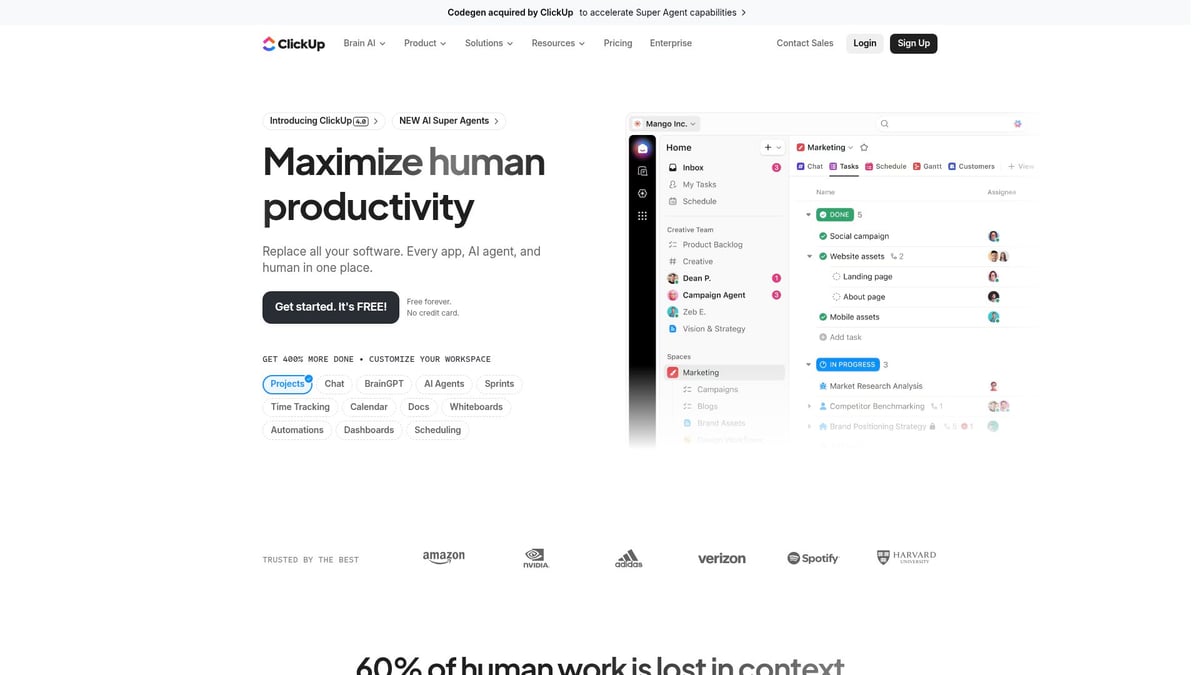
It stands out for its visual dashboards and deep customization. Teams of any size—from solo project managers to big agencies—find it intuitive. The interface is easy to use, and there are plenty of templates for every workflow.
However, newcomers might find the advanced features a bit much at first.
Kissflow Workflow
Kissflow Workflow is designed for users who want powerful workflow automation tools without coding. Pricing begins at $10 per user monthly. It features a no-code builder, analytics, role-based access, and a library of templates.
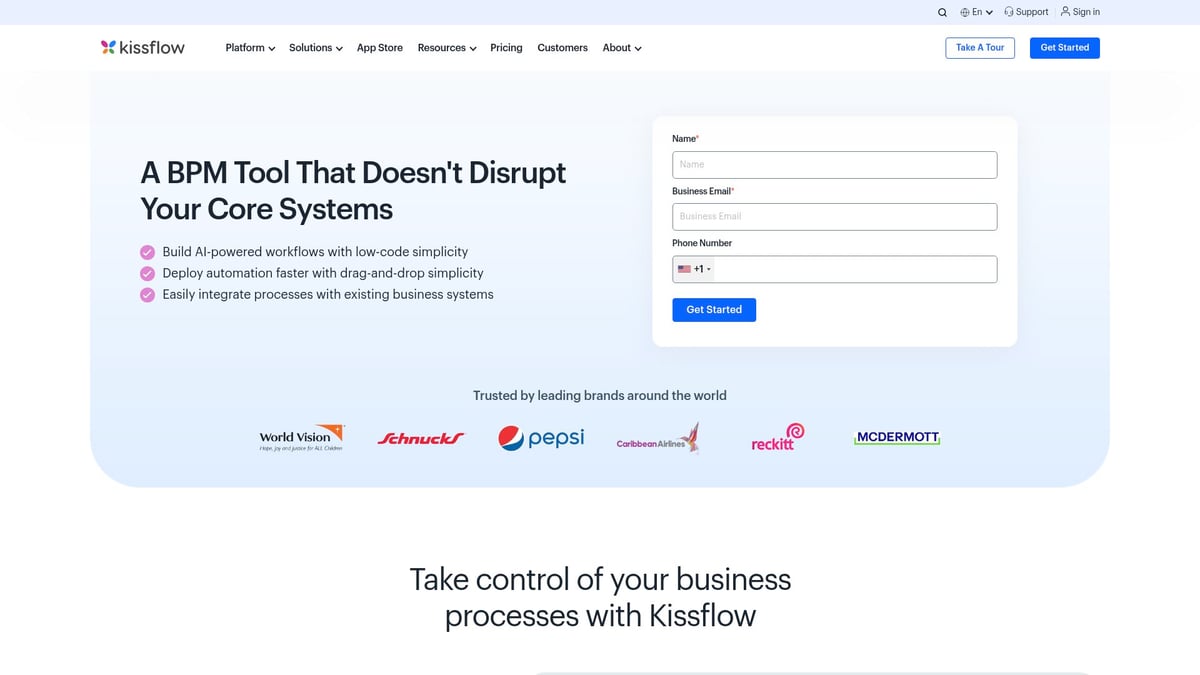
This tool is ideal for HR onboarding, procurement, and finance approvals. It’s quick to set up and easy to navigate. The simple interface means you won’t need IT help to get started.
If you need very complex automations, customization options can be limited.
monday.com
monday.com brings visual flair to workflow automation tools. Try it free, or start a paid plan at $9 per user per month. It offers a drag-and-drop builder, automation recipes, timeline views, and a rich integration marketplace.
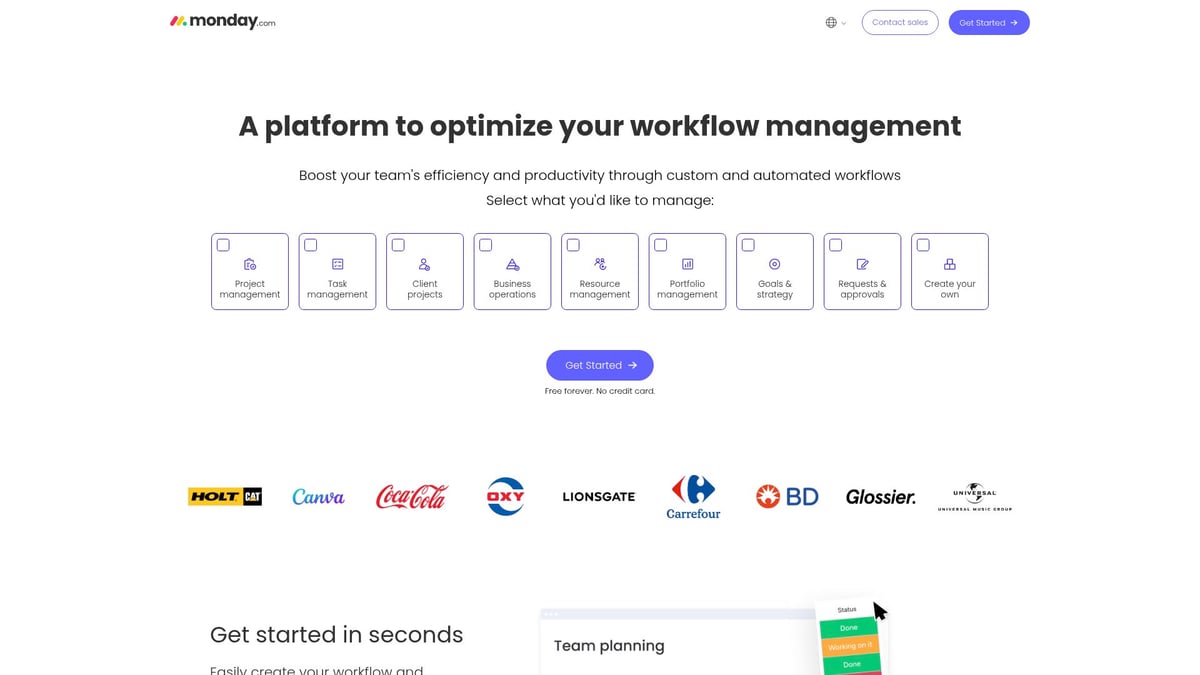
Marketing, operations, and creative teams love its visual boards and collaboration features. It’s scalable, so it grows with your needs. Standardizing processes is simple with the built-in templates.
Some advanced automations are only available on higher-tier plans.
Camunda Platform
Camunda Platform is for those who want workflow automation tools that handle complex, multi-step processes. Pricing is custom, depending on your needs. It offers a BPMN workflow engine, decision automation, REST API, and high scalability.
Enterprises in IT, finance, and compliance use Camunda for mission-critical workflows. There’s an open-source option, and developers appreciate its flexibility.
Expect a learning curve, and know it best suits technical teams.
Smartsheet
Smartsheet combines the feel of a spreadsheet with the power of workflow automation tools. Pricing starts at $9 per user per month after a free trial. Features include automated approvals, alerts, conditional logic, and integration with Microsoft and Google.
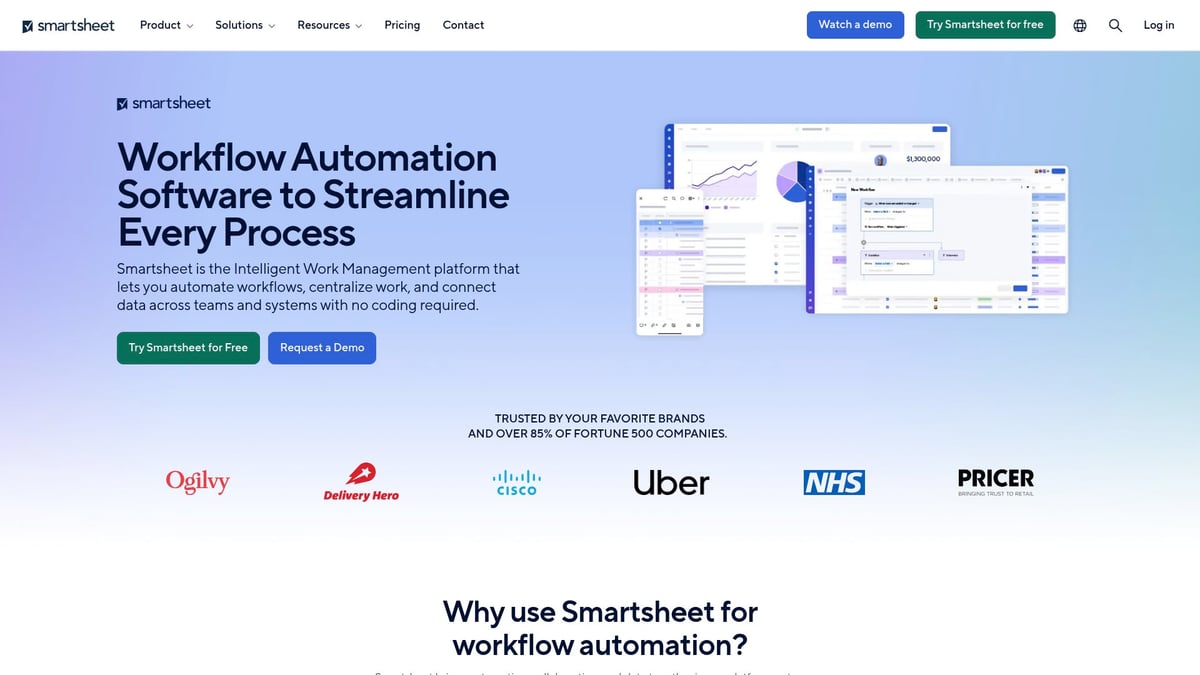
Operations and project tracking teams find it easy to adopt. Reporting is robust, and resource management is simple. It’s a great choice if you’re familiar with spreadsheets.
Some automations are basic compared to more specialized platforms.
Studio Creatio
Studio Creatio offers workflow automation tools with strong customization. Plans begin at $25 per user per month. You get a visual workflow designer, AI-powered suggestions, CRM integration, and multi-channel triggers.
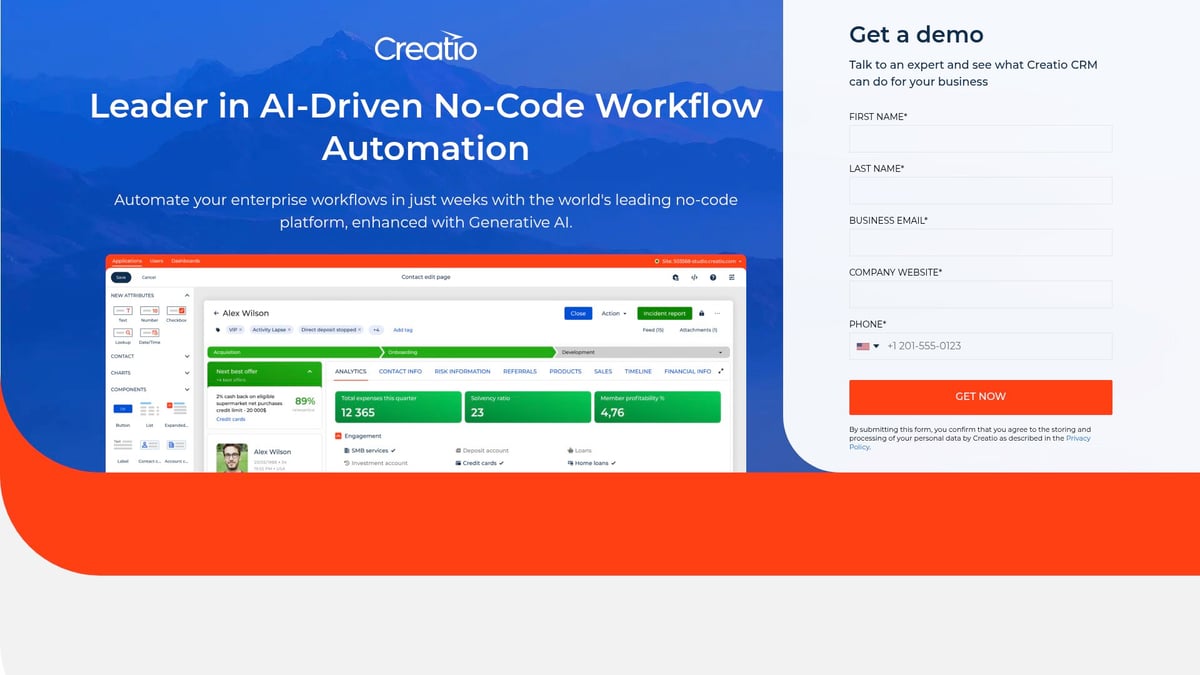
Sales, service, and marketing teams benefit from its scalable design. It’s especially useful for process-heavy environments. The customization options are impressive.
However, the pricing can be a barrier for smaller businesses.
Wrike
Wrike is a favorite among growing teams needing adaptable workflow automation tools. There’s a free plan, and paid options start at $10 per user per month. It includes custom request forms, automation, real-time updates, and project templates.
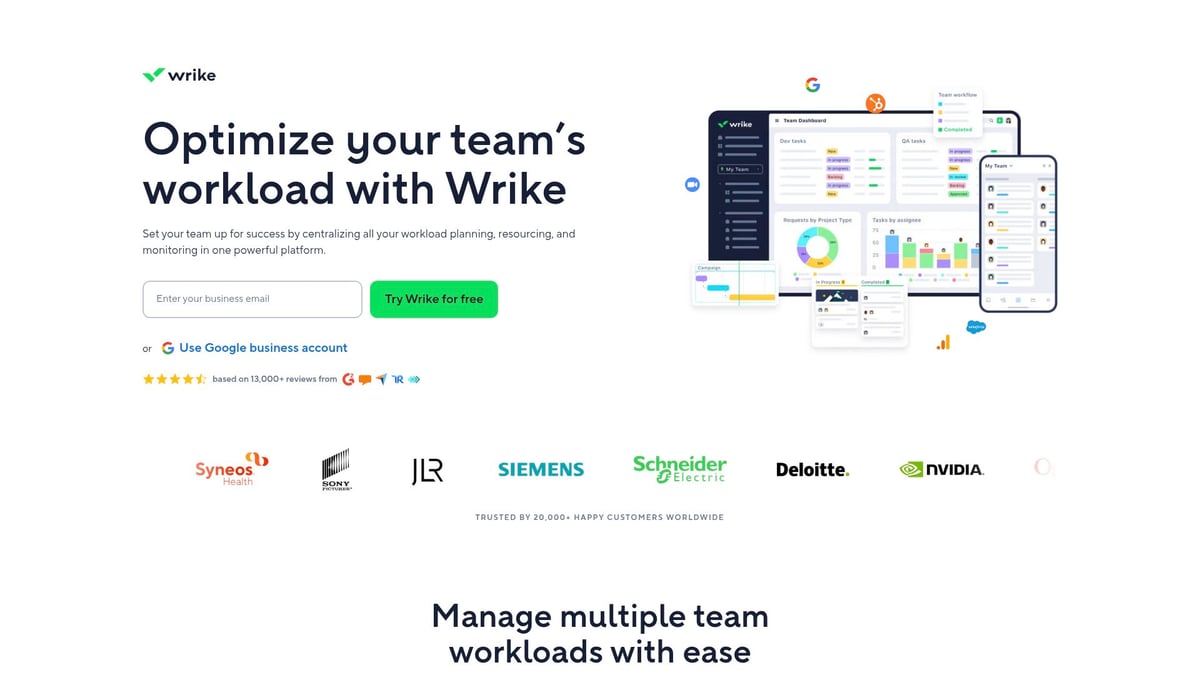
Agencies, IT, and cross-functional teams use Wrike for its flexibility. Reporting features are strong, and it supports complex workflows. The setup process is detailed but worth it.
Beginners may find initial configuration a bit tricky.
Qntrl
Qntrl focuses on workflow automation tools for process transparency and compliance. It offers a free trial and custom pricing. Key features include orchestration of cross-team workflows, rule-based automation, and audit trails.
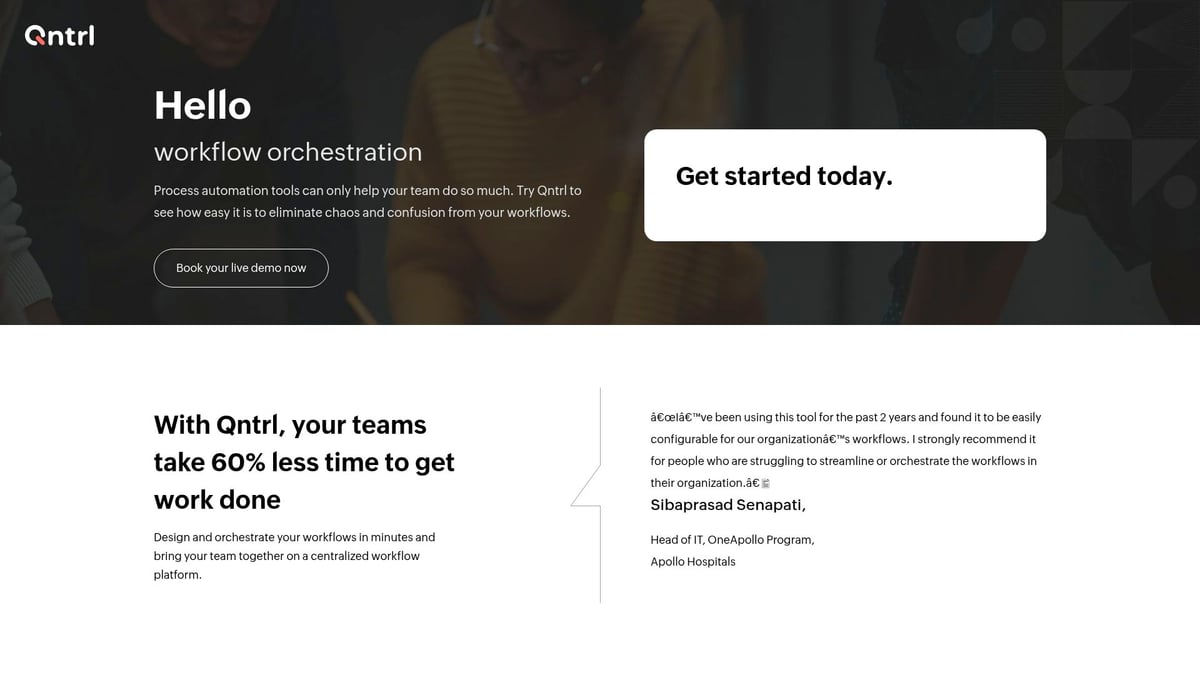
Procurement, finance, and operations teams value its governance tools. Tracking is straightforward, and compliance features are robust. If you need reliable audit logs, Qntrl is a good pick.
The interface isn’t quite as modern as some rivals.
Jotform Workflows
Jotform Workflows delivers user-friendly workflow automation tools for form-based processes. There’s a free plan and paid upgrades. You’ll find a drag-and-drop builder, form triggers, and integration with over 100 apps.

It’s perfect for HR, education, and customer support teams. You don’t need coding experience to get started, and launching automations is fast.
For more complex, multi-app workflows, you may want a different option.
Nanonets
Nanonets shines as one of the most specialized workflow automation tools, especially for document processing. Pricing is custom. Features include AI-driven data extraction, workflow automation, and API integrations.
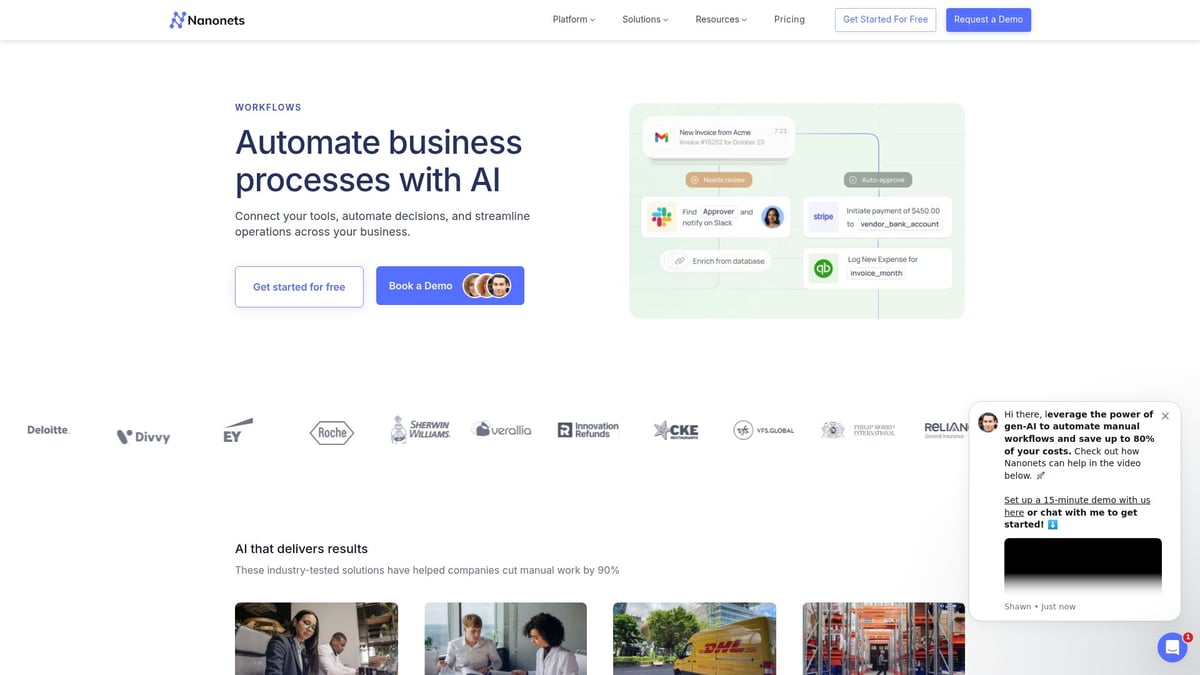
Finance, logistics, and healthcare teams use Nanonets to handle invoices, receipts, and forms. It reduces manual data entry and improves accuracy. The automation is especially helpful for data-heavy industries.
It’s best suited for organizations with large volumes of documents.
Screendragon
Screendragon builds workflow automation tools with creative and marketing teams in mind. Pricing details are available by request. Features include a custom workflow builder, resource management, advanced reporting, and integrations.
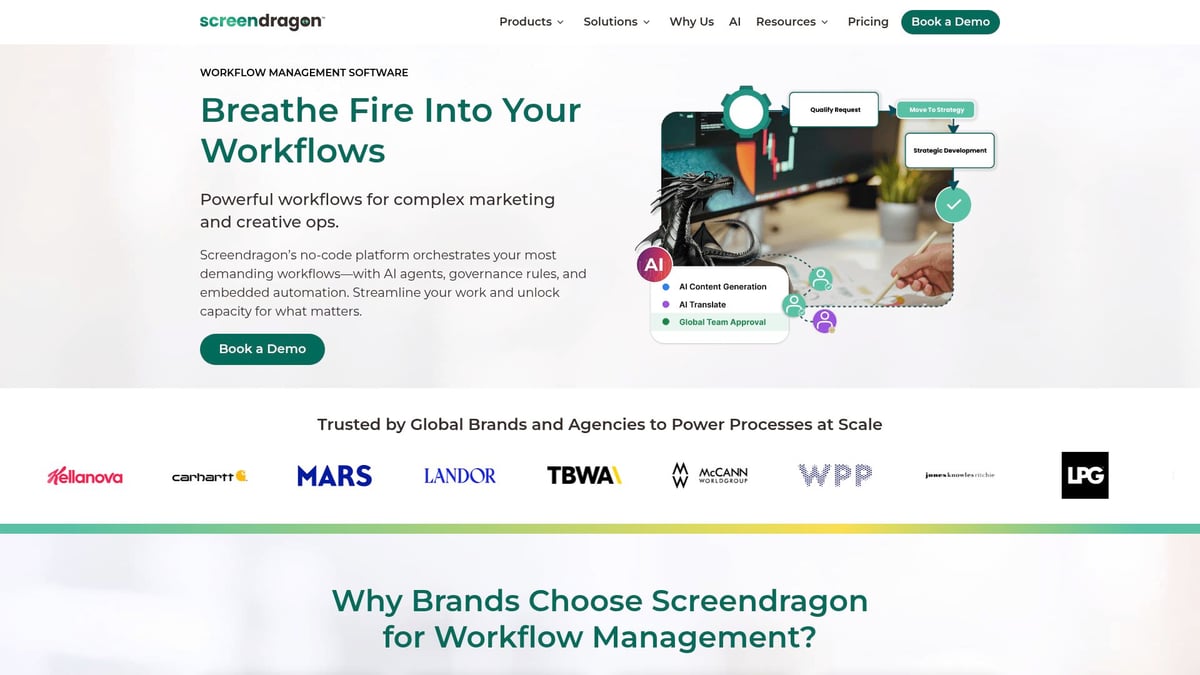
Agencies and large marketing departments use it for handling complex approval chains. It’s highly customizable and backed by strong support. The advanced features can be a game-changer for large teams.
For smaller teams, it might feel like too much.
Hive
Hive is an all-in-one option among workflow automation tools, with a free trial and paid plans from $12 per user per month. It offers workflow automations, project templates, time tracking, and team messaging.
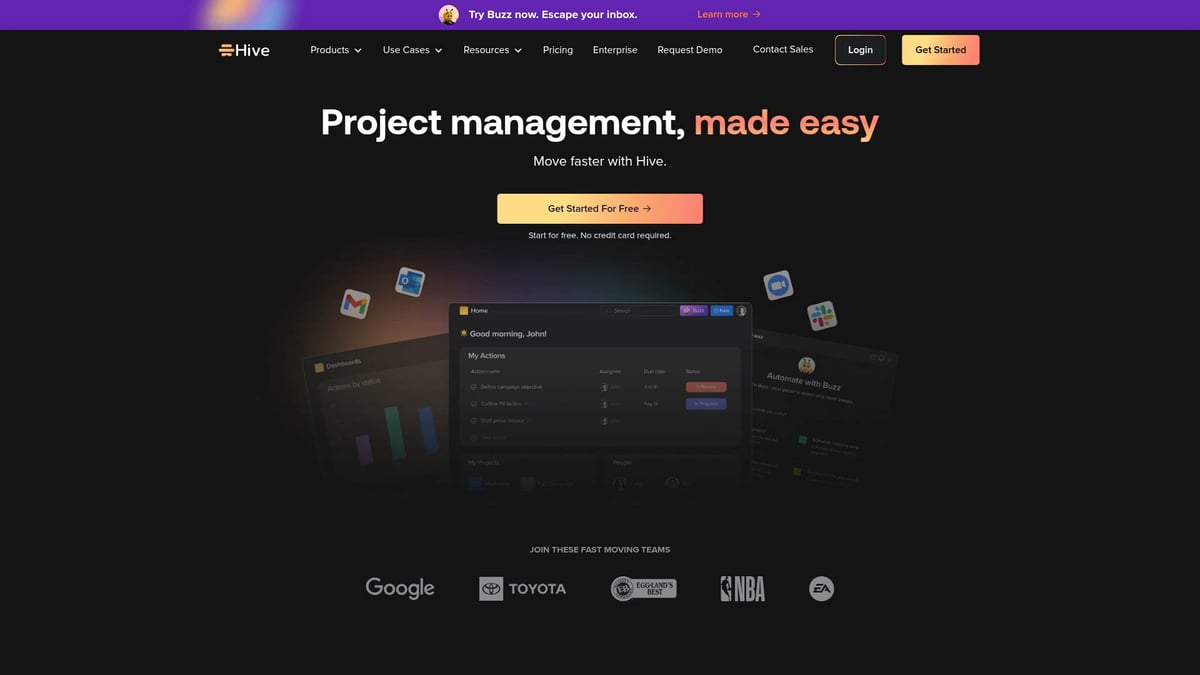
Startups, small businesses, and remote teams find Hive easy to use and quick to onboard. The platform covers project management and automation in one place. It’s user-friendly and helps teams stay connected.
To access certain integrations, you’ll need a higher-tier subscription.
Quick Comparison Table
| Tool | Starting Price | Best For | Notable Feature |
|---|---|---|---|
| ClickUp | Free, $7/user/mo | Any team size | Custom automations |
| Kissflow | $10/user/mo | Non-technical users | No-code builder |
| monday.com | $9/user/mo | Marketing, ops, creative | Visual boards |
| Camunda | Custom | Enterprises, IT | BPMN engine |
| Smartsheet | $9/user/mo | Operations, projects | Spreadsheet interface |
| Studio Creatio | $25/user/mo | Sales, service, mktg | AI suggestions |
| Wrike | $10/user/mo | Agencies, IT | Real-time updates |
| Qntrl | Custom | Compliance, ops | Audit trails |
| Jotform | Free | HR, education | Form-based triggers |
| Nanonets | Custom | Data-heavy industries | AI document processing |
| Screendragon | Custom | Creative, marketing | Advanced reporting |
| Hive | $12/user/mo | Startups, small teams | All-in-one platform |
If you’d like a broader look at how these workflow automation tools fit into the bigger picture of business process software, check out this business process workflow software guide.
How to Choose the Right Workflow Automation Tool
Choosing among workflow automation tools can feel overwhelming, especially with so many options available. The right fit can save your team hours each week and eliminate manual headaches. Here’s a step-by-step guide to help you figure out which solution makes sense for your unique needs.
Identify Your Team’s Needs
Start by pinpointing the repetitive tasks that slow everyone down. Ask team members where they spend most of their time. Are approvals piling up? Is data entry eating into your day? Make a list of the top three bottlenecks you’d love to automate.
- Map out daily or weekly routines
- Highlight processes that involve lots of emails or handoffs
- Note any compliance or reporting requirements
Compare Features and Usability
Next, look at how different workflow automation tools fit your team’s skills. Some platforms offer drag-and-drop builders, perfect if you want to avoid coding. Others provide advanced options for tech-savvy users.
- Choose visual builders for quick setup and easy edits
- Consider code-based tools if you have developers on hand
- Check for pre-built templates to speed up launch
Look for simple navigation and clear dashboards. The easier the tool is to use, the faster your team will adopt it.
Integration Needs and Scalability
Will your workflow automation tools connect smoothly with what you already use? Make sure the platform supports your CRM, email, and accounting software. Integration headaches can derail even the best plans.
- List out your must-have integrations
- Ask vendors about their API or marketplace options
- Think about mobile access for remote work
Scalability is key if your business is growing. Can the tool handle more users and complex workflows as your needs expand?
Pricing and Support Matter
Before you decide, compare costs carefully. Some workflow automation tools offer free plans, while others charge per user or feature. Watch for hidden fees or upgrade requirements.
- Review what’s included in each plan
- Find out if there’s a free trial or demo
- Look for responsive support and a helpful user community
Fast help can make all the difference if you run into issues. Training resources and forums are a plus.
Try Before You Buy: A Mini-Guide
Don’t commit before putting your shortlist to the test. Here’s a quick process:
- Sign up for free trials or request demos.
- Invite a few teammates to test real workflows.
- Set up a simple process, like document approval or lead assignment.
- Collect feedback on ease of use and any missing features.
- Evaluate results and make a decision together.
For a deeper look at what to consider, check out this helpful guide on selecting new software applications.
Real-World Examples
Picture a marketing team using workflow automation tools to route campaign approvals, cutting turnaround time in half. Or an HR team setting up automated onboarding, so every new hire gets the right paperwork on day one.
If you want more strategies, explore some best workflow automation practices for inspiration.
FAQs About Workflow Automation Tools
Got questions about workflow automation tools? Here are quick answers to the most common ones:
What is a workflow automation tool?
A workflow automation tool helps you set up, run, and manage tasks without manual effort. For a deeper explanation, check out What is workflow automation.How do these tools save time for businesses?
They cut out repetitive steps, like sending reminders or assigning tasks, so your team can focus on the work that matters.Are no-code automation platforms really easy to use?
Yes, most use drag-and-drop builders, so you can set up processes without technical skills.Can I integrate automation tools with my existing software?
Most workflow automation tools offer integrations with popular apps for email, CRM, and more.What are the most common use cases for workflow automation?
Approvals, onboarding, lead management, invoice processing, and customer support.How do I know which tool is right for my team?
List your biggest bottlenecks, then match features to your needs.Are there affordable options for small businesses?
Yes, many tools offer free plans or low-cost options for smaller teams.What should I watch out for when automating workflows?
Overcomplicating automations or missing key steps can cause confusion, so test before rolling out.Do these tools require IT support to set up?
No-code tools are designed so anyone can set up workflows, but advanced setups may need IT.Can automation tools handle sensitive data securely?
Most reputable platforms use encryption and security best practices, but always check compliance features.
If you’re feeling inspired to streamline your own business after exploring these innovative workflow automation tools, you’re not alone. The right automation solution can help you cut out manual headaches, boost productivity, and give you more time to focus on your clients and growth. If you’re ready to take the first step but aren’t sure where to begin, we’re here to help you find the perfect fit for your needs. Let’s work together to simplify your processes and build a more efficient operation—Start Your Automation Journey.
.png)
.png)